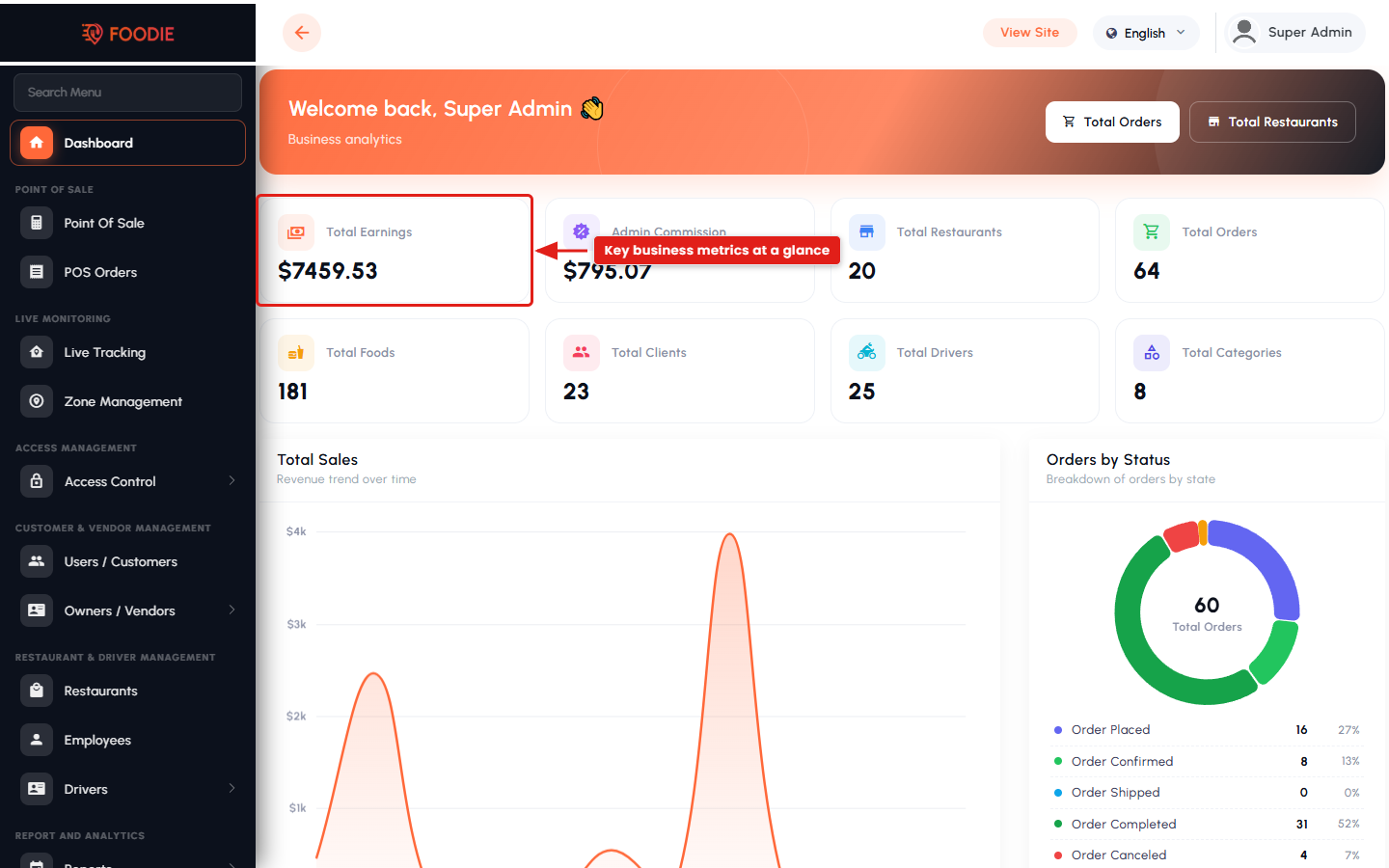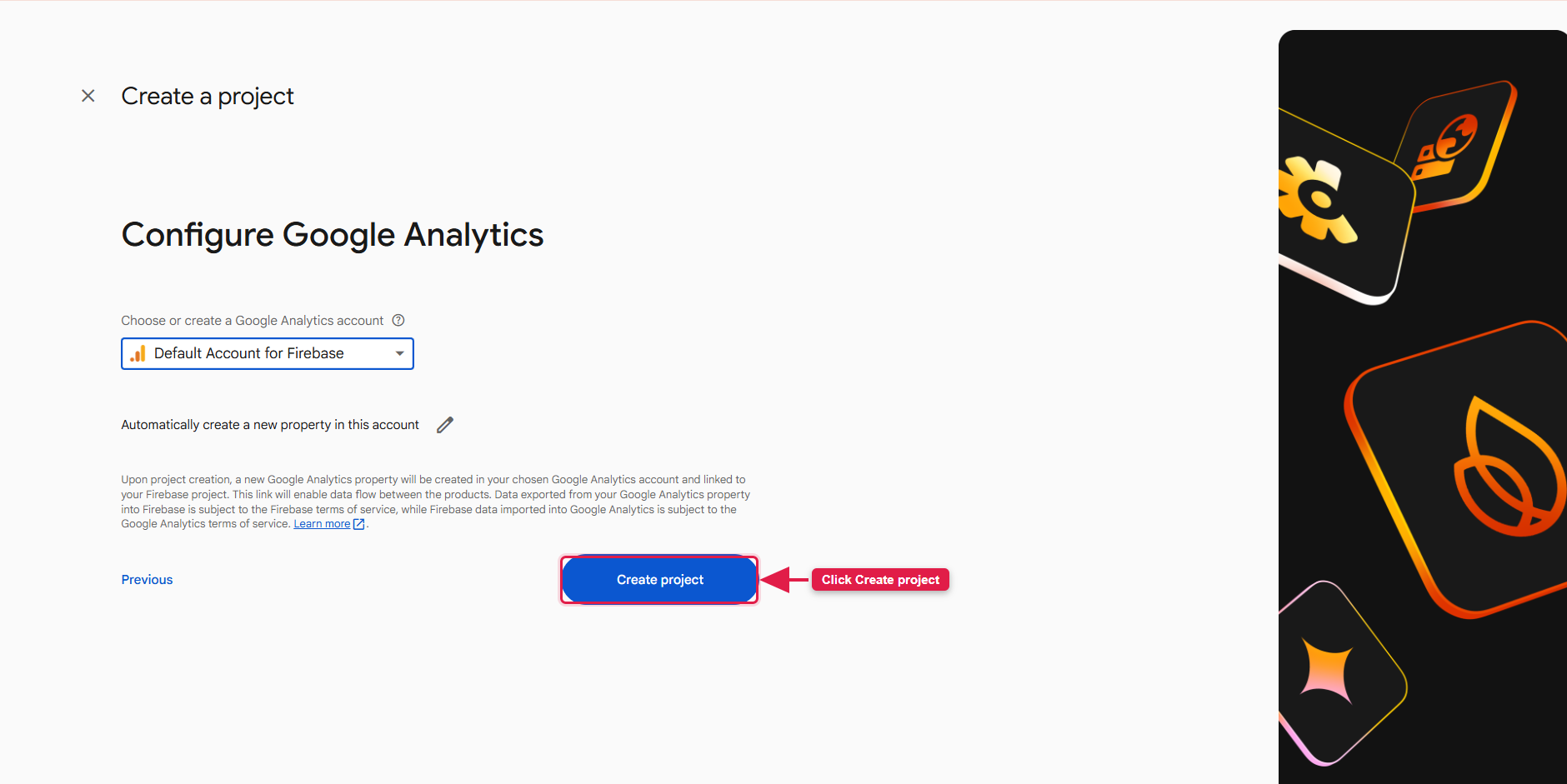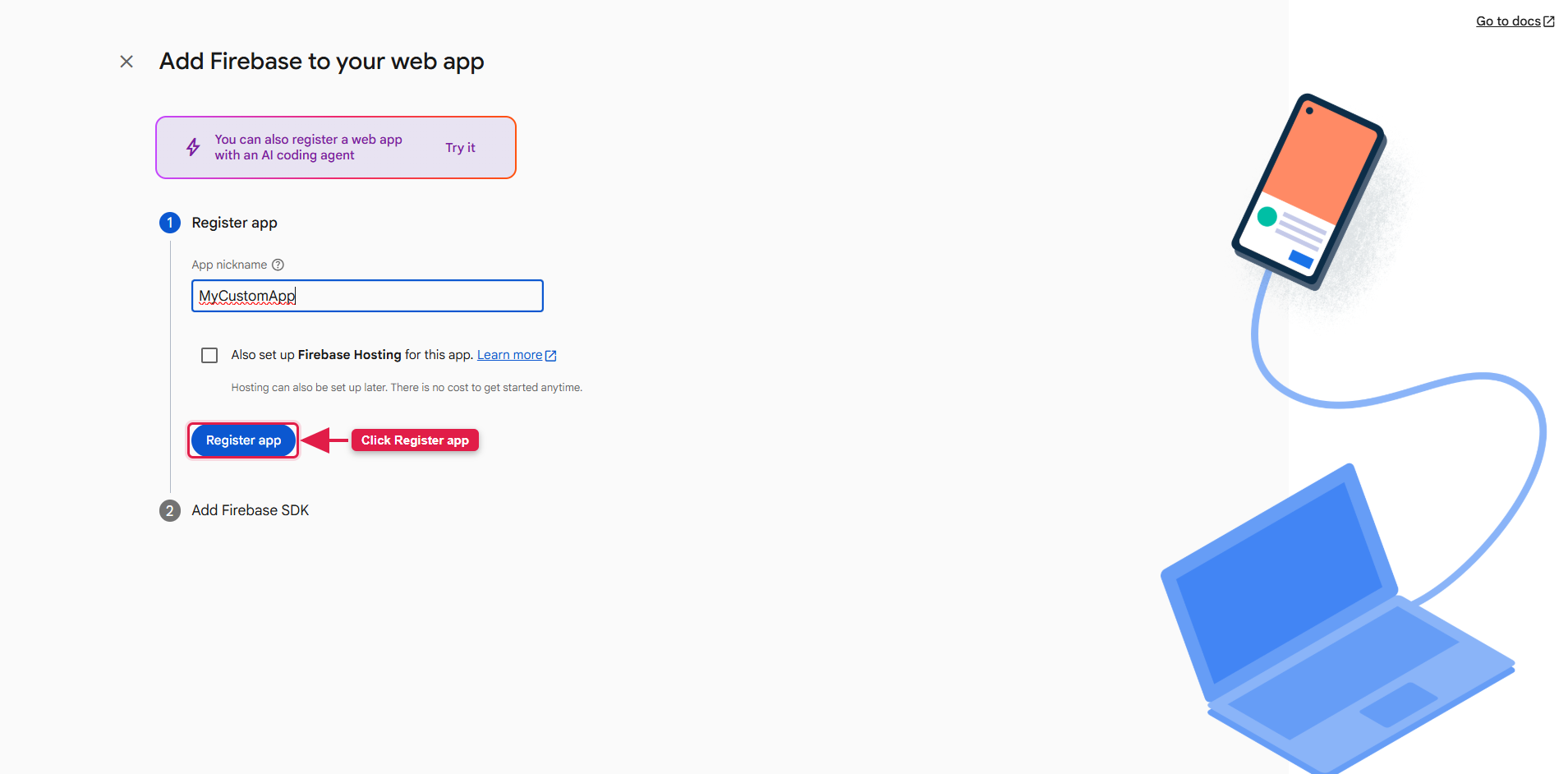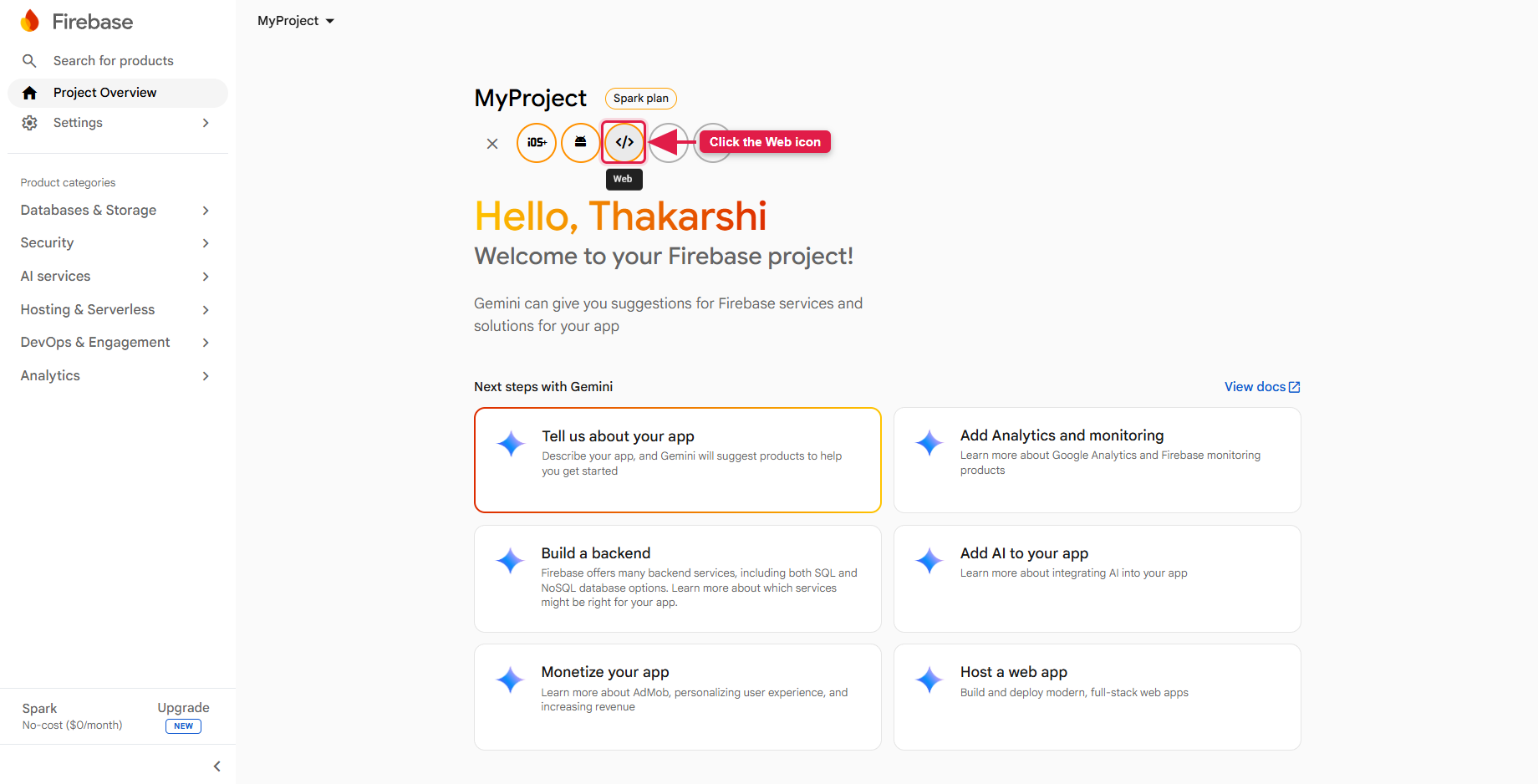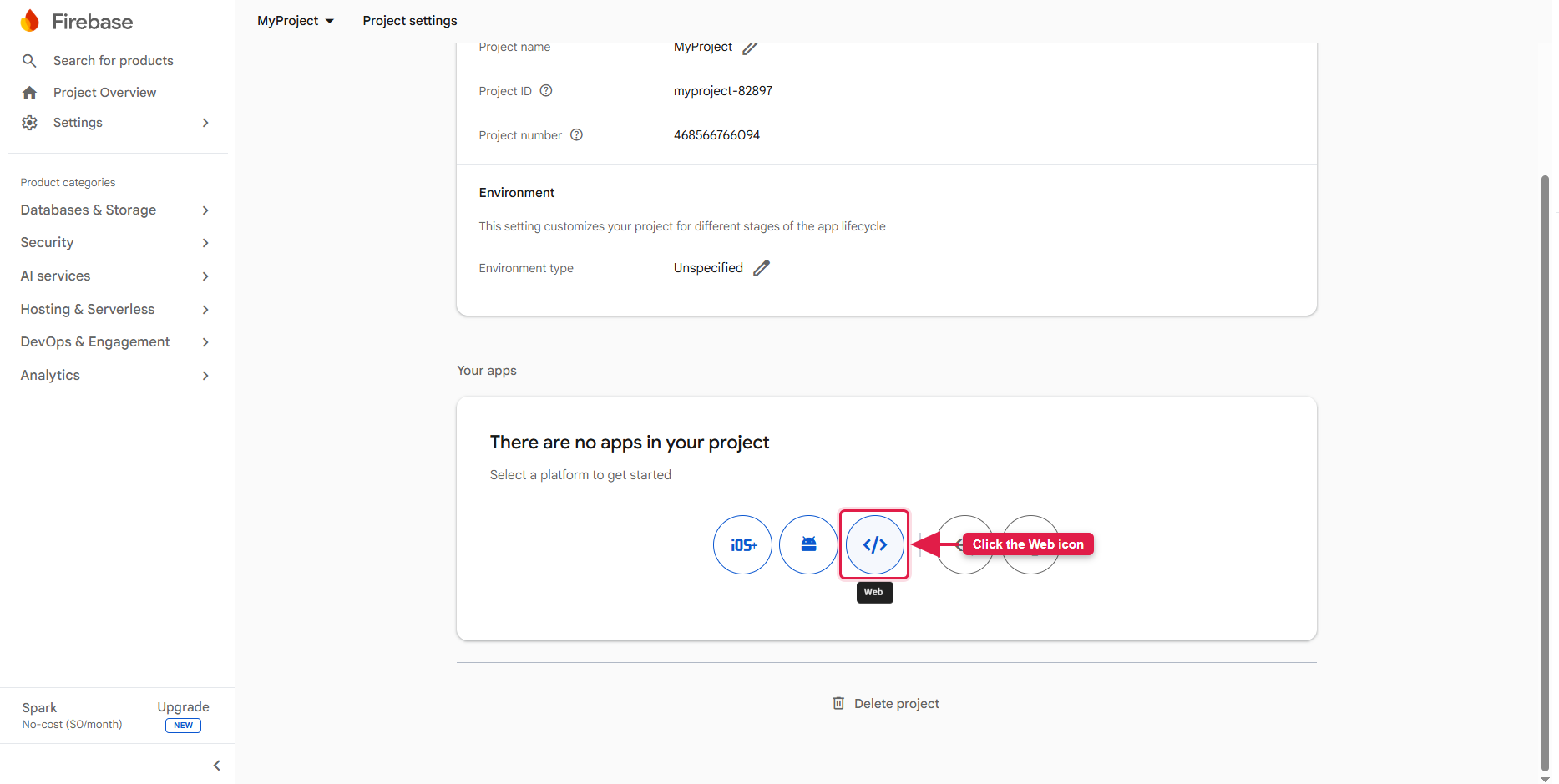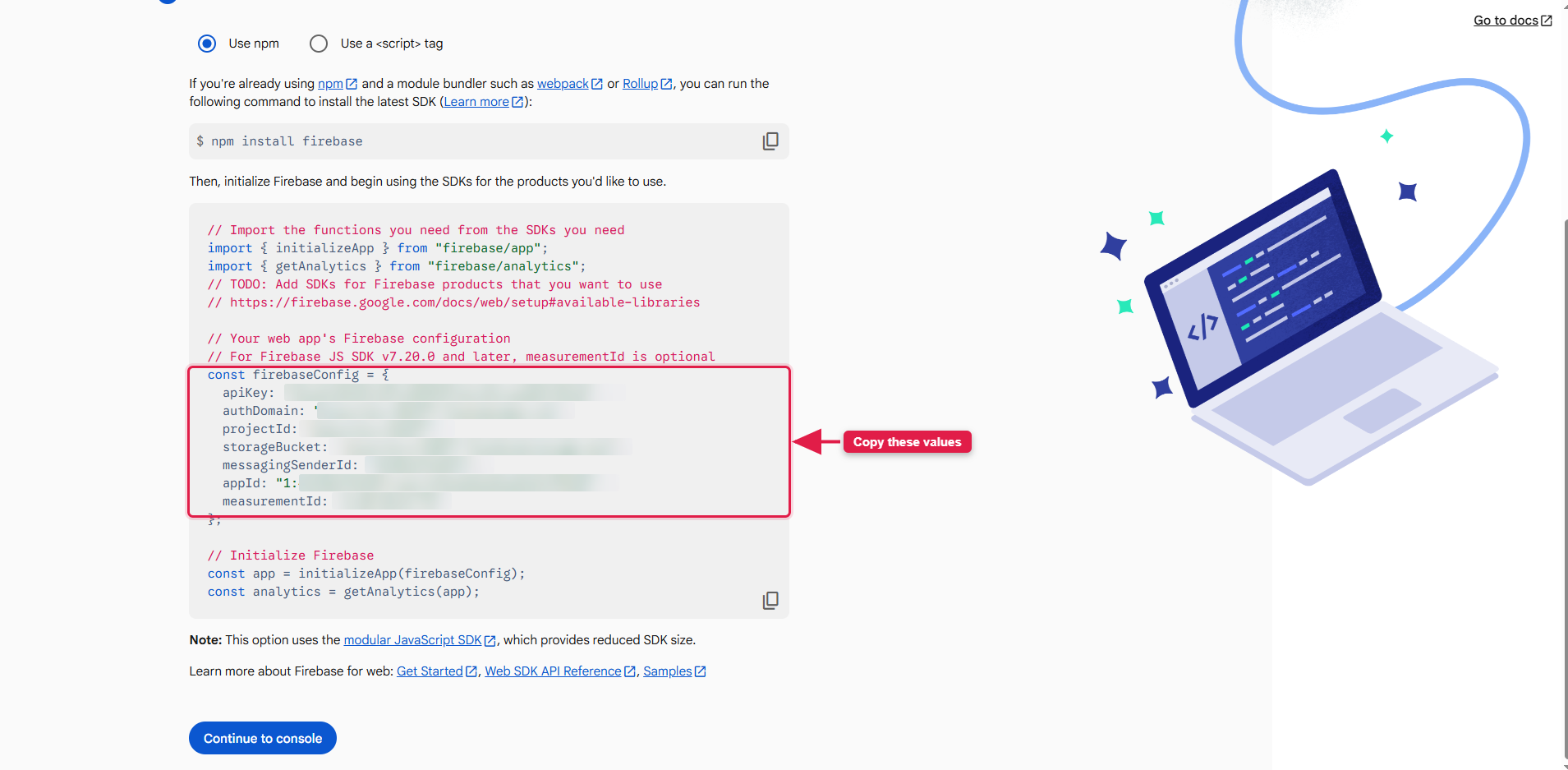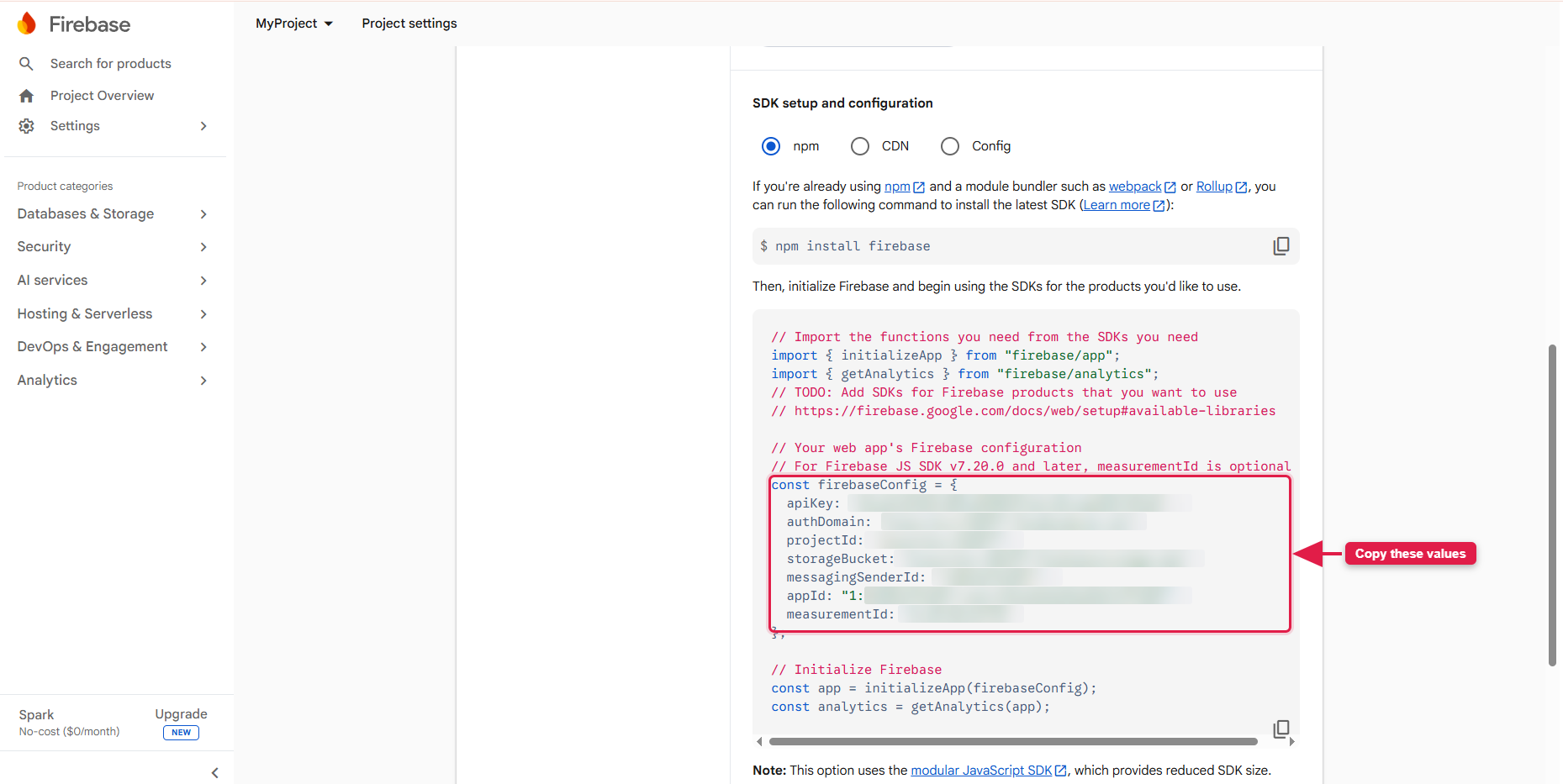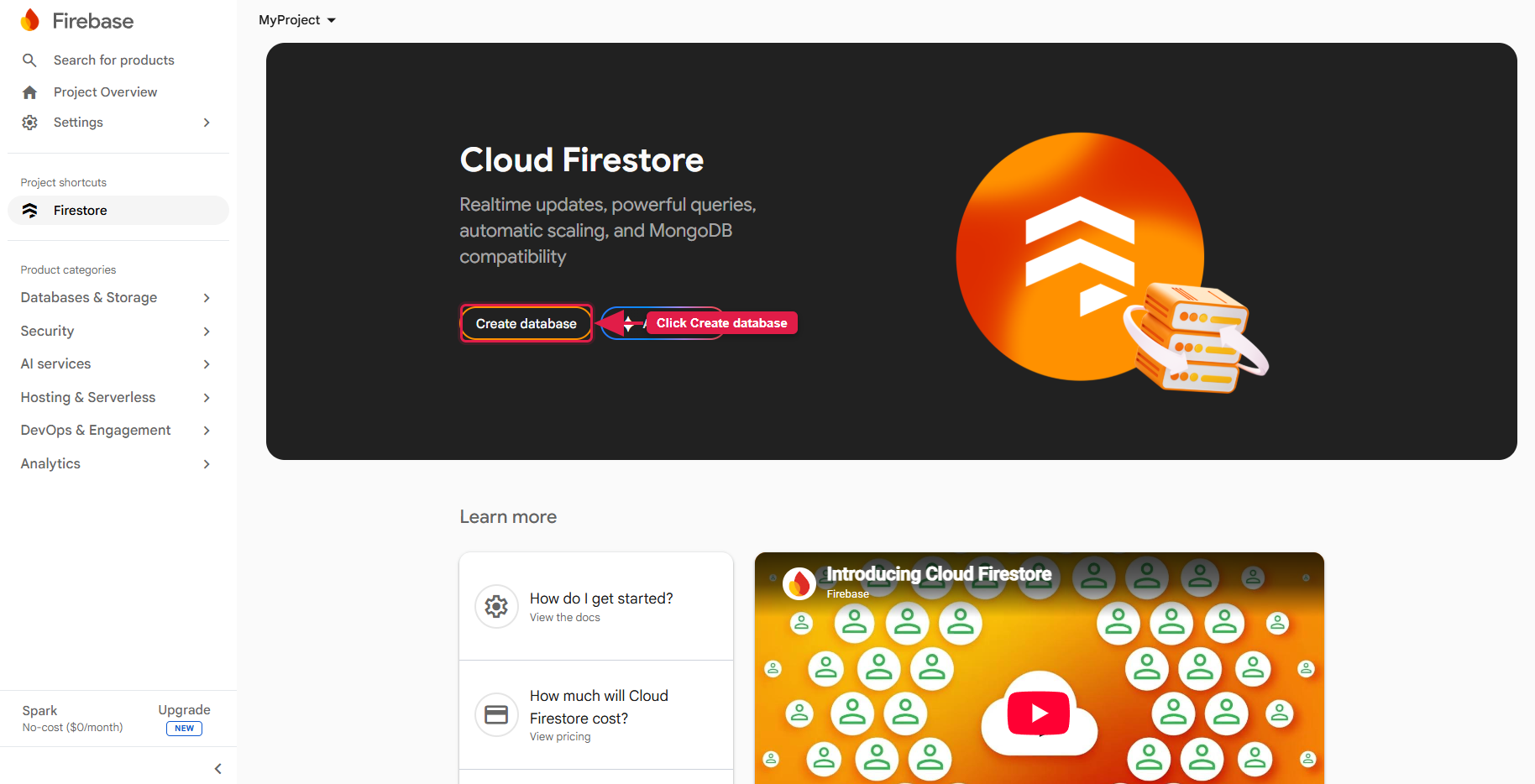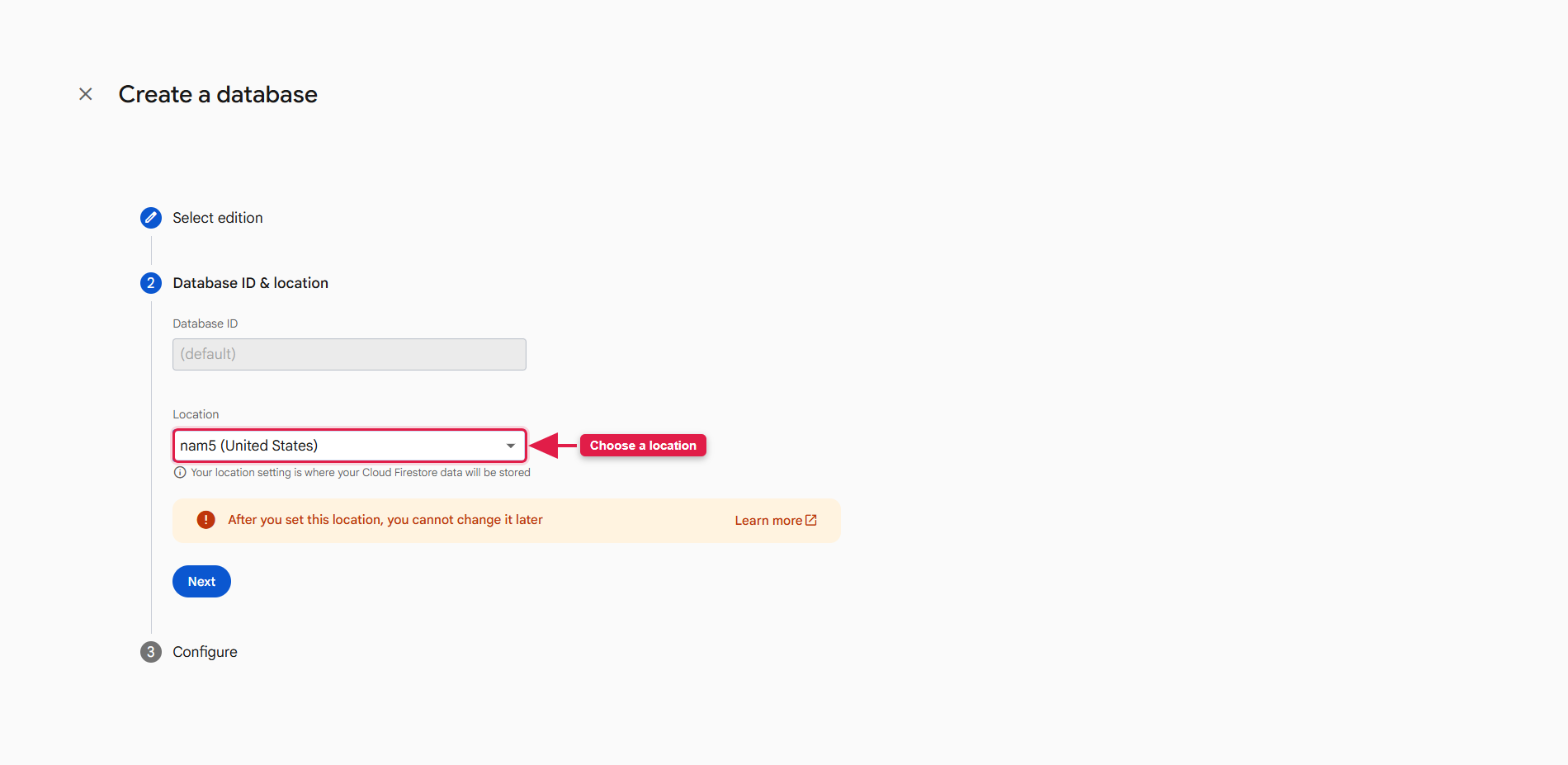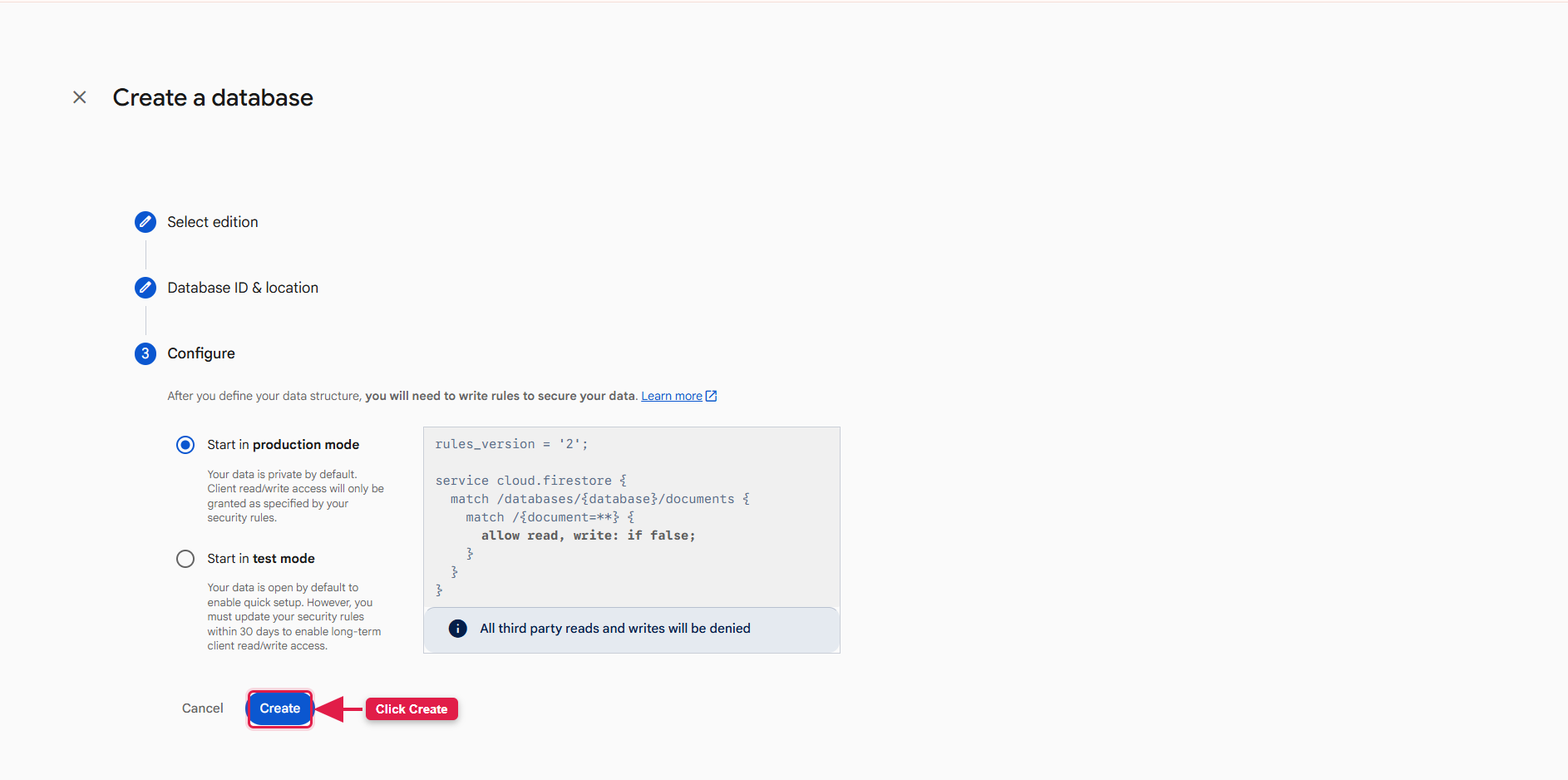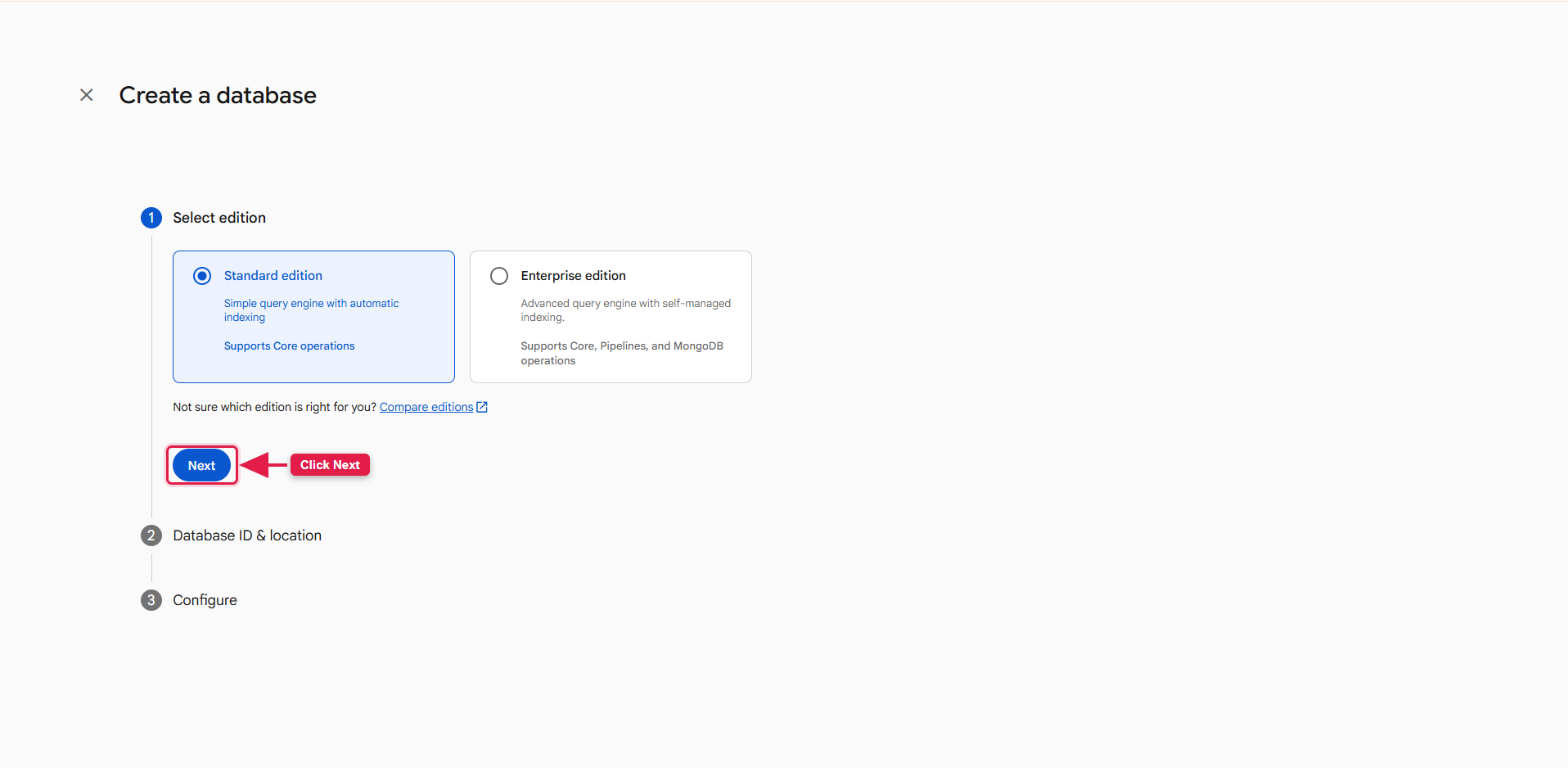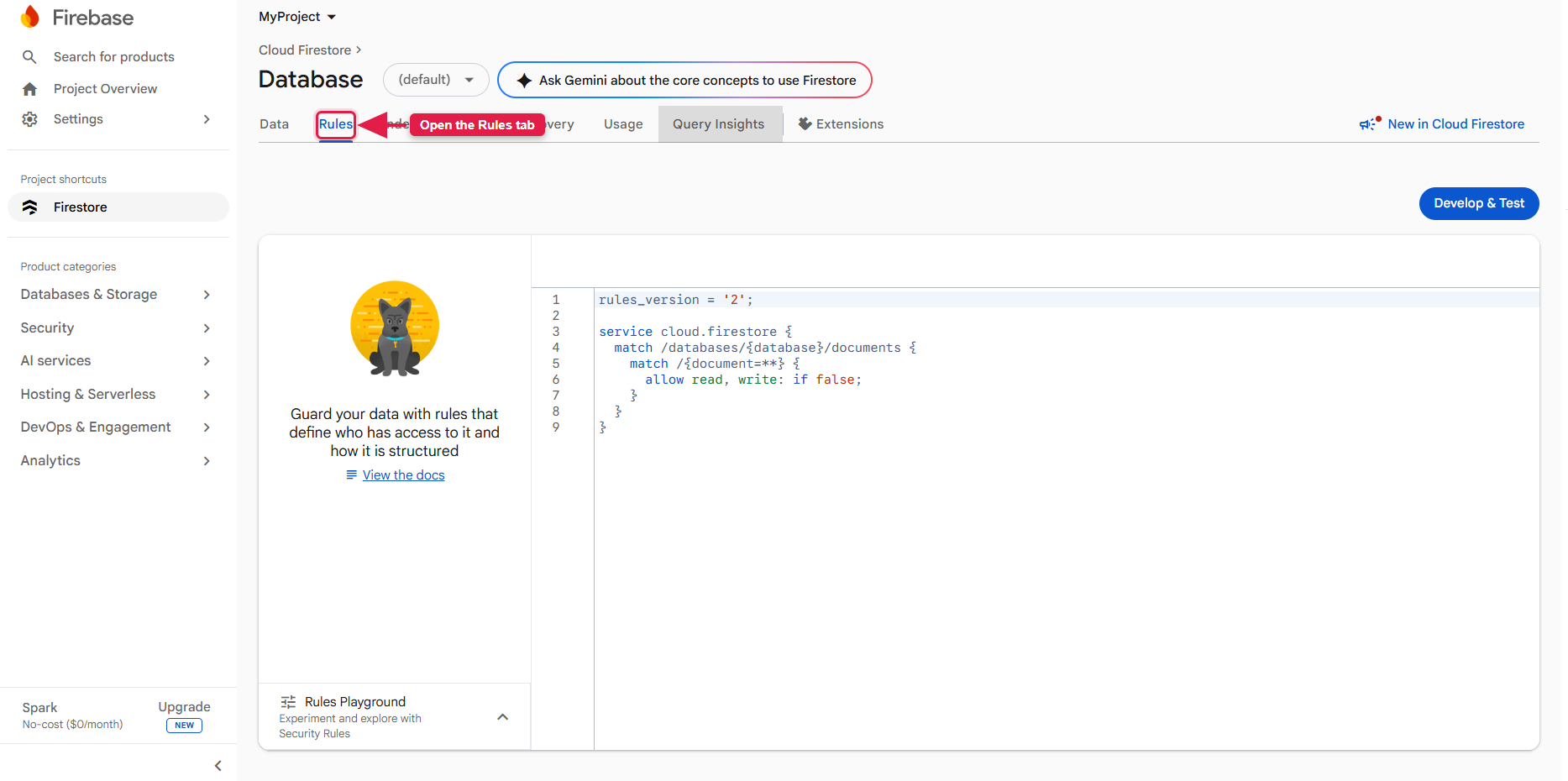
Please follow the steps mentioned on the left side bar for easy setup
1. Introduction
Foodie is a modern, scalable food-delivery marketplace. Restaurants publish their menus, customers order for delivery, takeaway or dine-in, and drivers pick up and deliver each order while everyone follows the progress in real time. The platform is built on secure, modern technologies:
- Admin Panel — Laravel 12 / PHP 8.2 for full marketplace management.
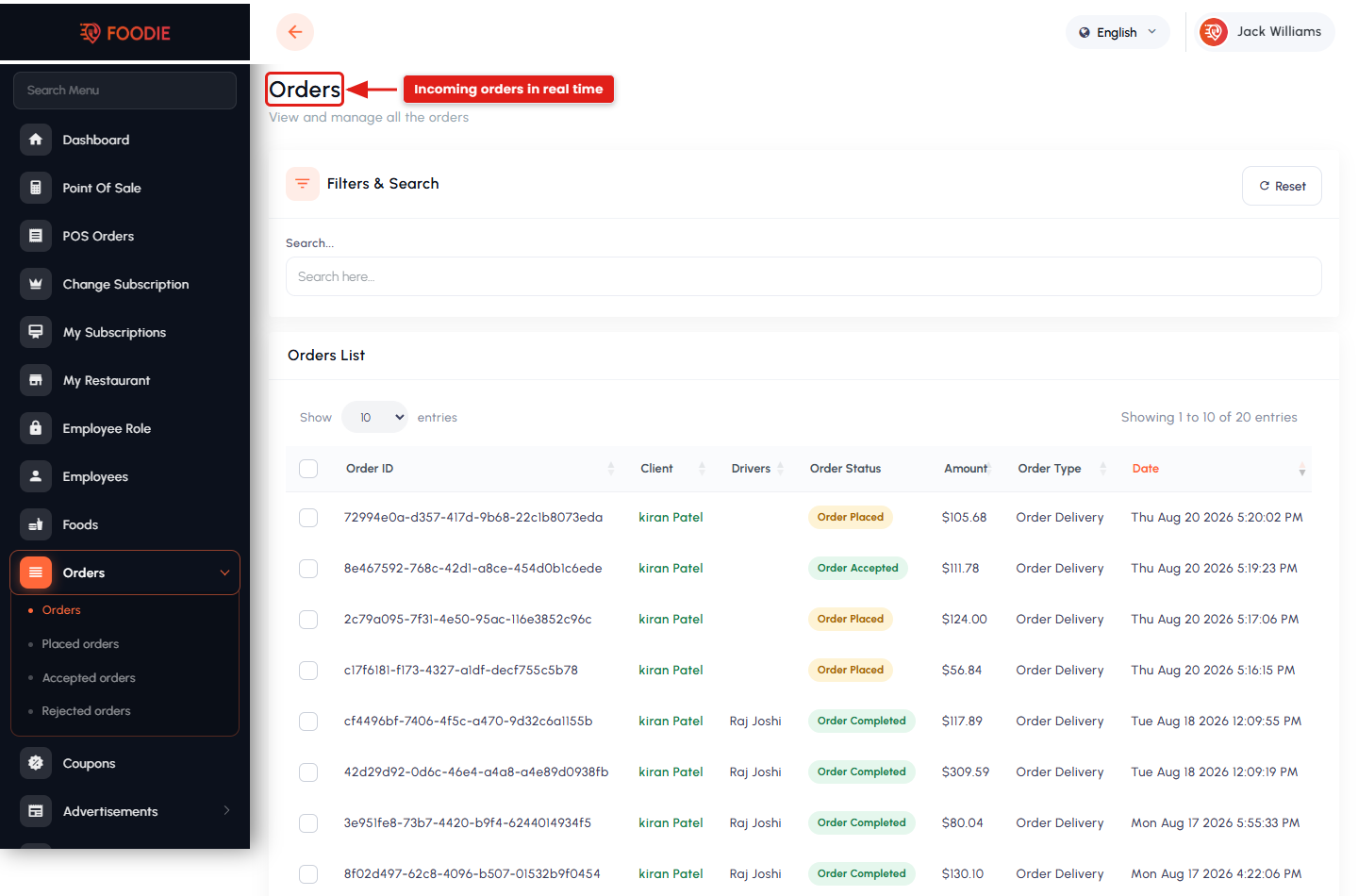
- Restaurant (Vendor) Panel — Laravel 12 panel where restaurant owners and their employees manage menus, orders, POS, coupons and payouts.
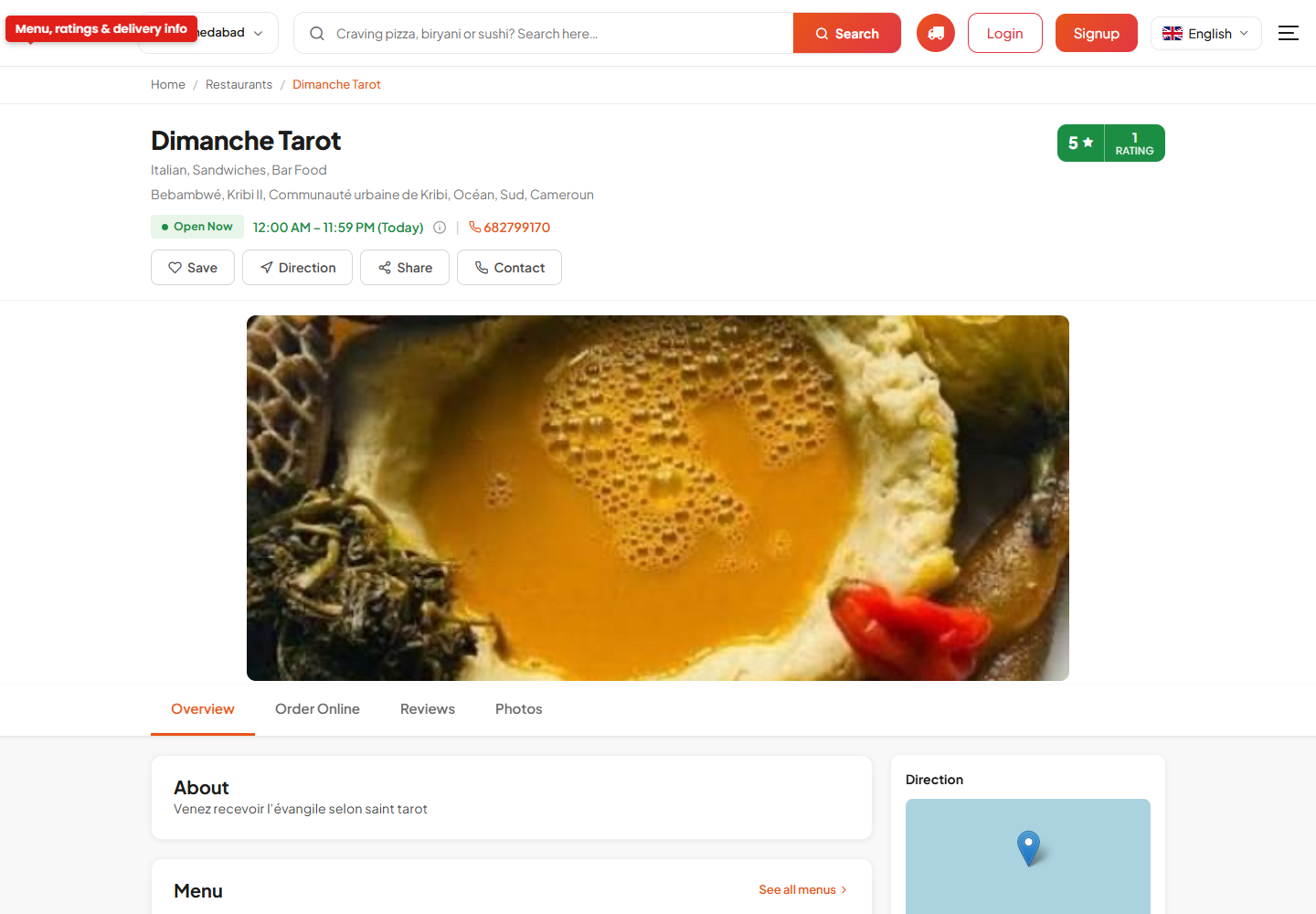
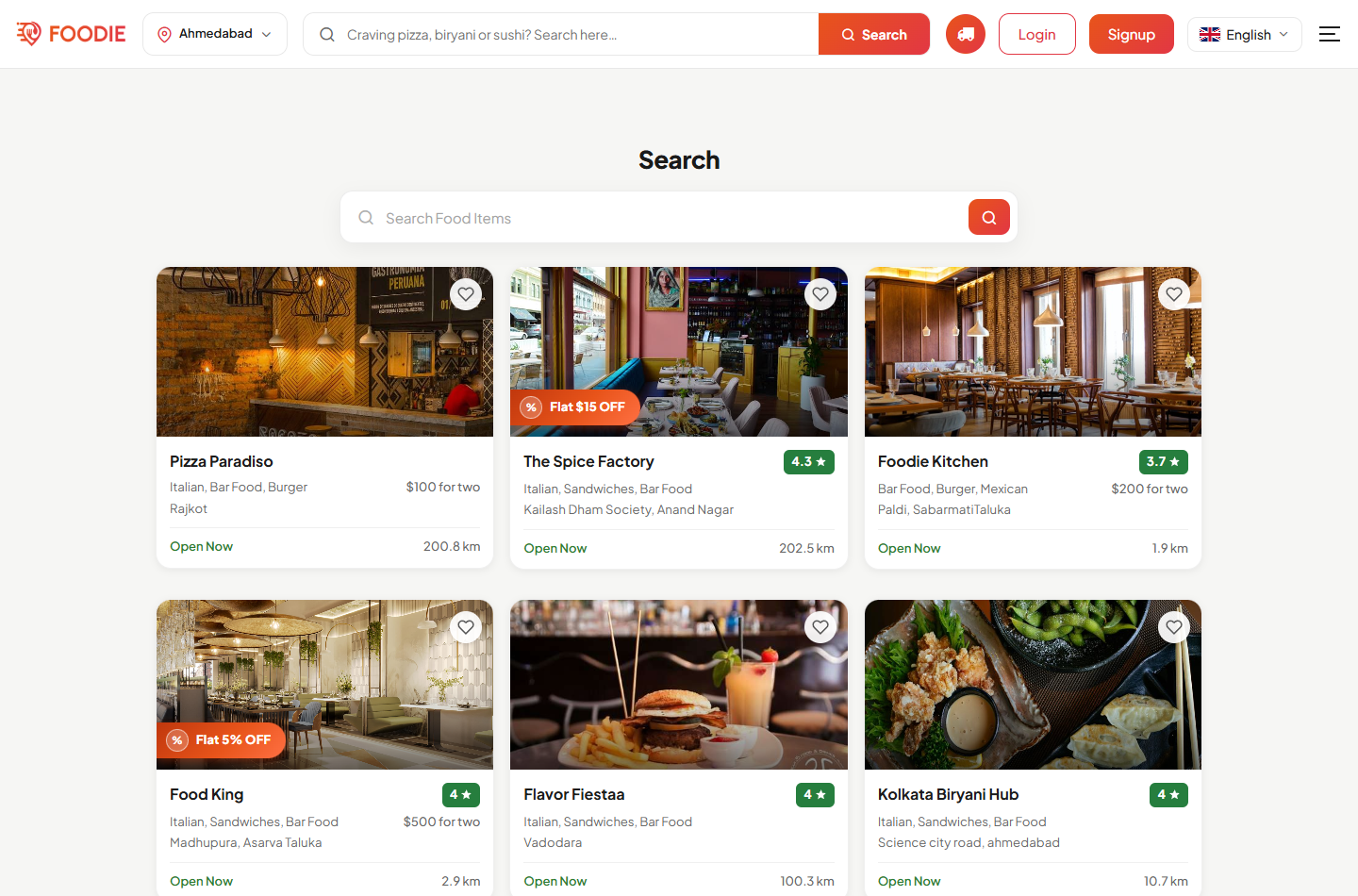
- Website (Customer) Panel — Laravel 12 customer-facing ordering website.
- Mobile Applications — three Flutter apps for Android & iOS:
- User App — customers browse restaurants, order and track delivery.
- Restaurant App — owners accept and manage orders on the move.
- Delivery Man / Driver App — drivers receive, pick up and deliverorders.
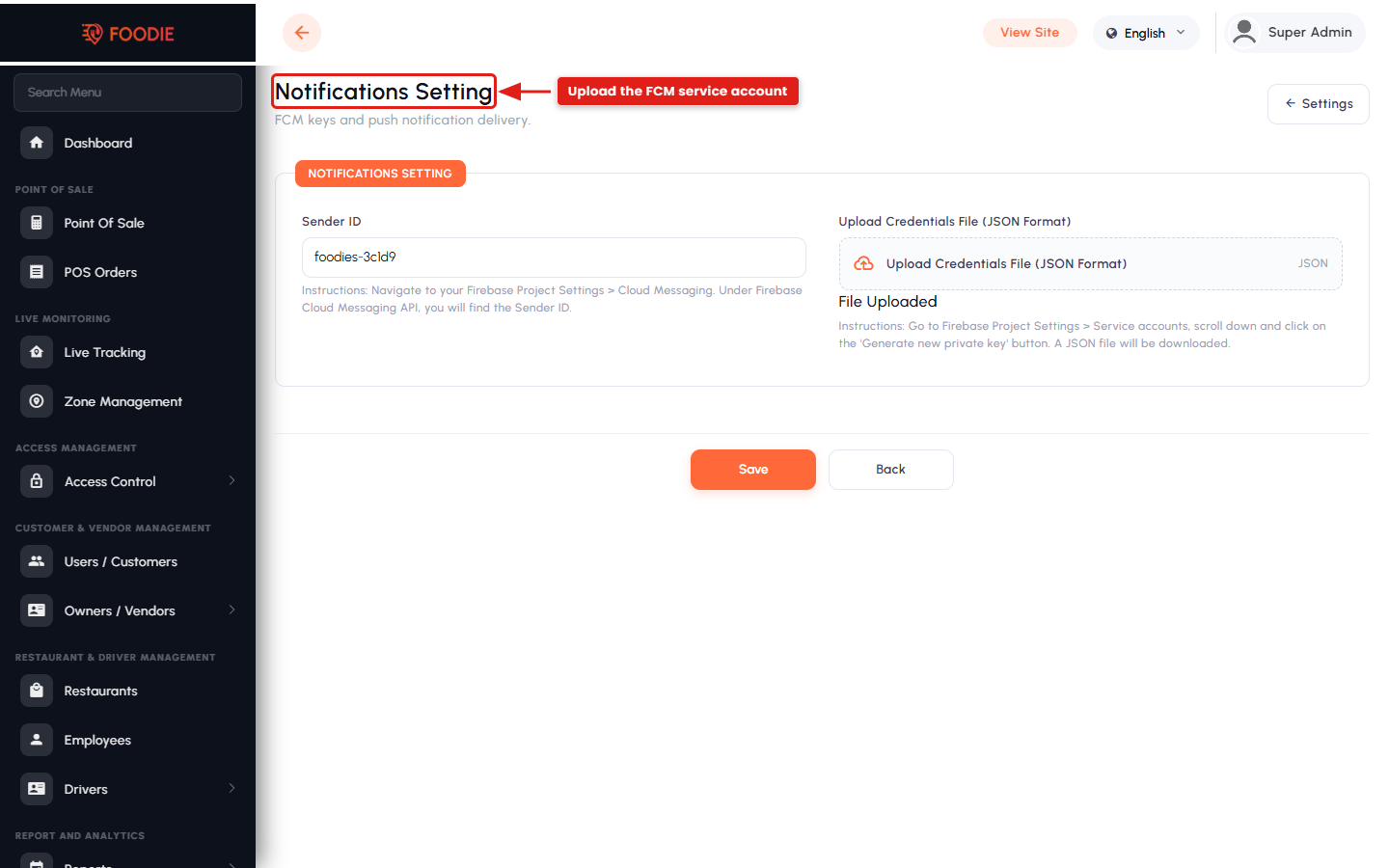
- Google Firebase — Firestore stores all platform data; Storage holds images and documents; Authentication handles sign-in; and Cloud Messaging (FCM) delivers push notifications.
Important Notes:
third-party services & costs: Foodie integrates several external services operated by third parties that may incur their own charges, separate from this product:
Payment gateways (Stripe, PayPal, Razorpay, Paystack and others) charge their own transaction/processing fees and may require account approval.
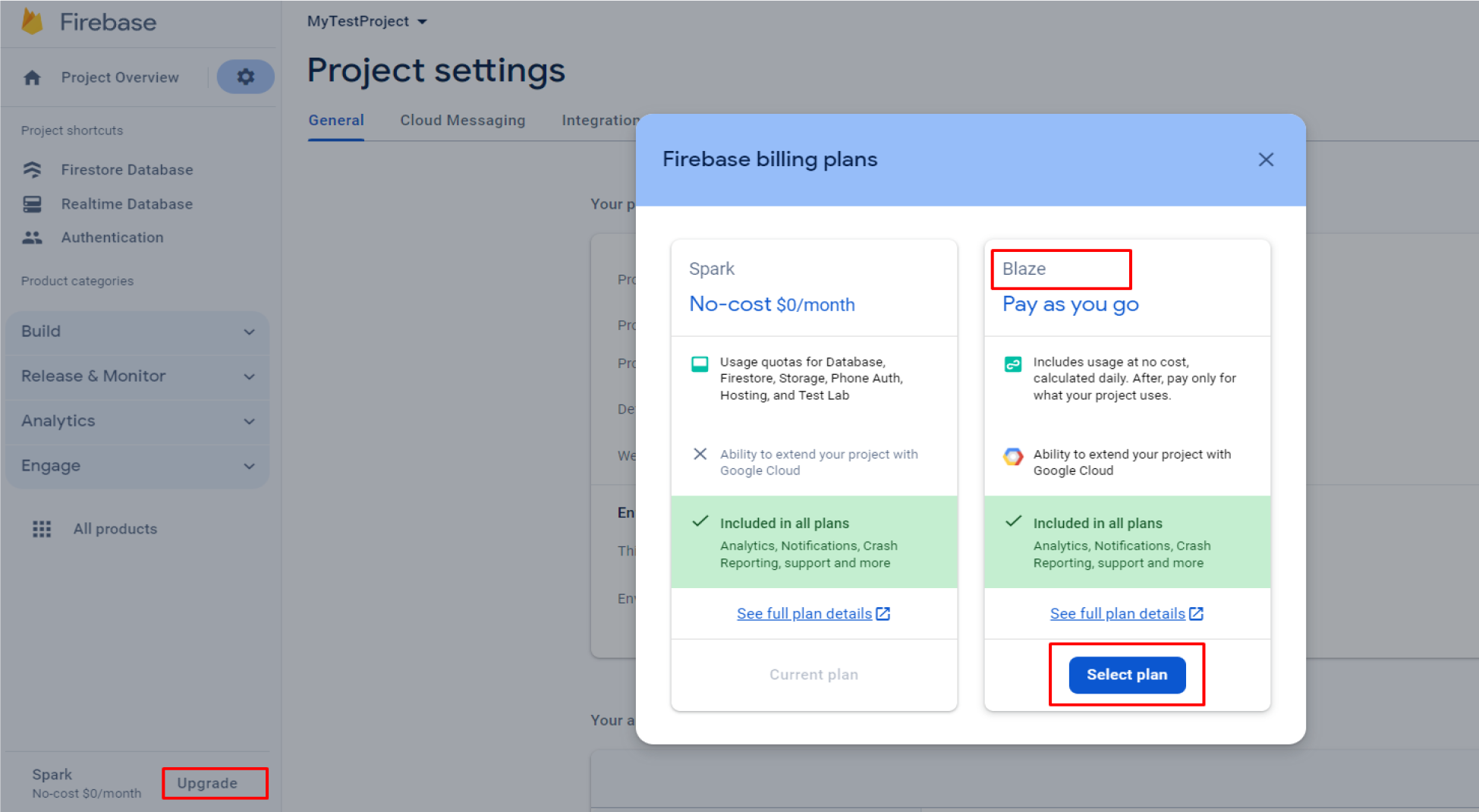
Google Firebase (Firestore, Storage, Authentication, Cloud Messaging, Cloud Functions) is free up to Google quotas; usage beyond the free tier is billed by Google. Cloud Functions require the Blaze (pay-as-you-go) plan.
Google Maps Platform requires a billing-enabled Google Cloud account; map, places and directions usage is billed by Google beyond the free monthly credit.
OpenAI is billed per request if you enable the AI food-listing features.
SMS / phone OTP and other messaging providers may charge per message.
You are responsible for creating and funding these third-party accounts. Please review each provider’s current pricing before going live.
Key Features:
Customer Experience
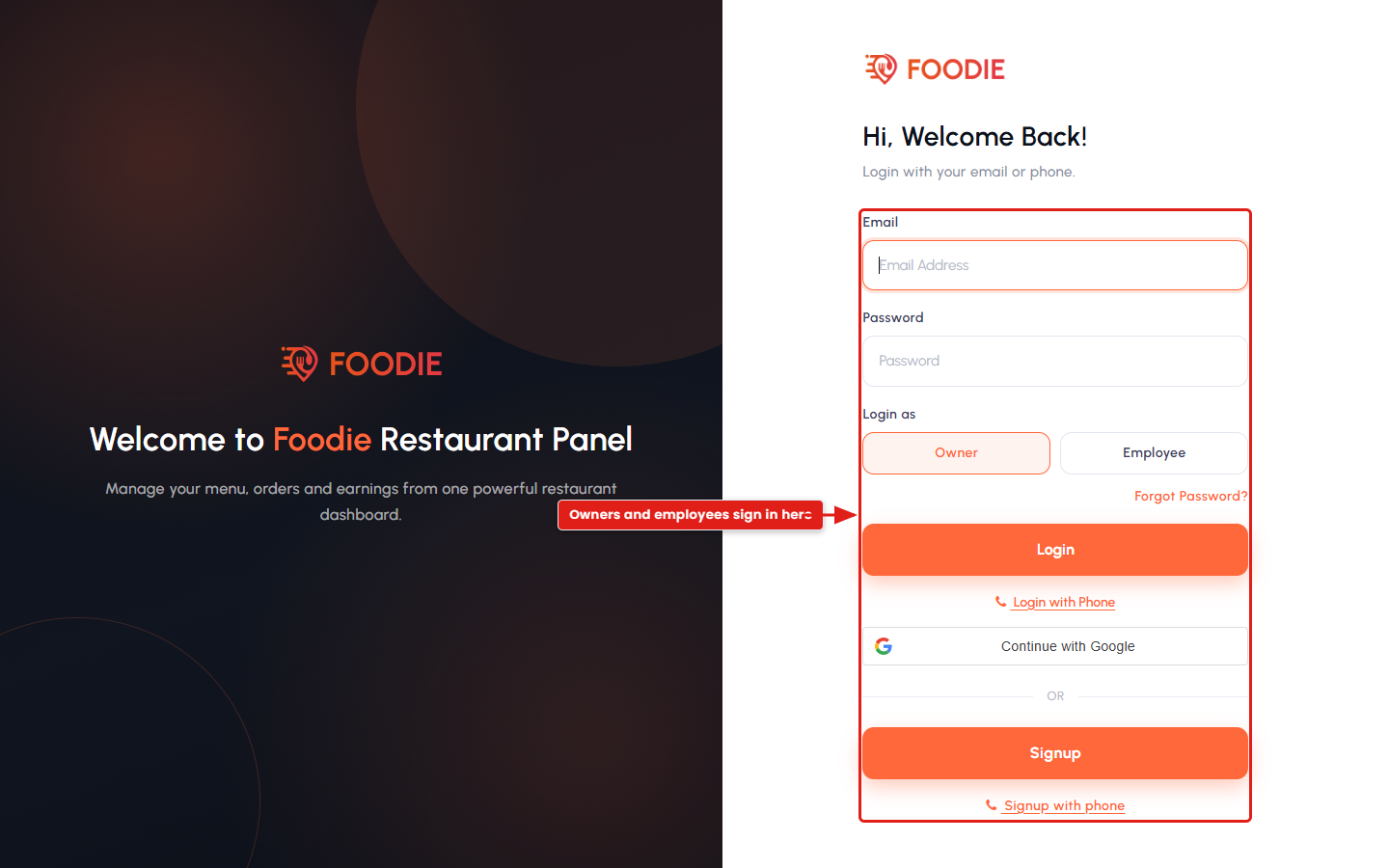
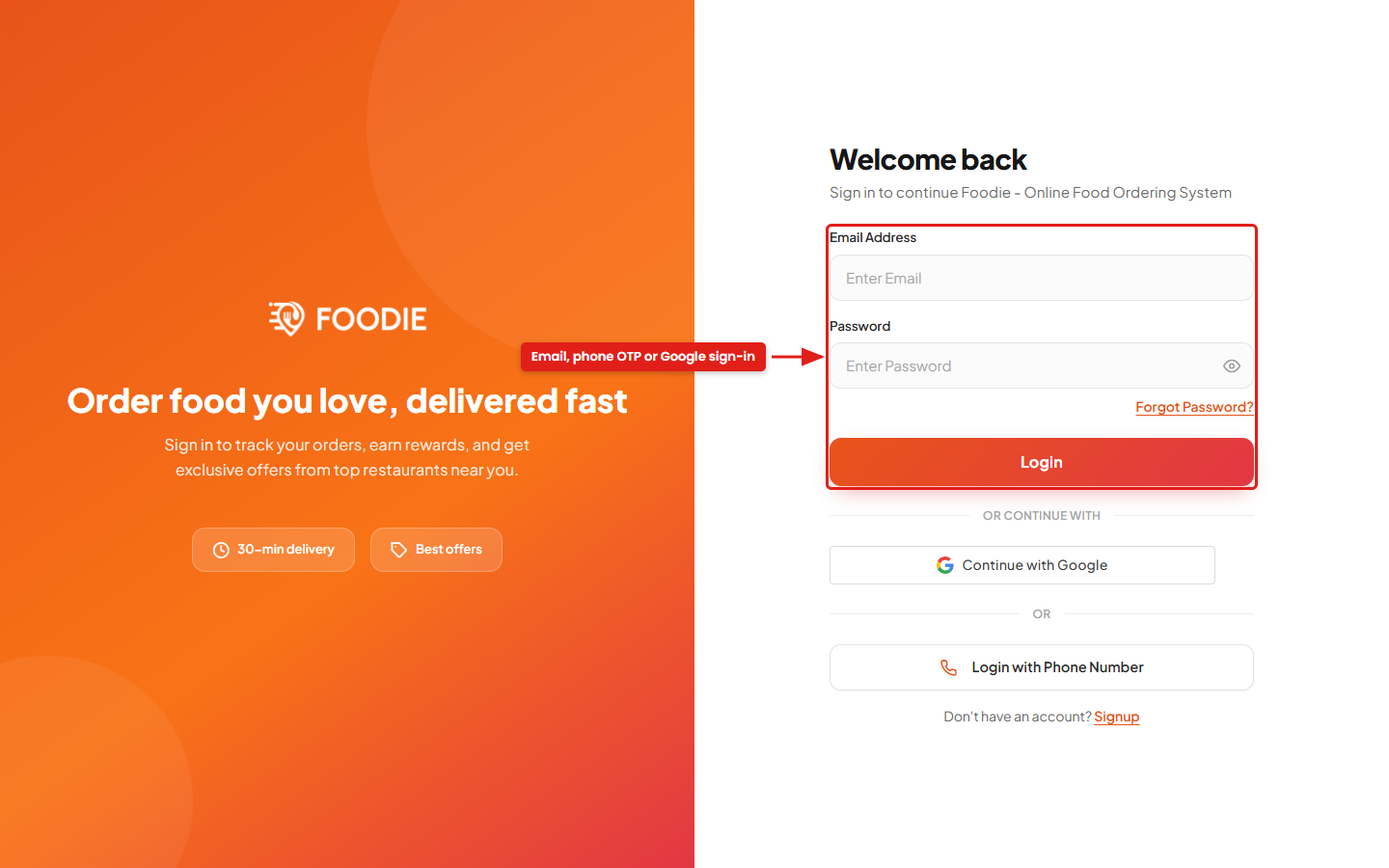
- Sign up / log in via email & password, phone number (OTP) or Google.
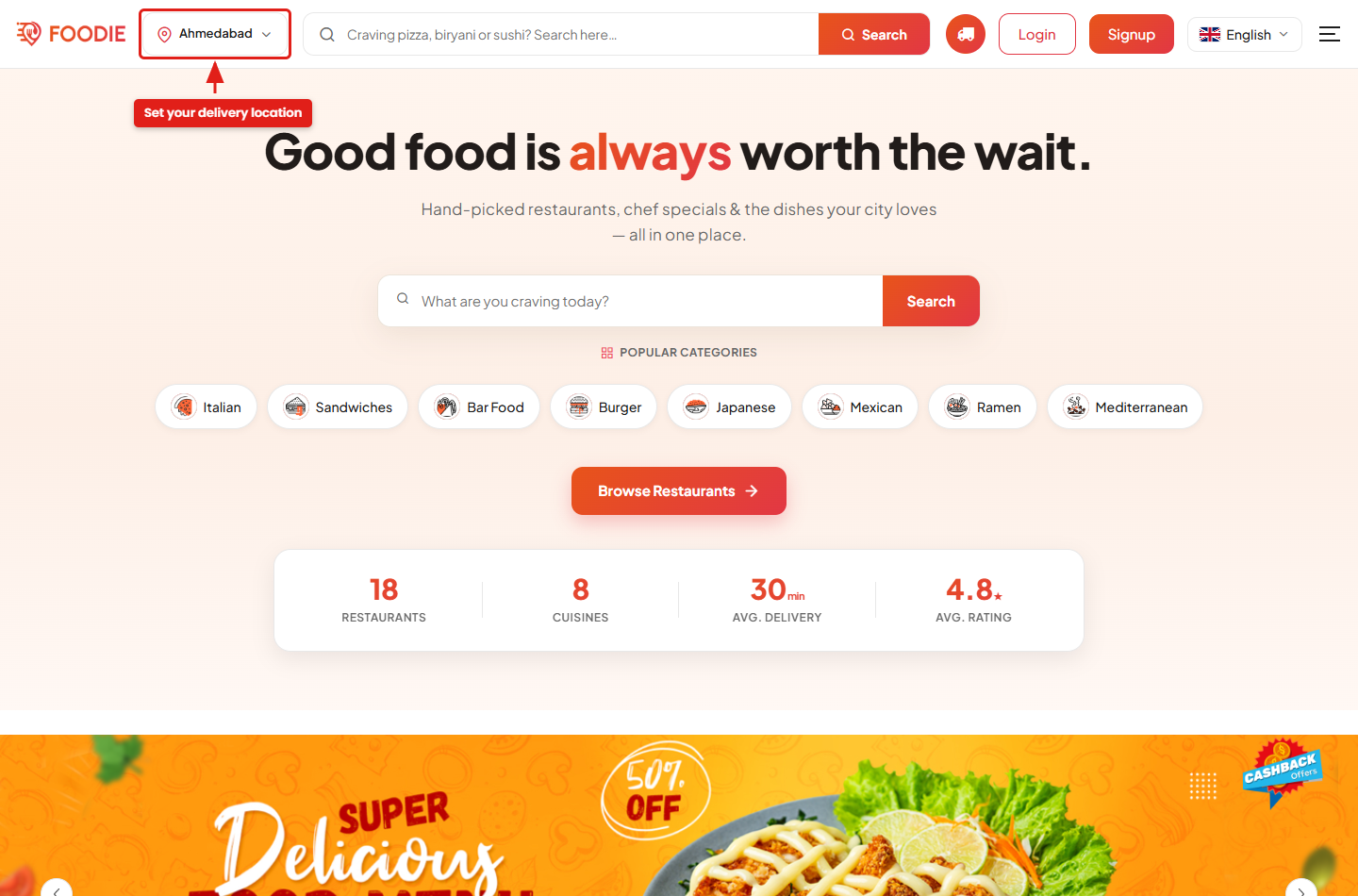
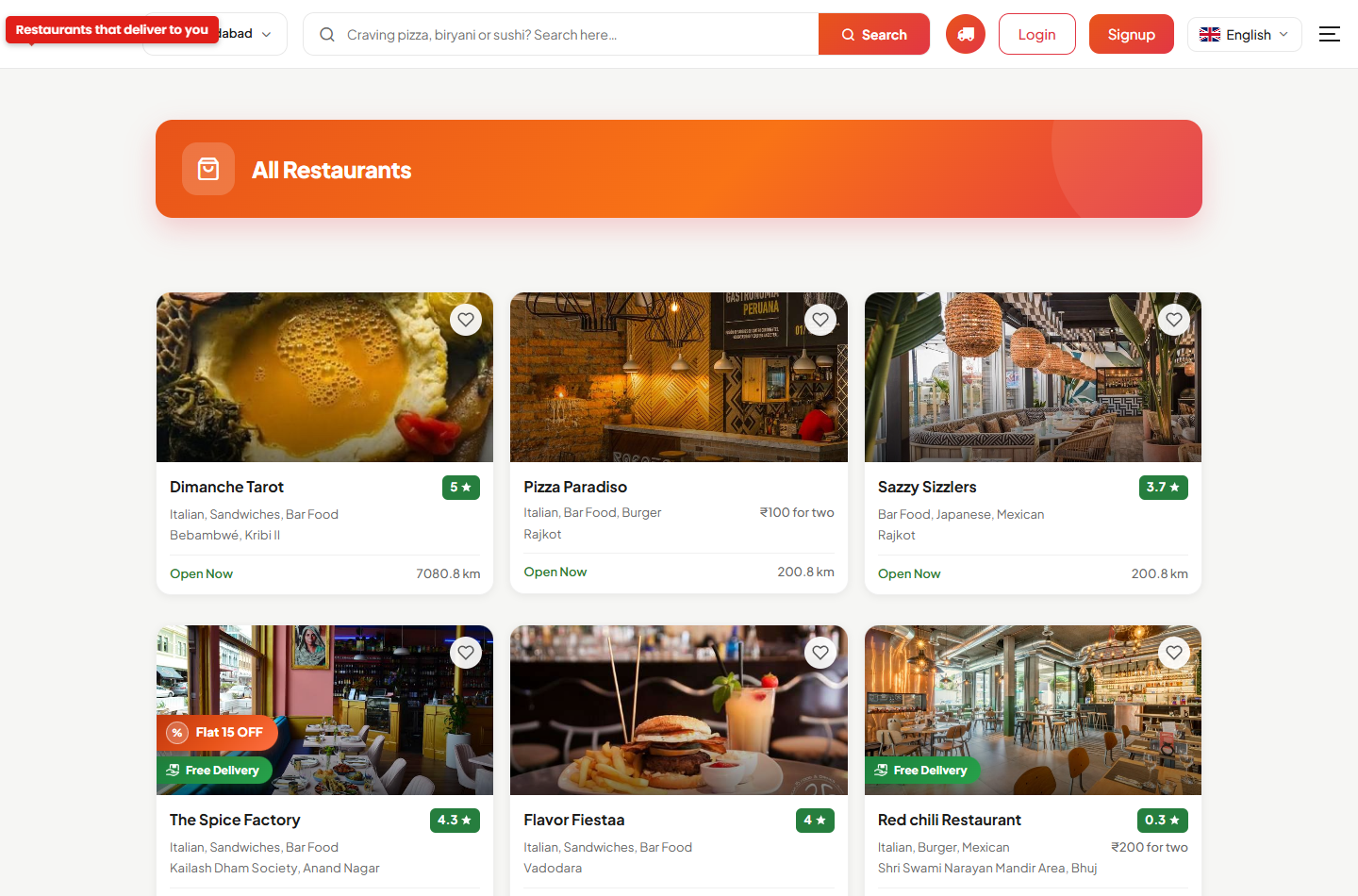
- Browse nearby restaurants by zone, category, cuisine and filters; search foods and restaurants.
- Three ordering modes — Delivery, Takeaway and Dine-In (table booking).
- Cart with add-ons, variants and item attributes; order notes; scheduled orders; driver tips.
- Favourites, trending, offers, re-order and a delivery-address book.
- Live order tracking on the map, real-time status updates and push notifications.
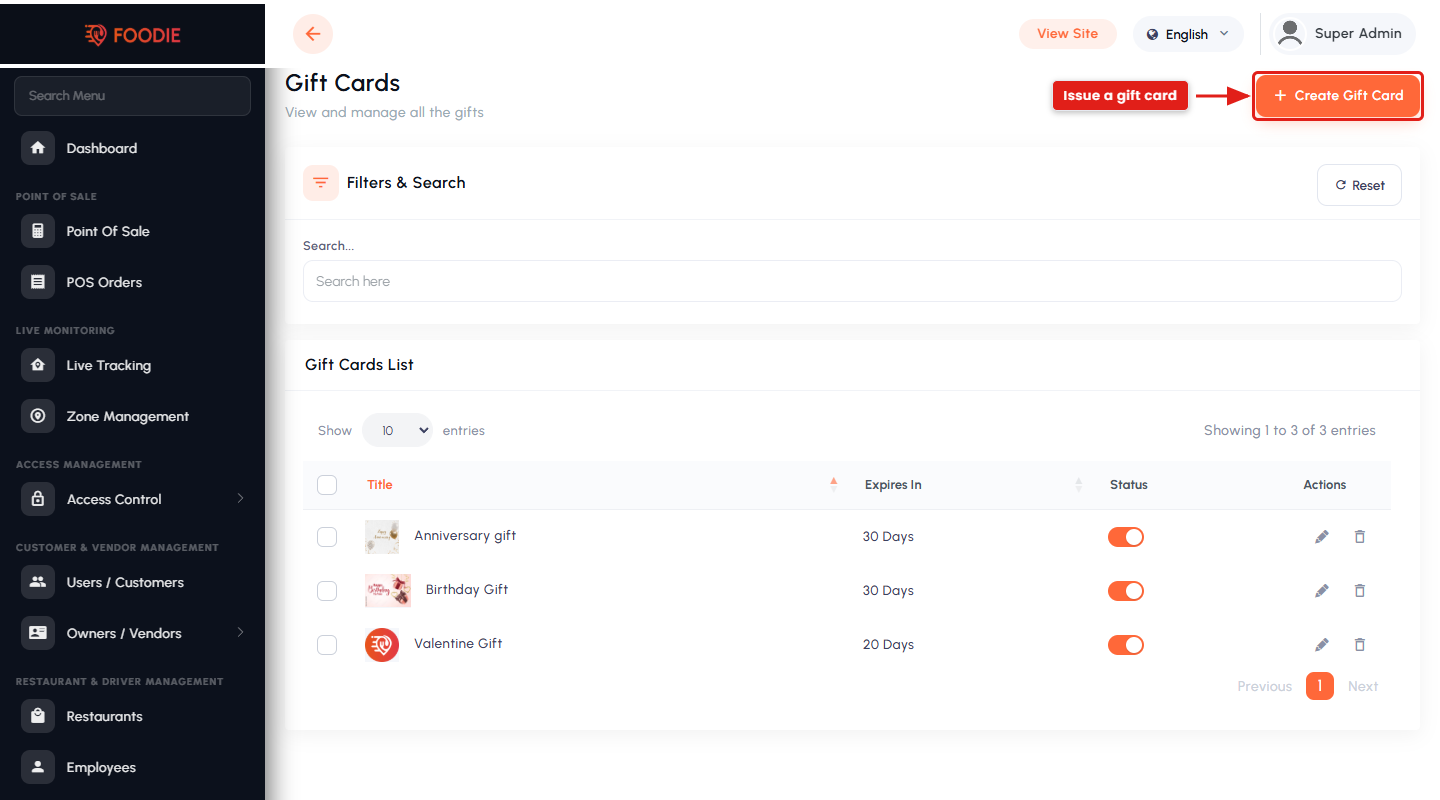
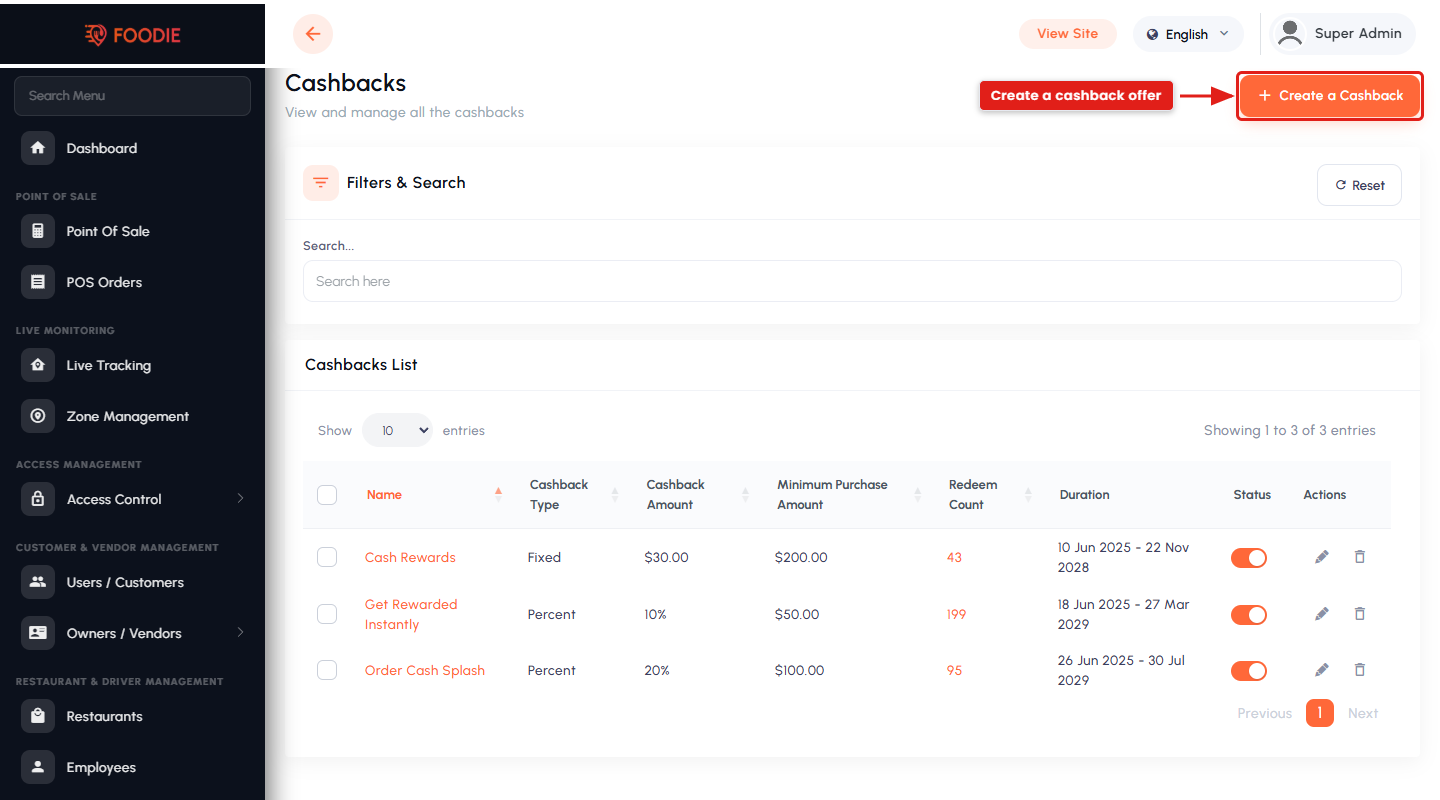
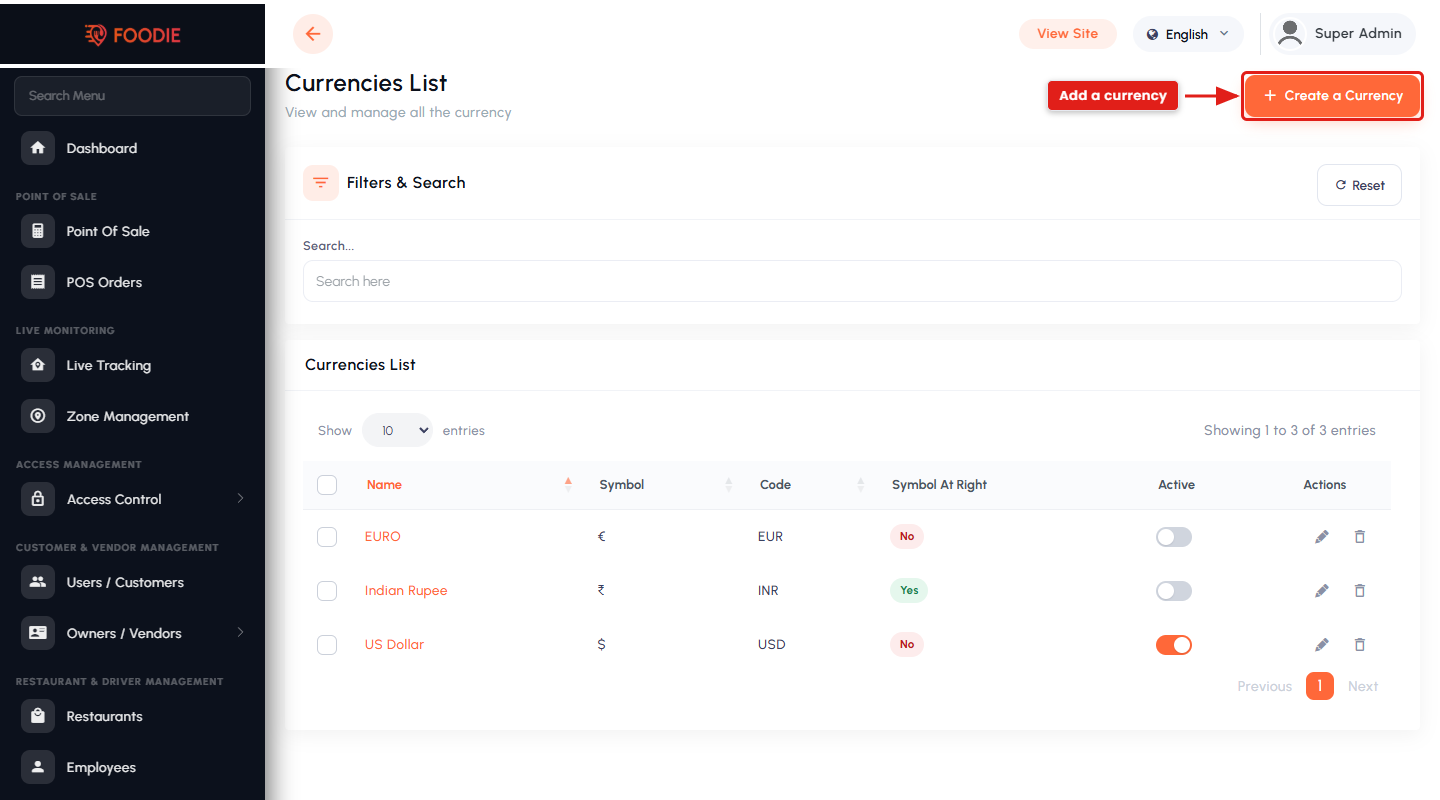
- Wallet, gift cards, cashback, coupons and multi-currency support.
Restaurant / Vendor Management
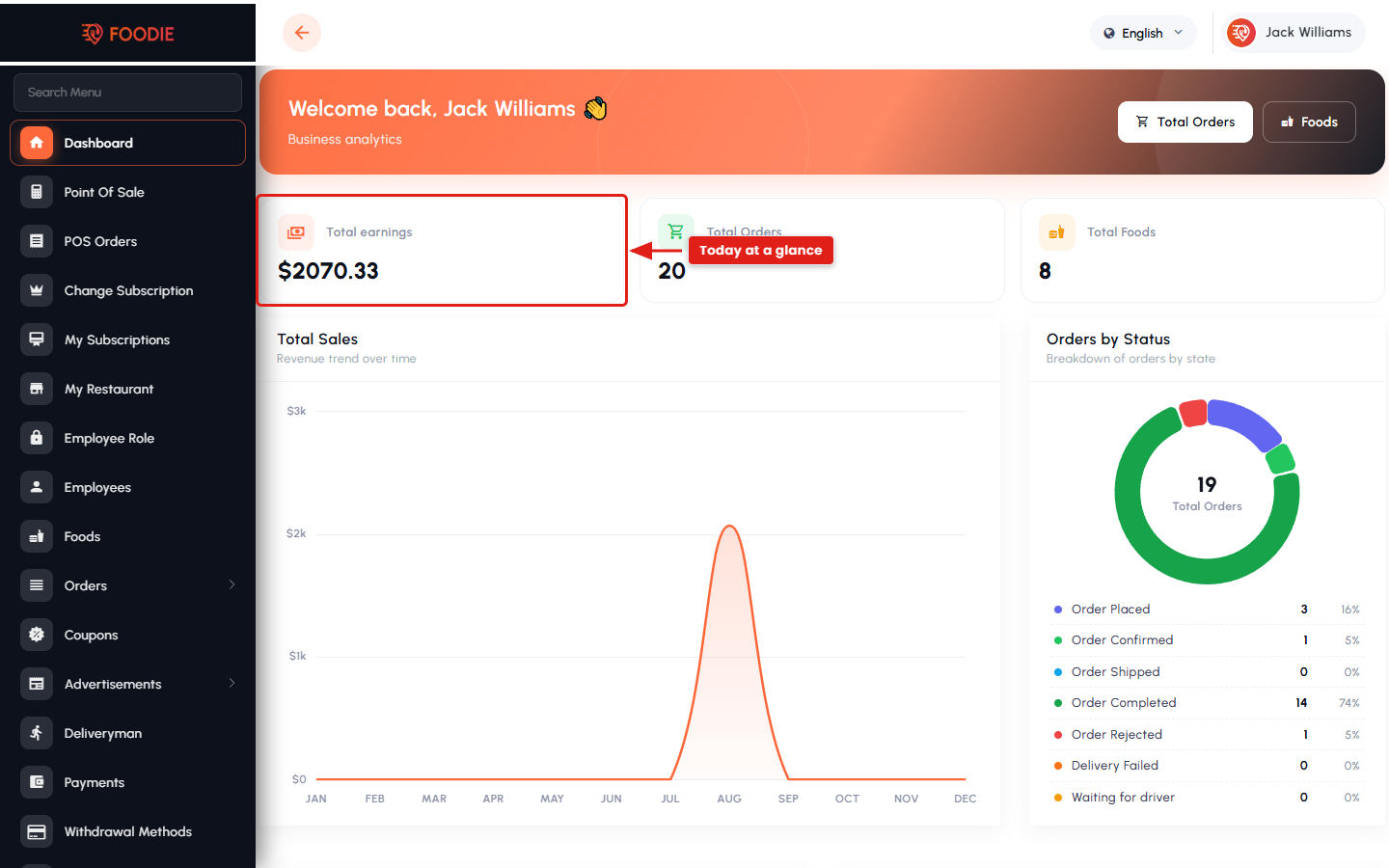
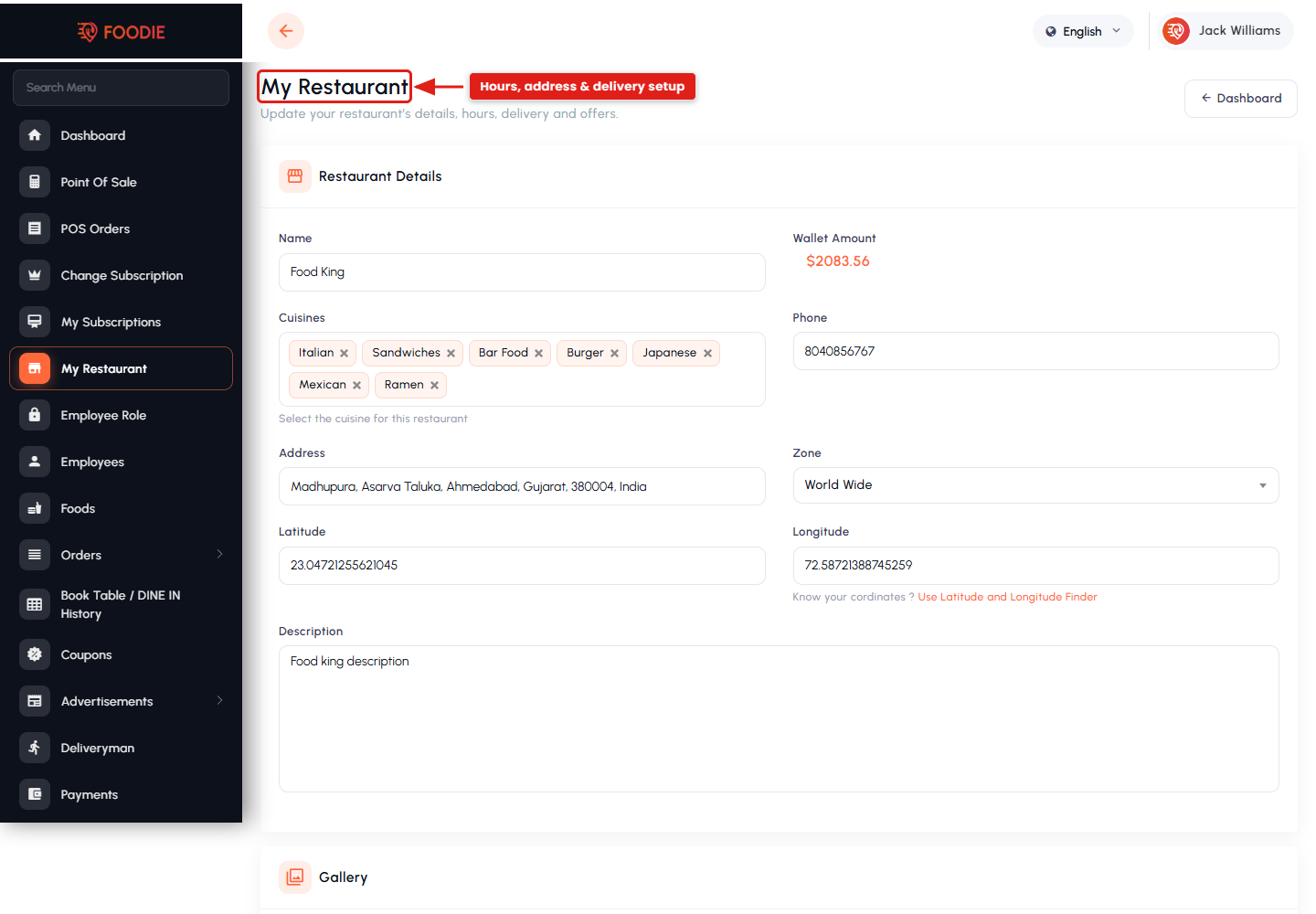
- Dedicated restaurant panel with dashboard, earnings and order flow.
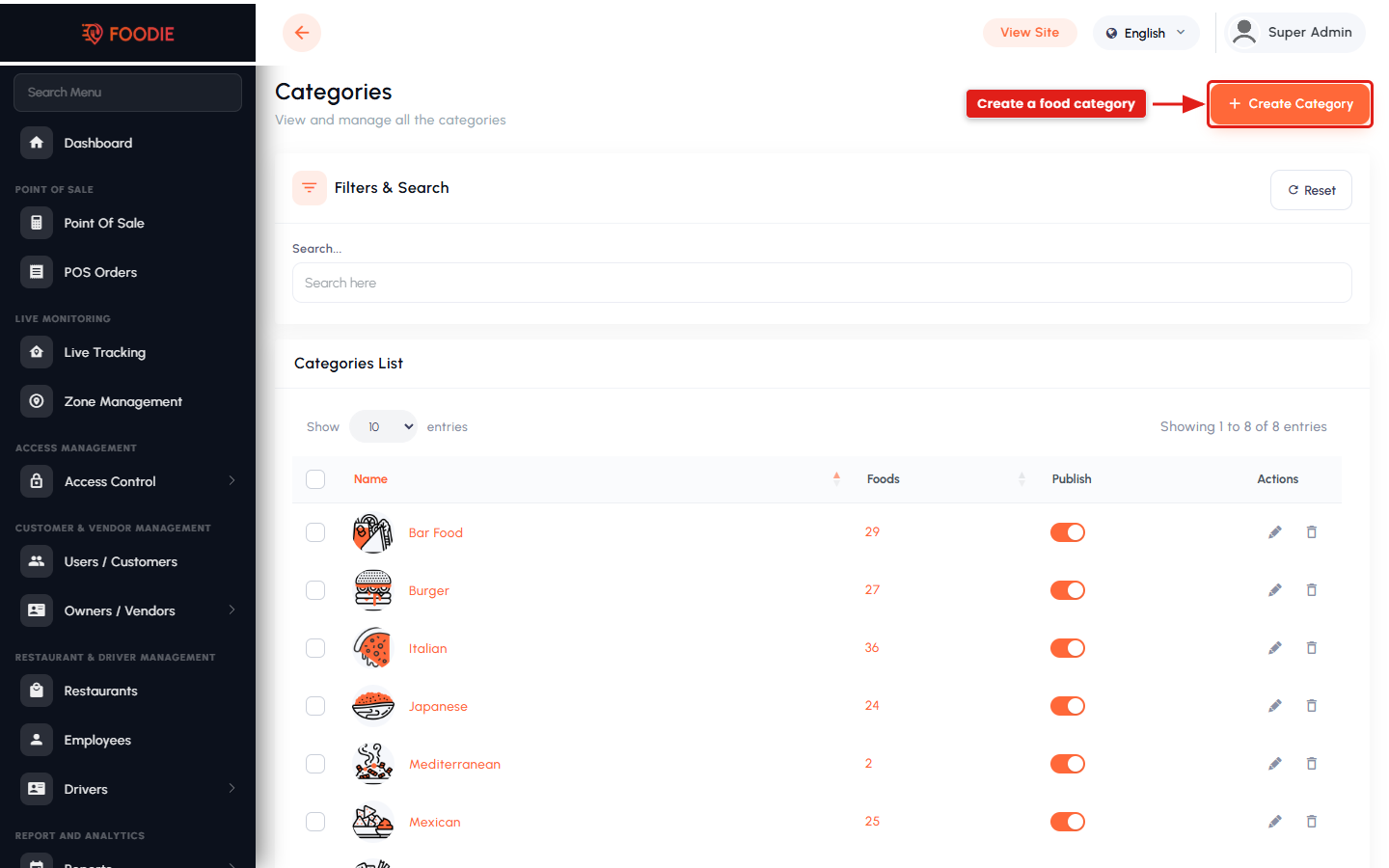
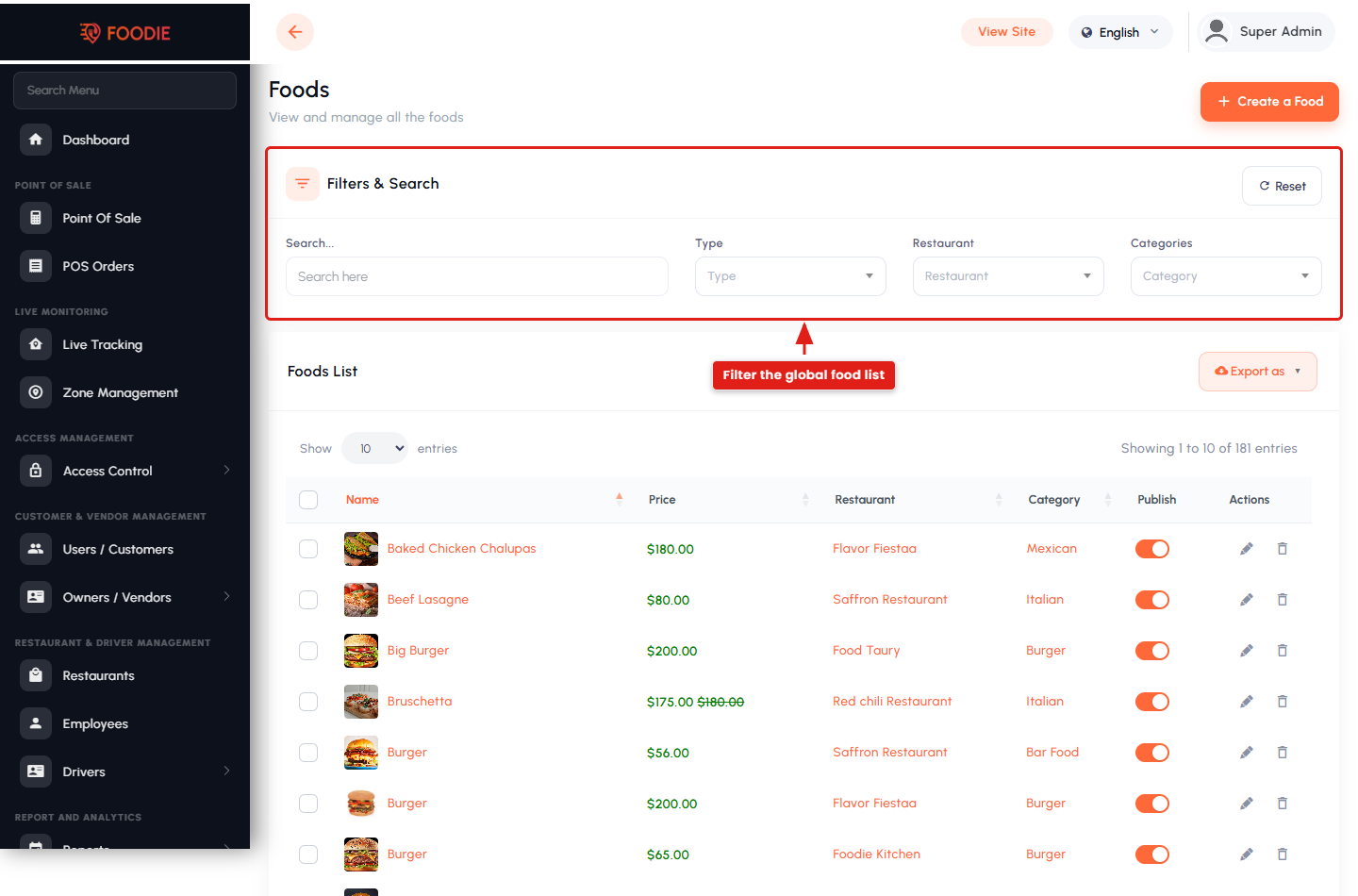
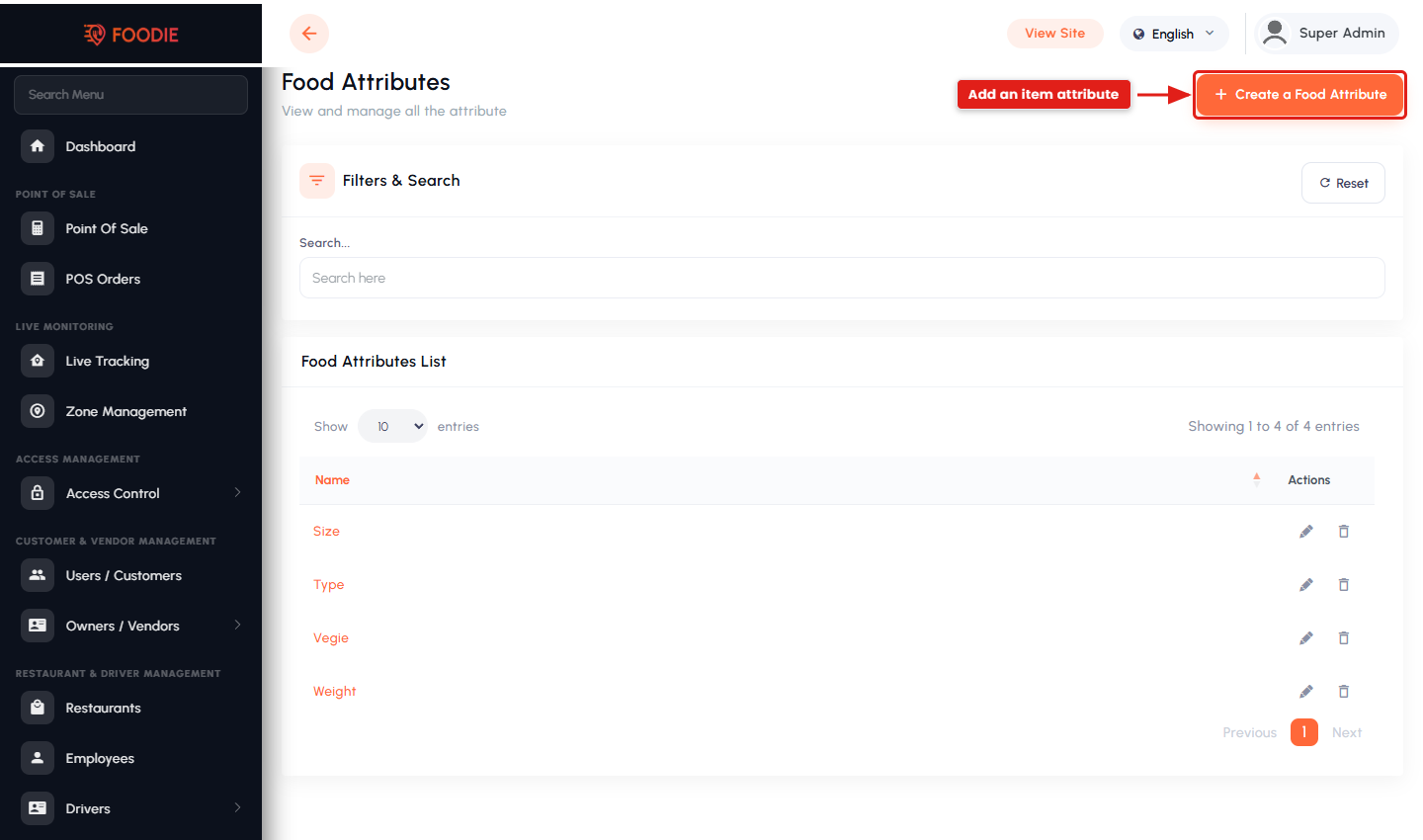
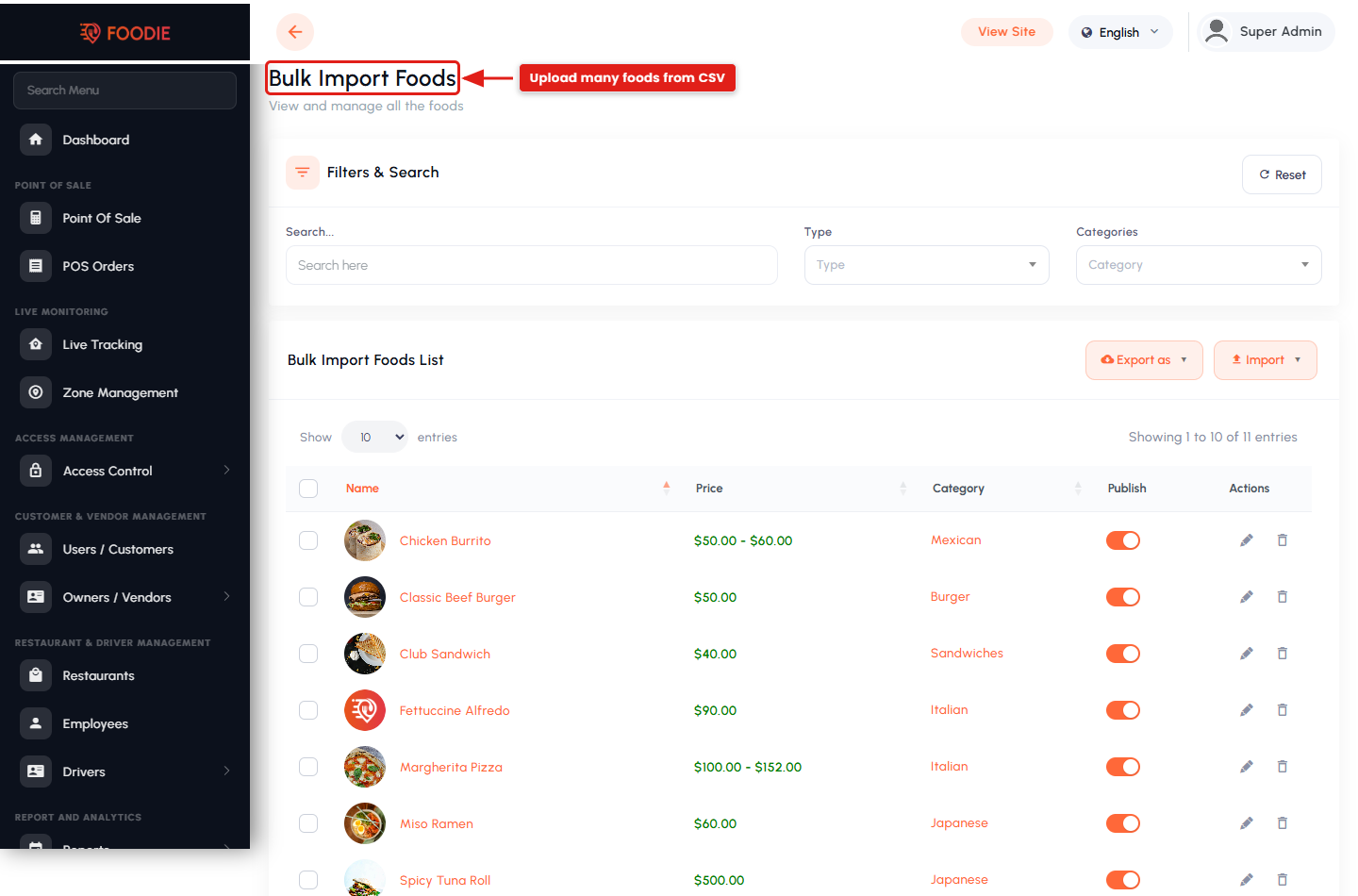
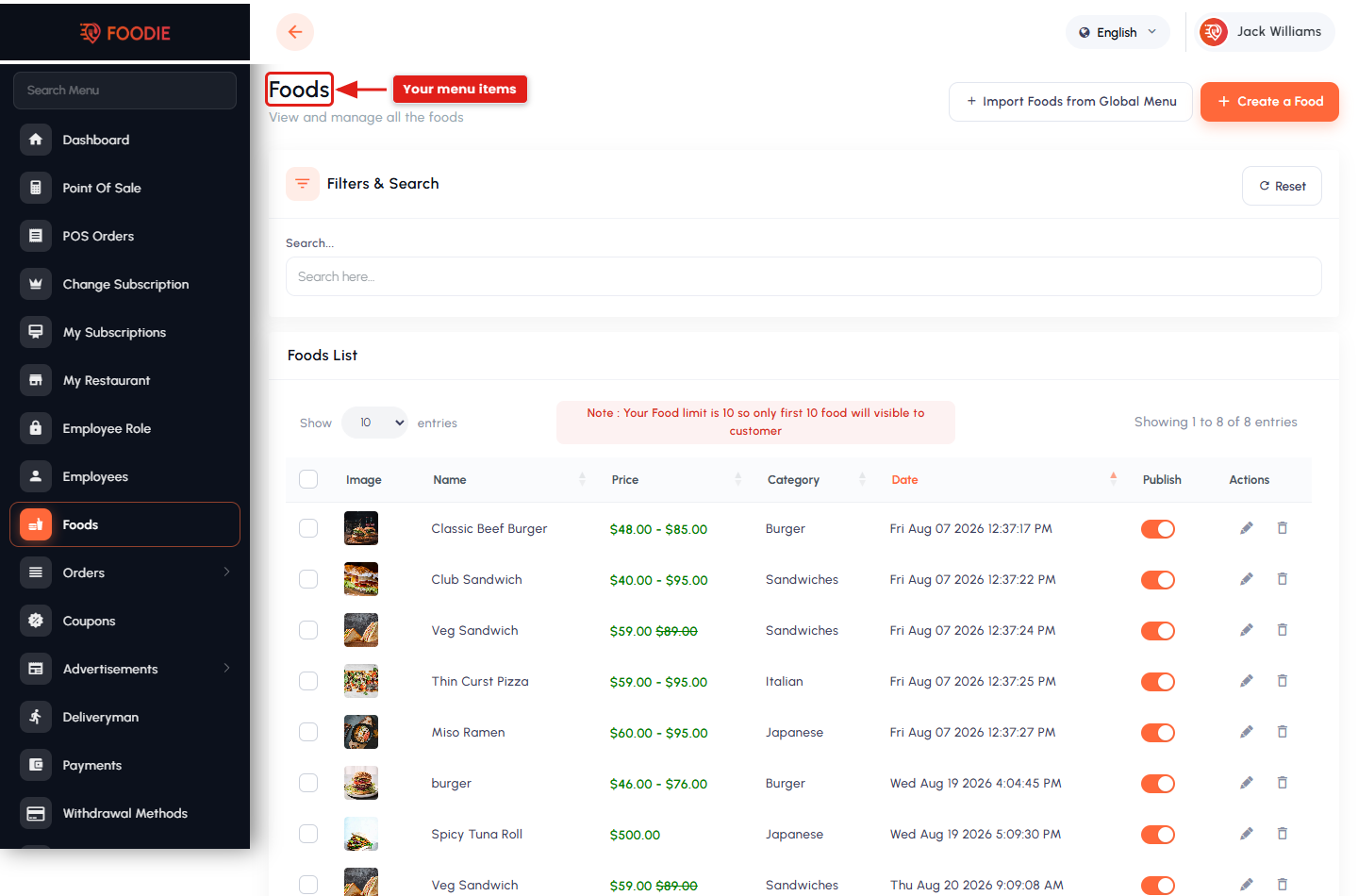
- Menu management — categories, foods, add-ons, attributes and availability, plus import from the admin global menu and bulk CSV import.
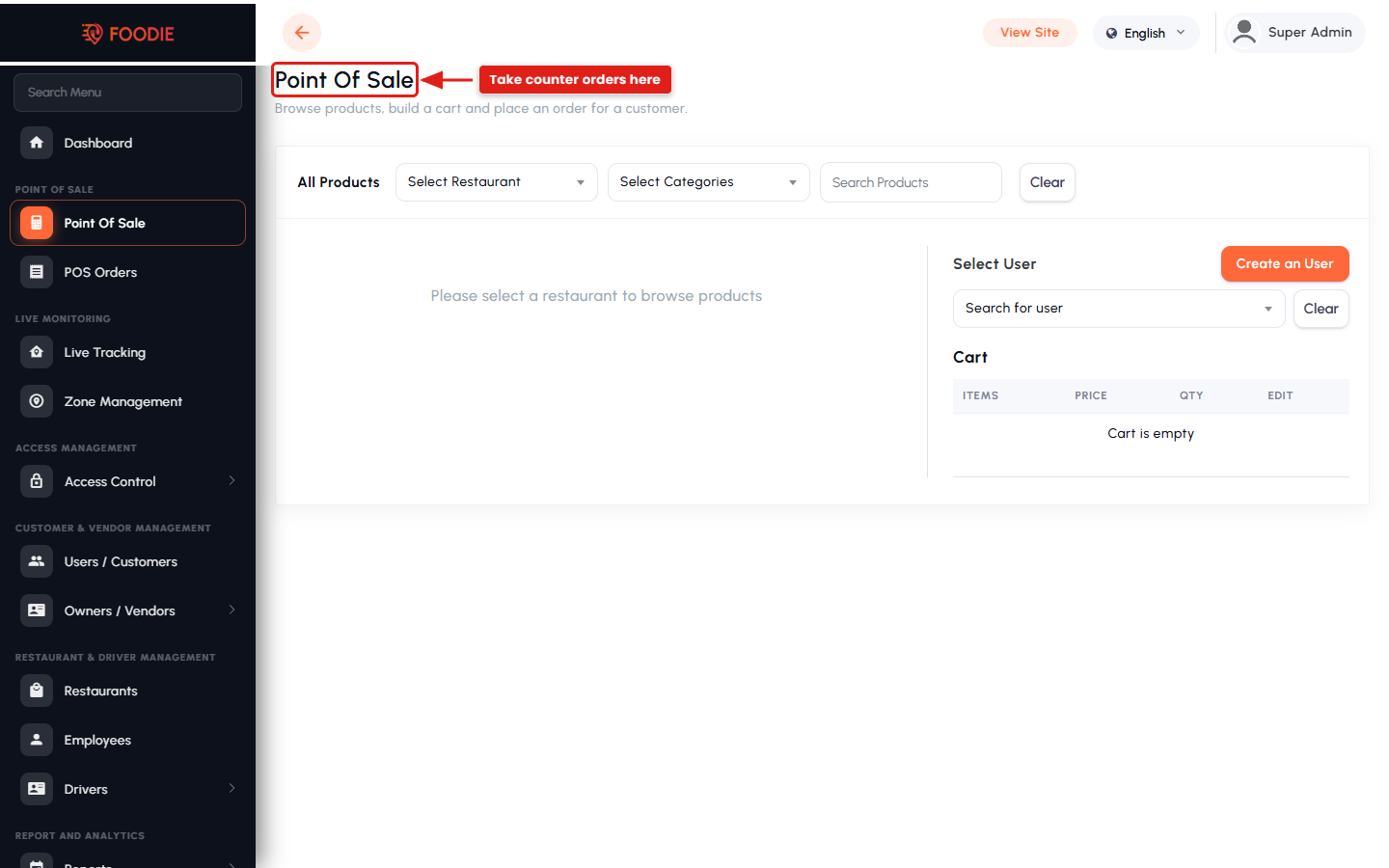
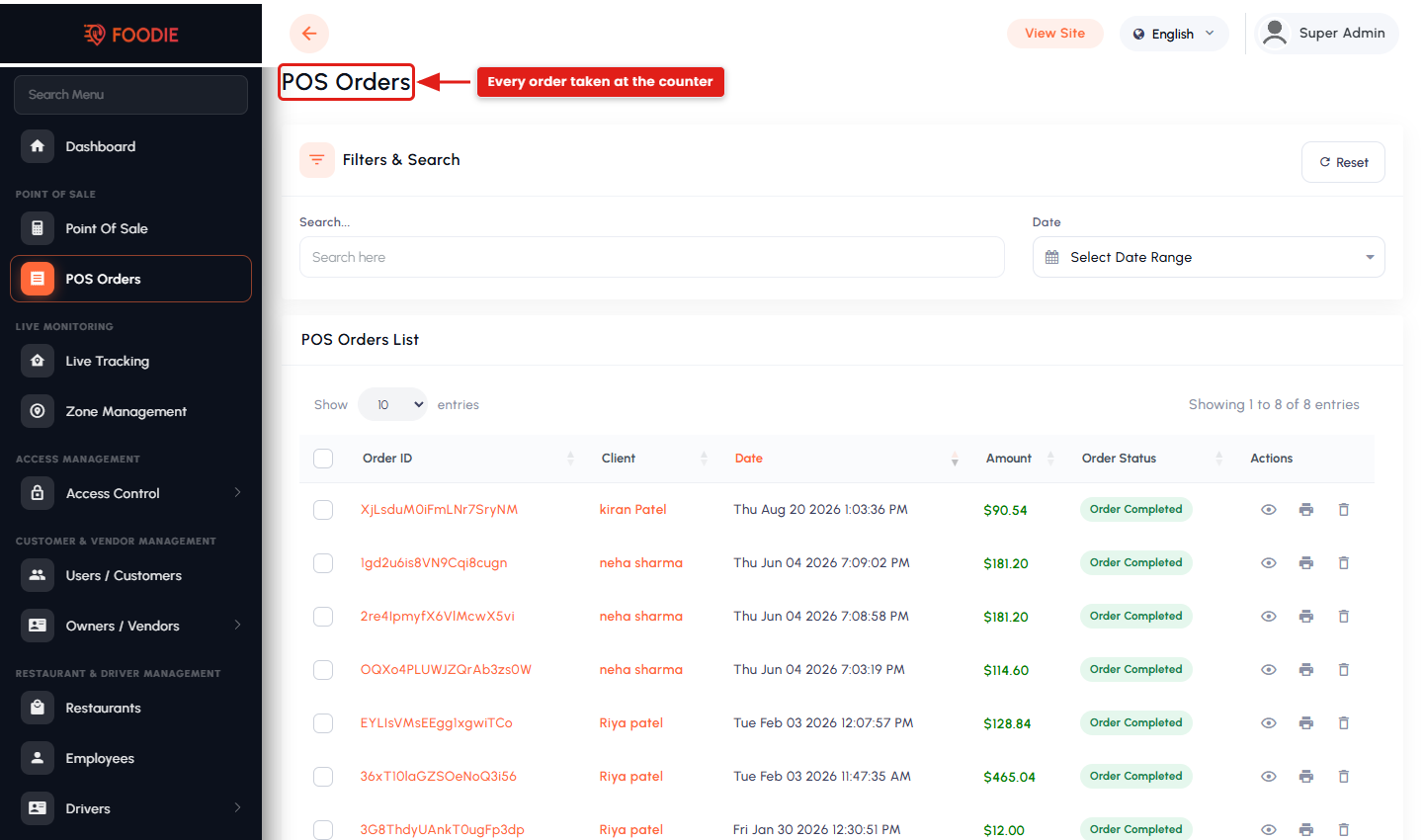
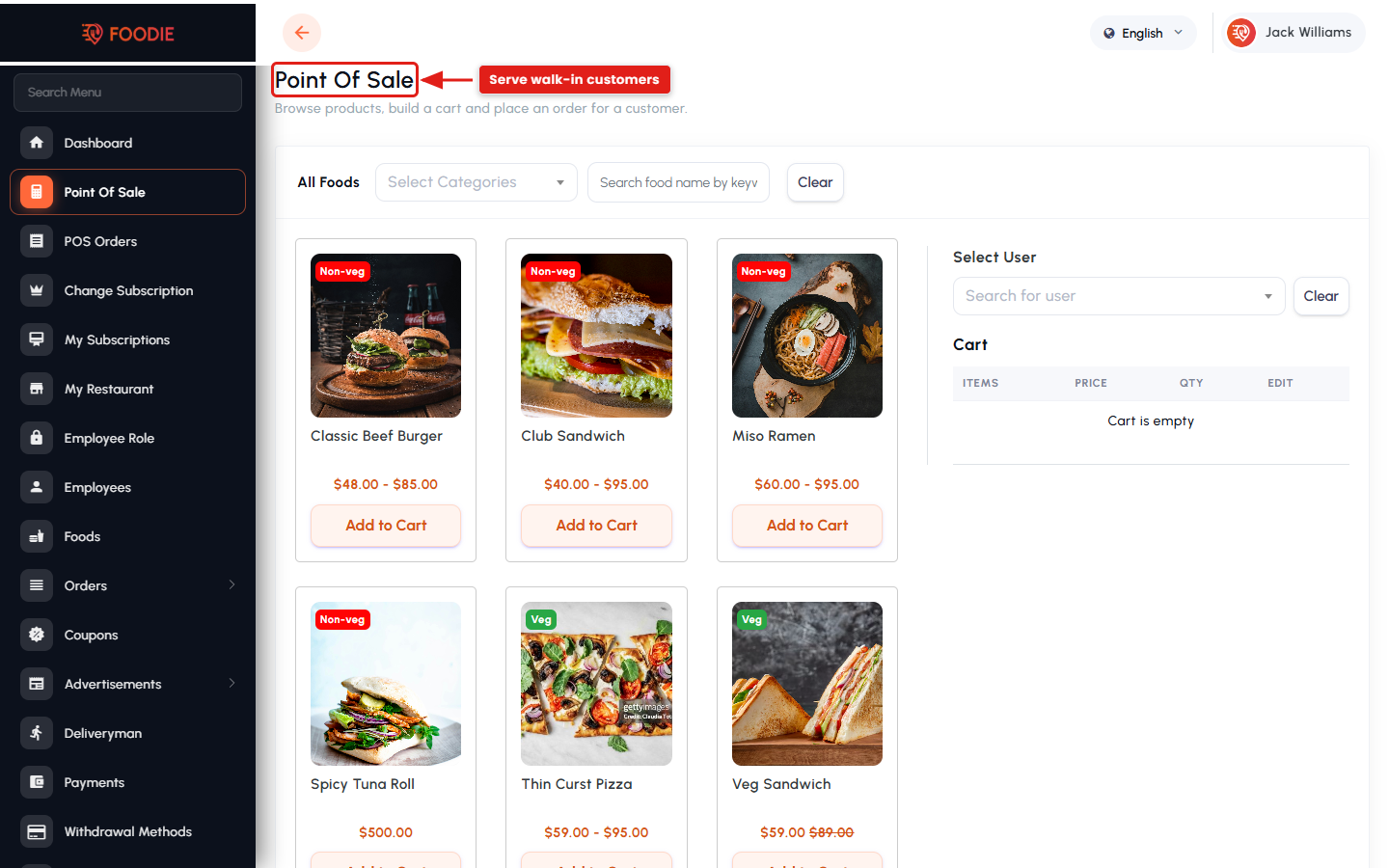
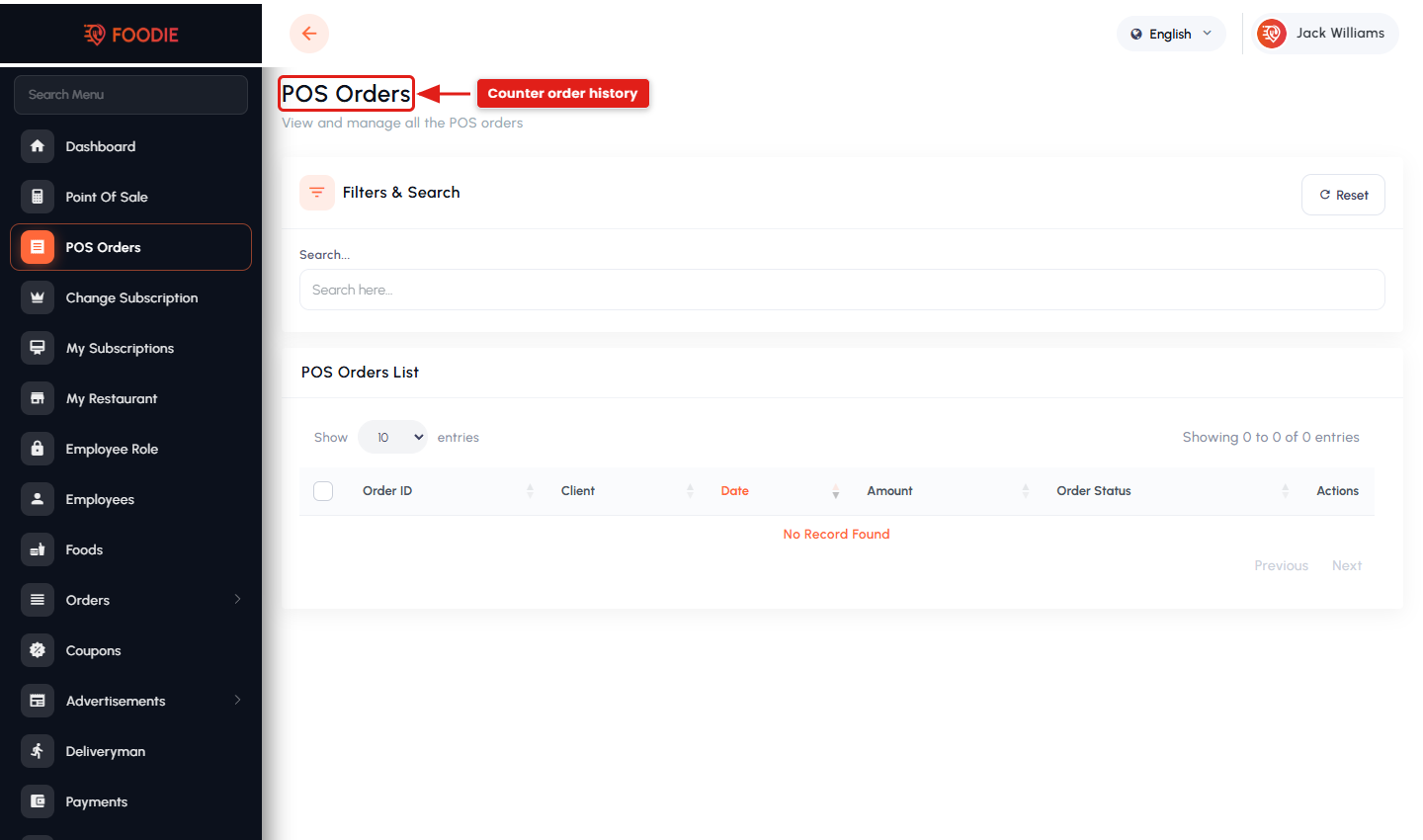
- Point of Sale (POS) for walk-in and counter orders, with a separate POS order list.
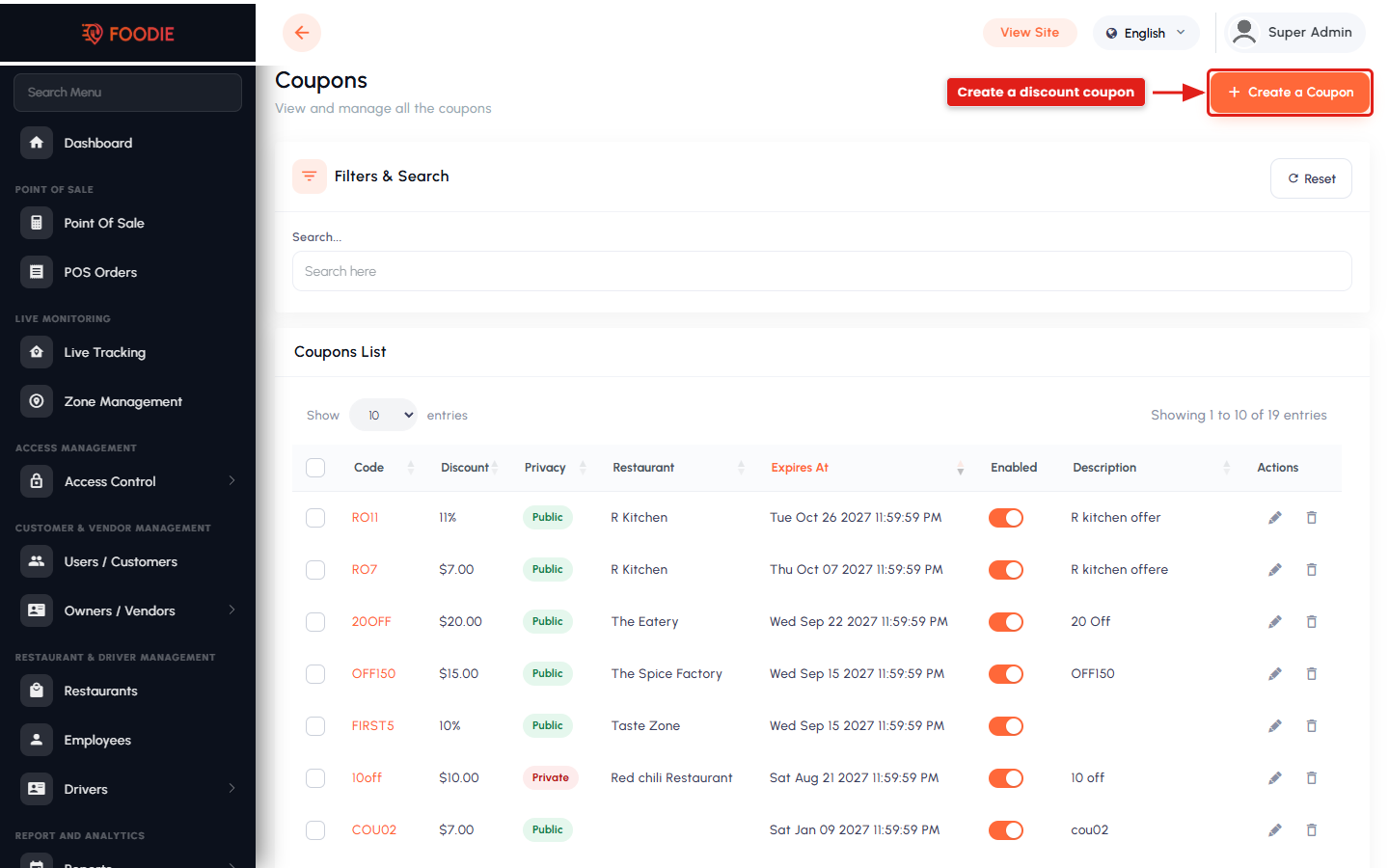
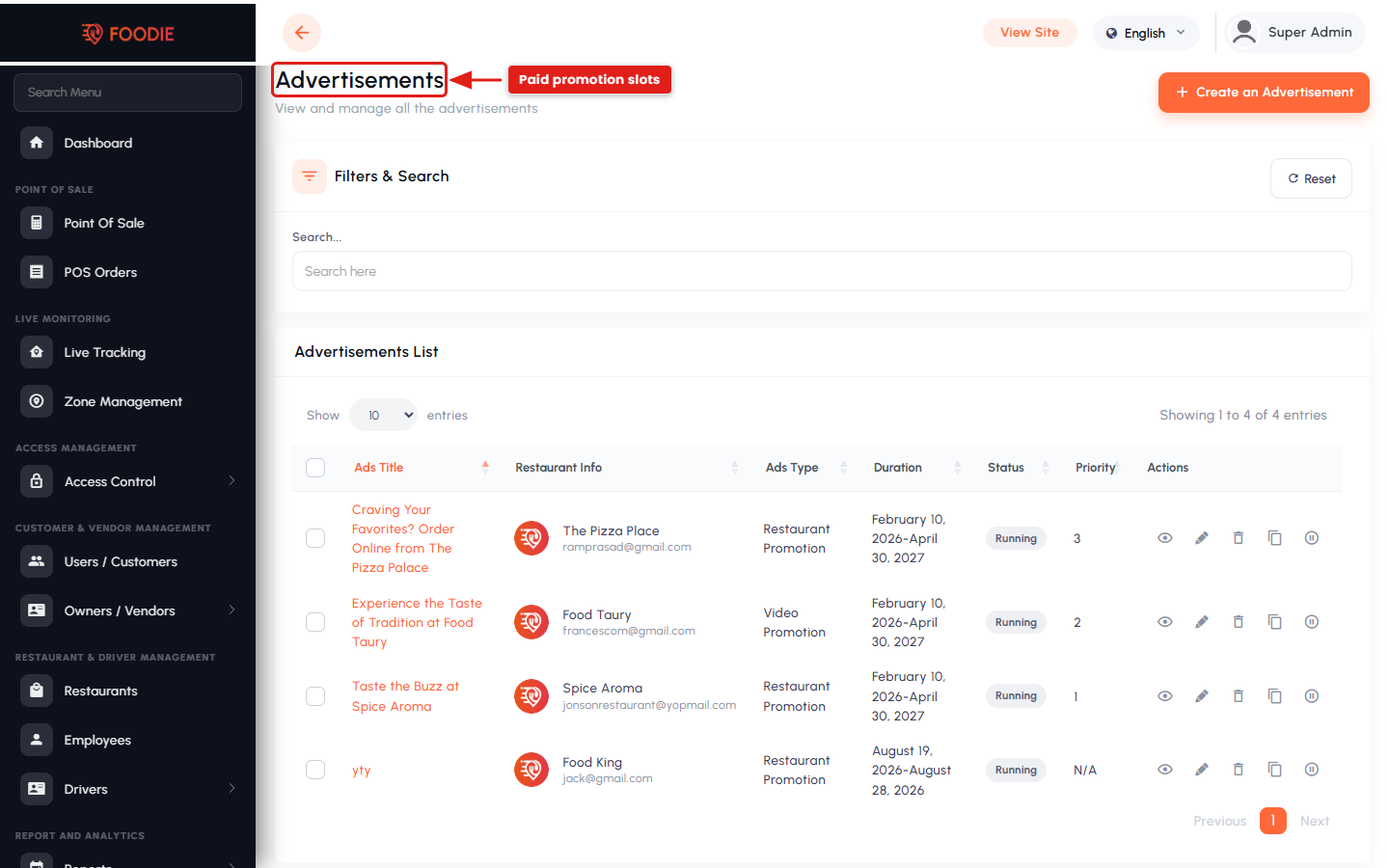
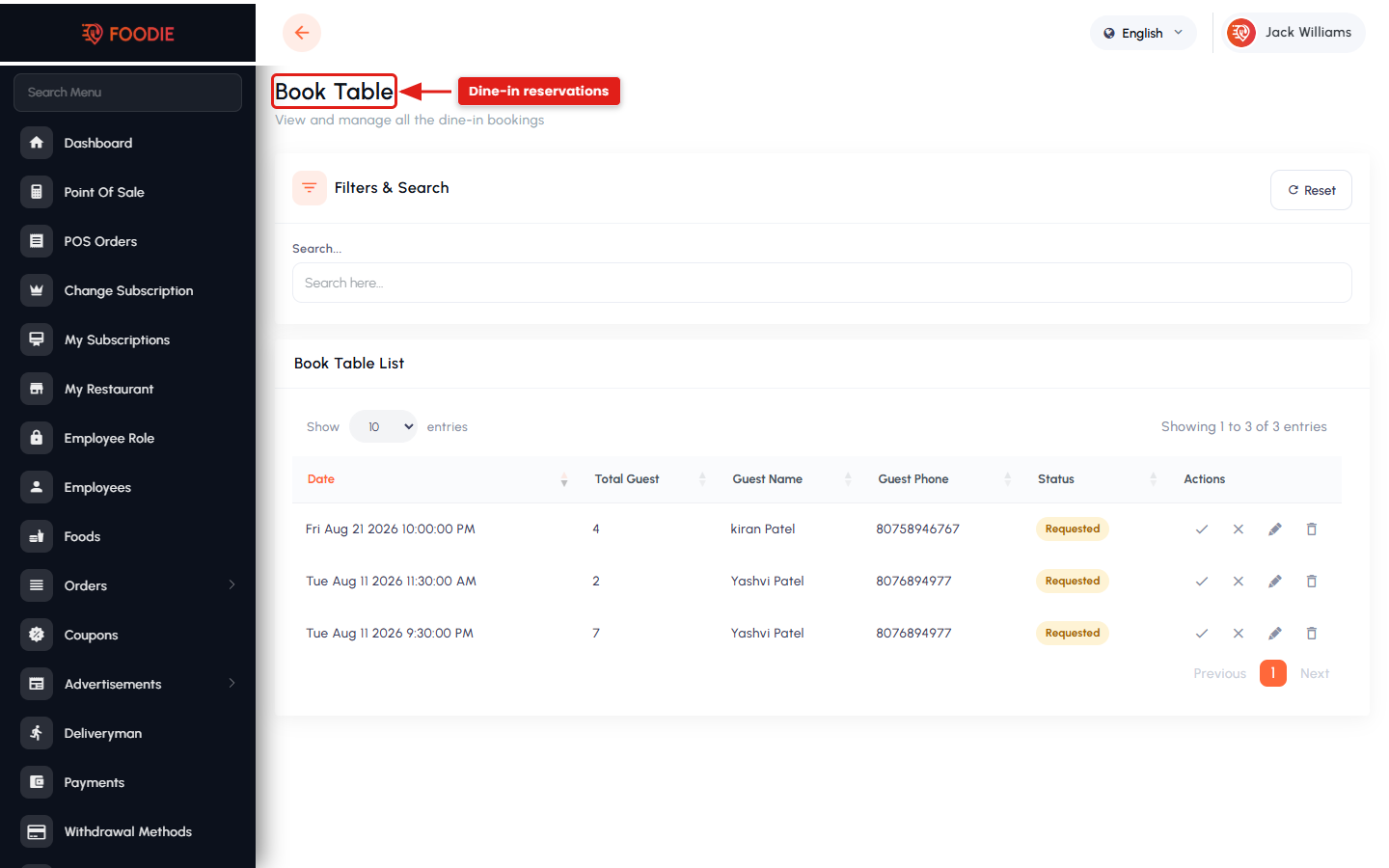
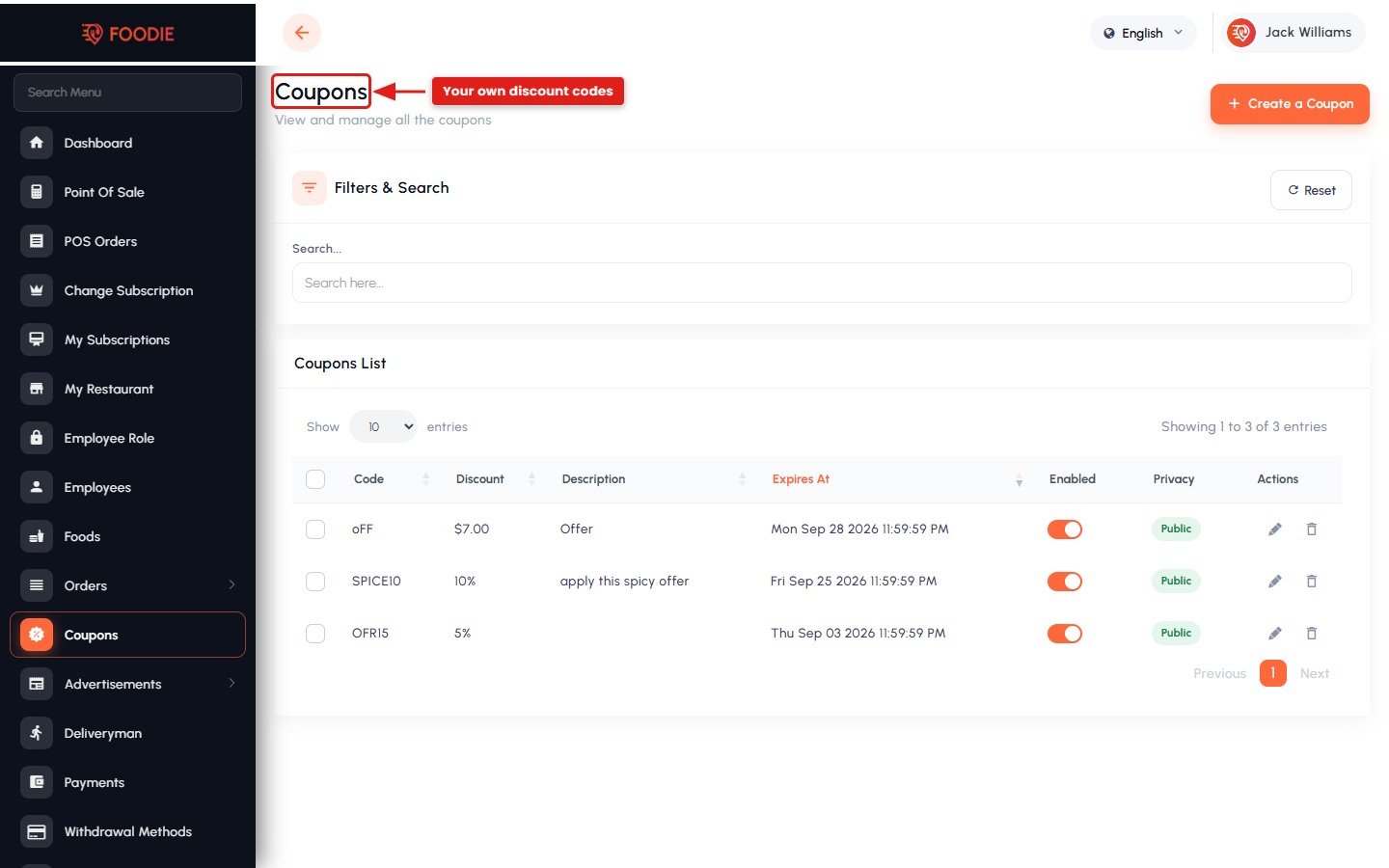
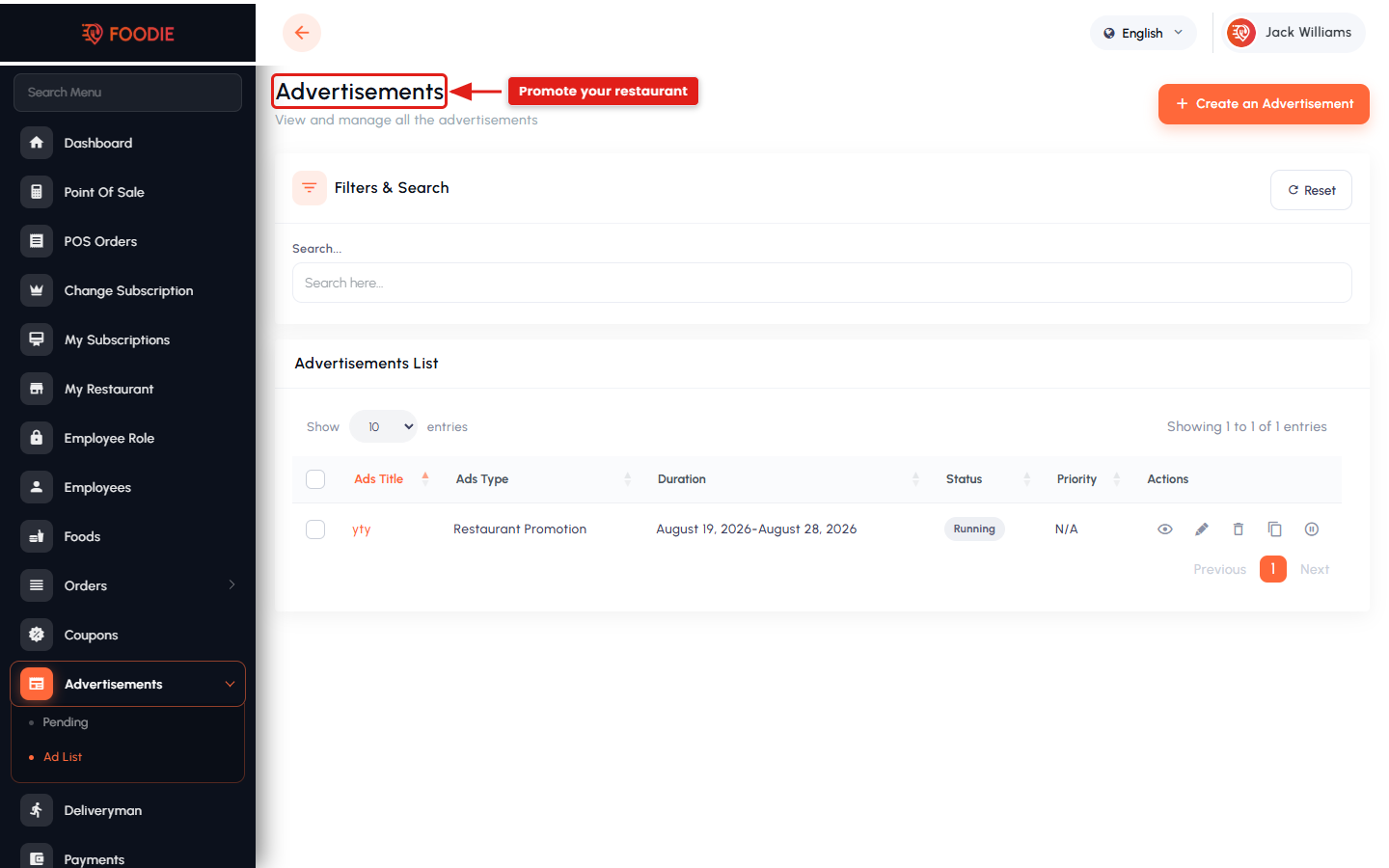
- Dine-in / table-booking history, restaurant coupons and advertisements.
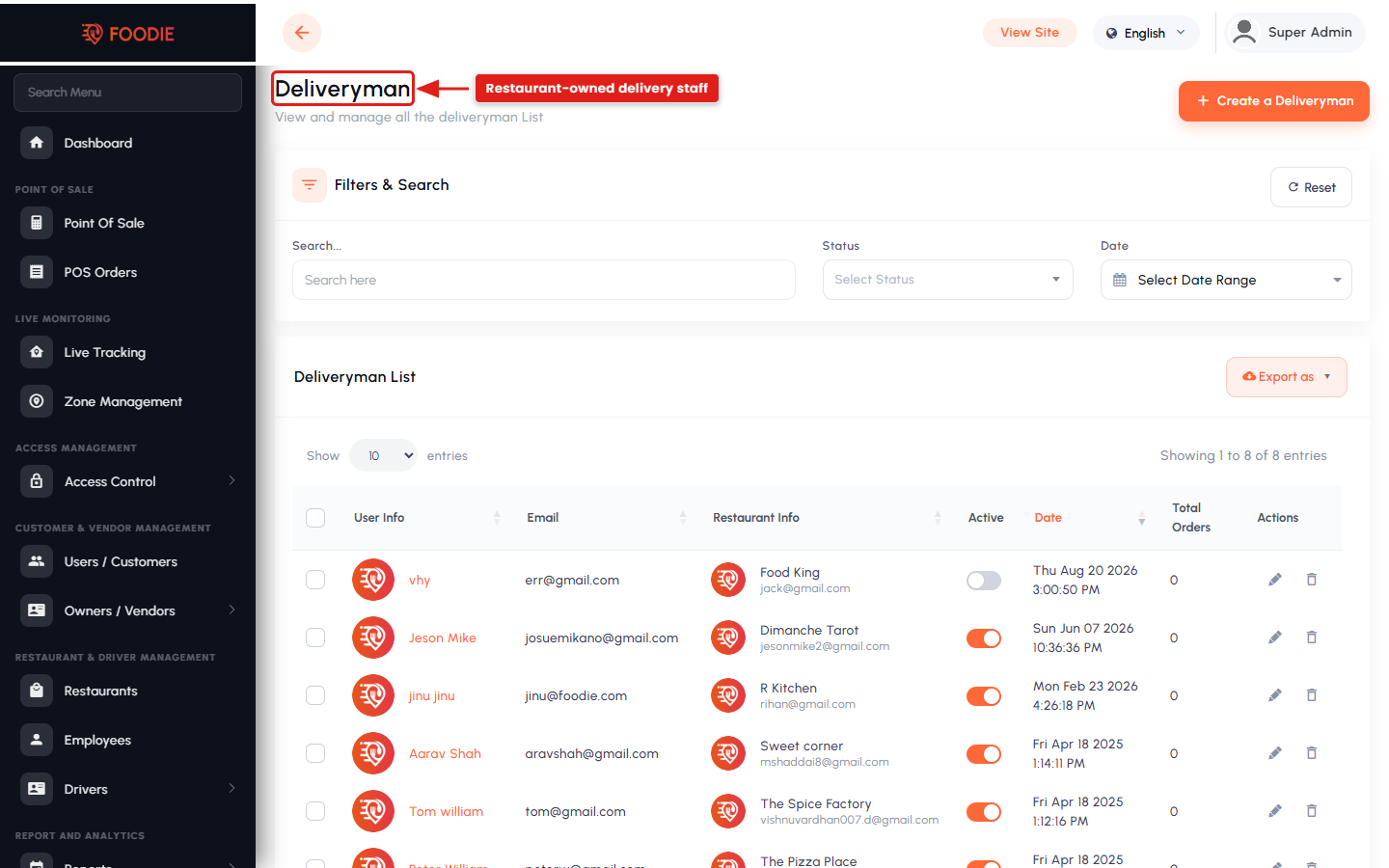
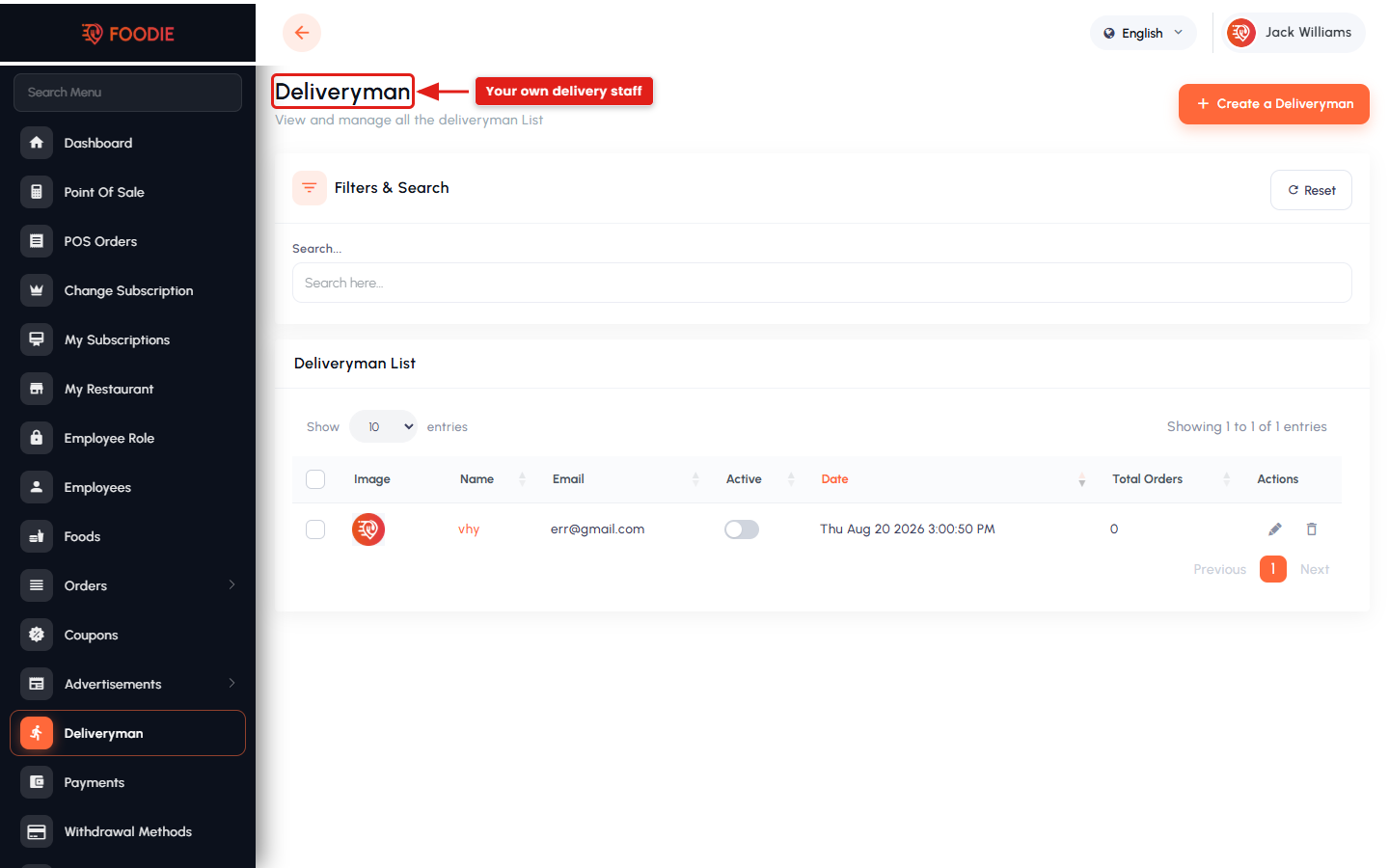
- Self delivery — restaurants can manage their own deliverymen instead of using the platform driver pool.
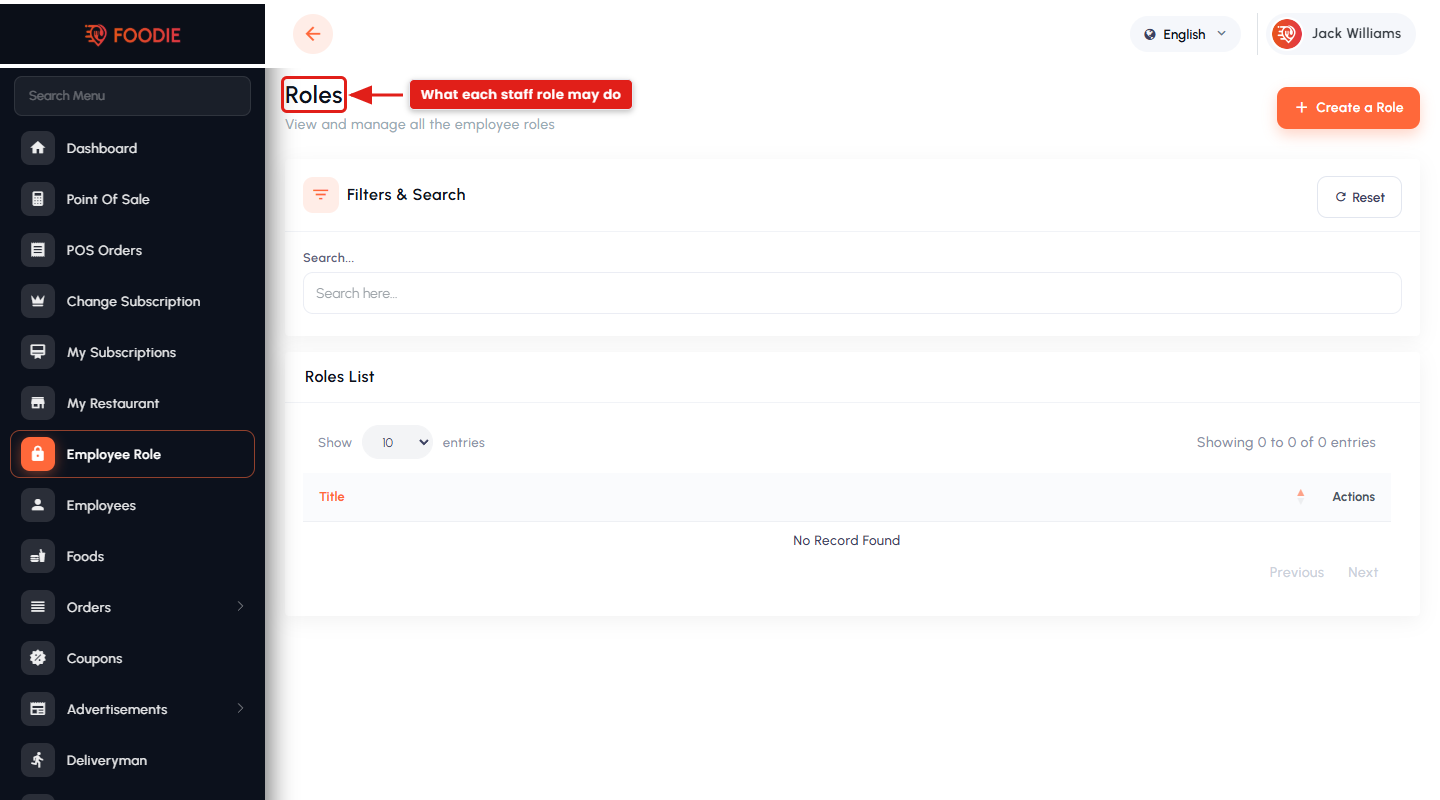
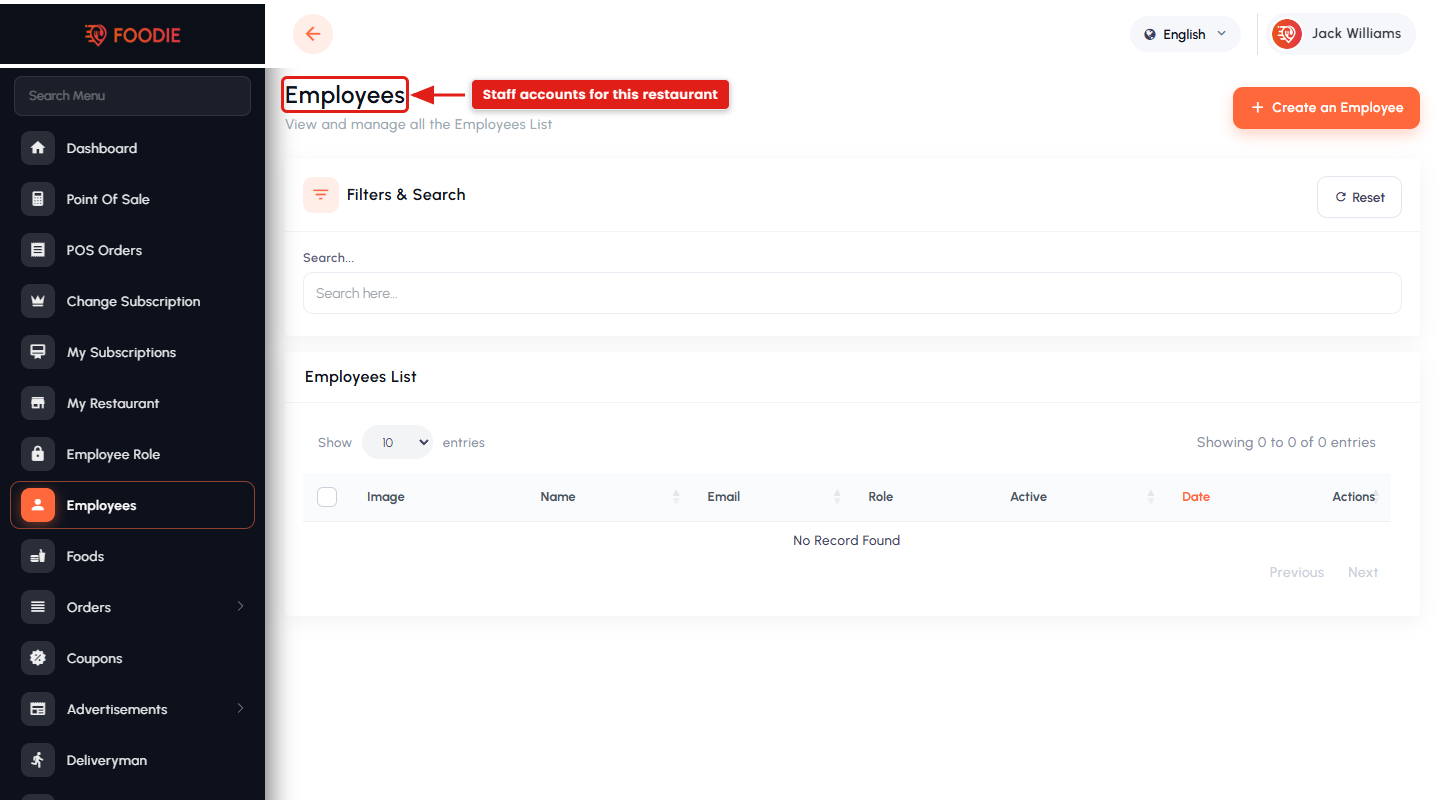
- Employee management with per-employee roles and permissions.
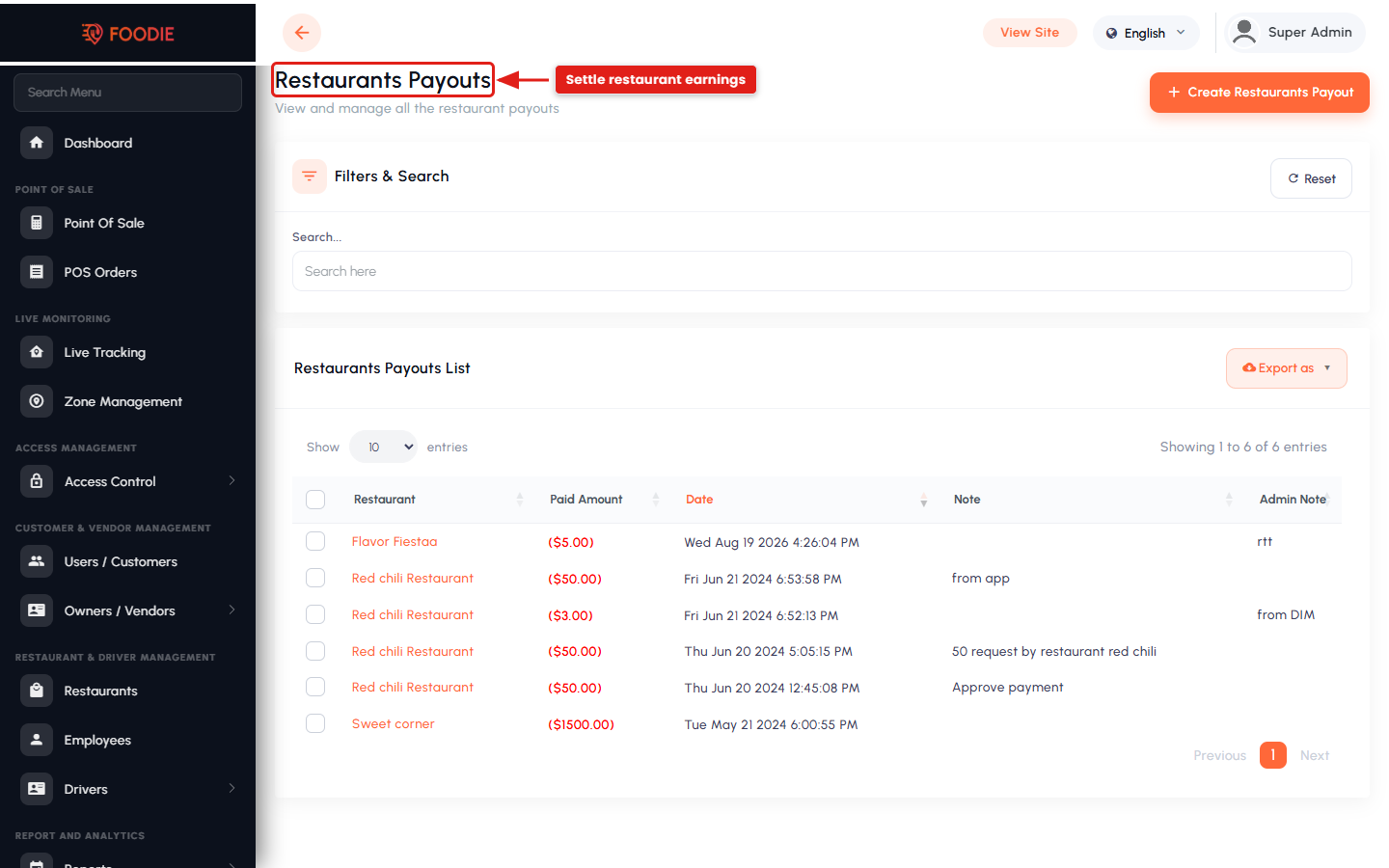
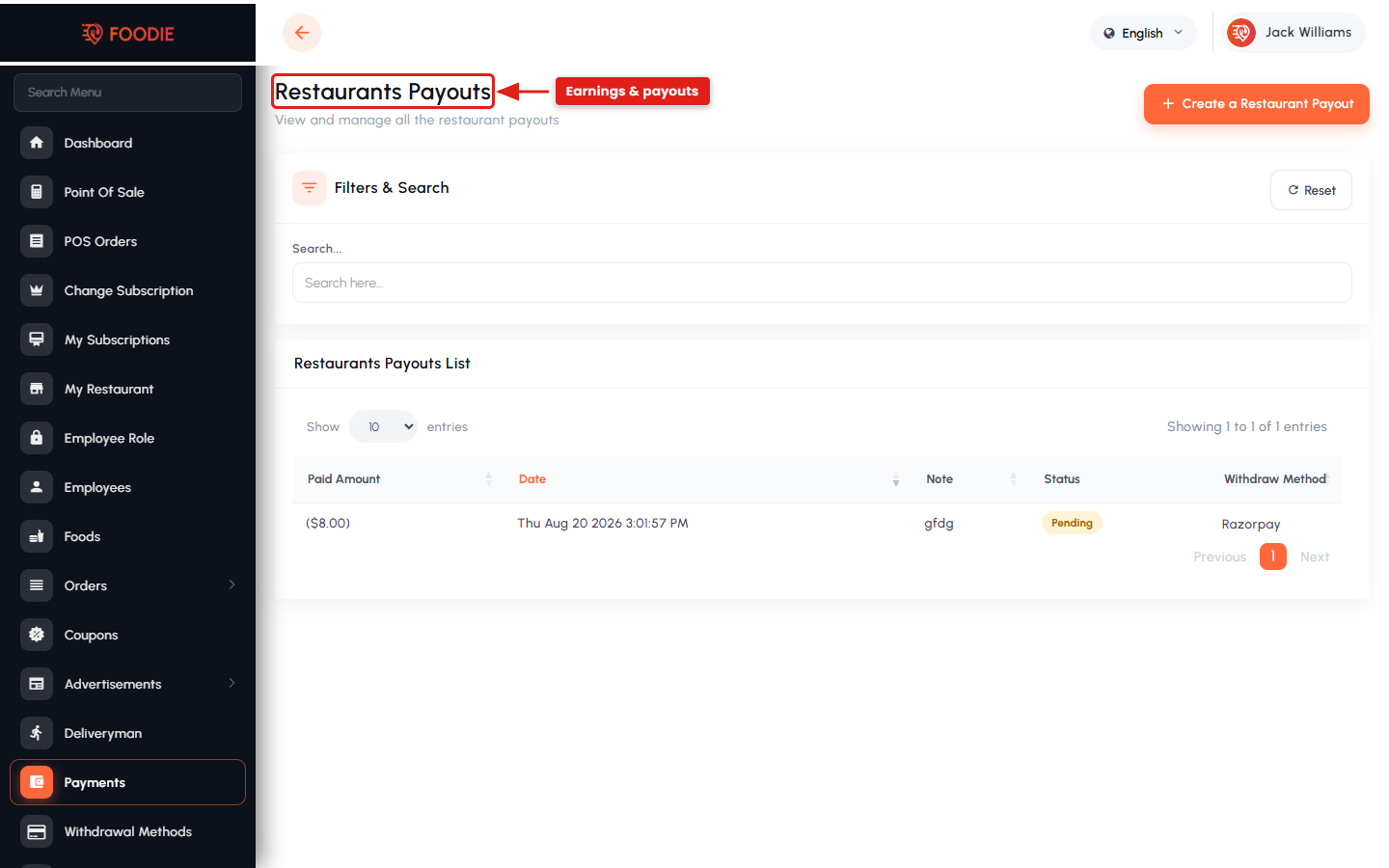
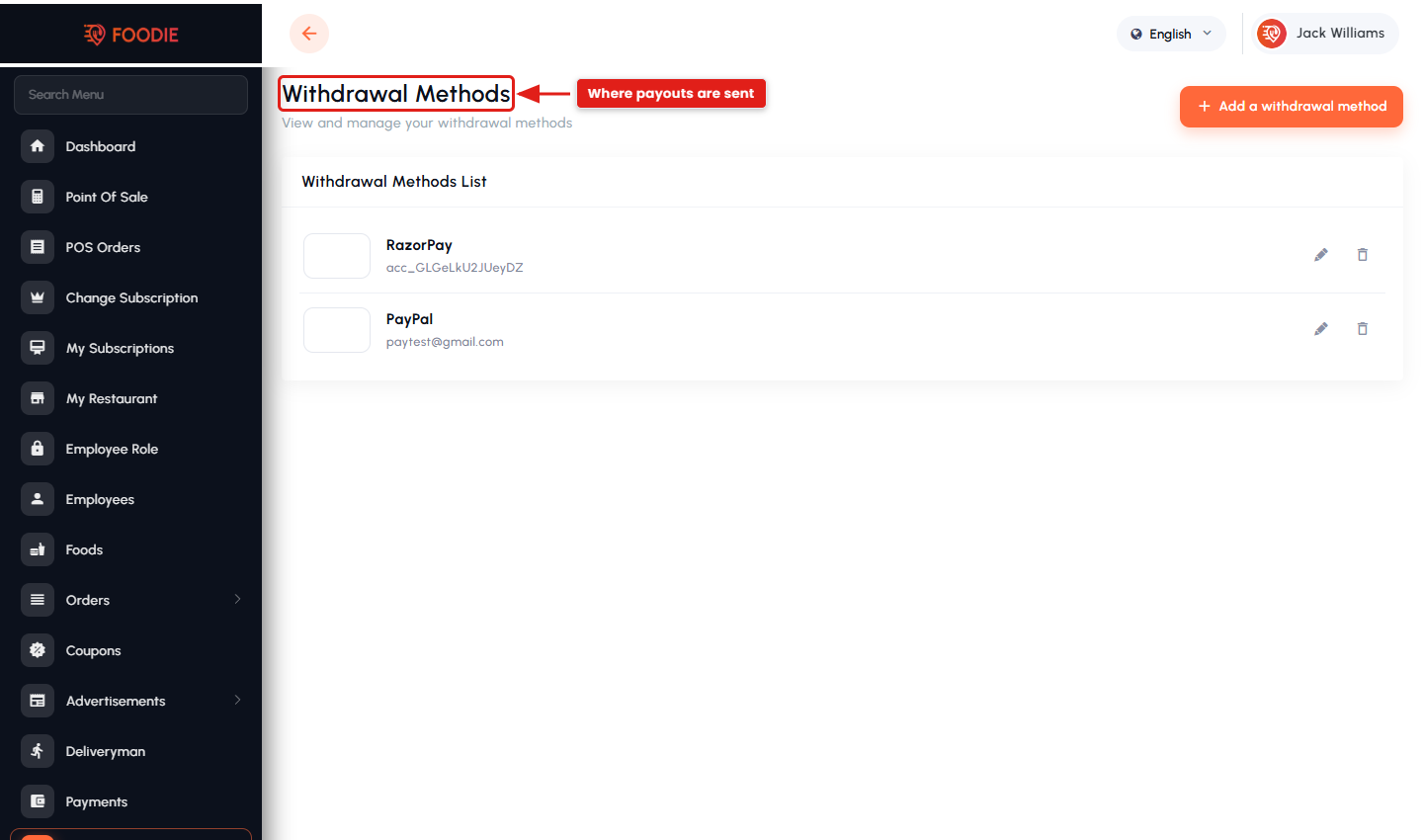
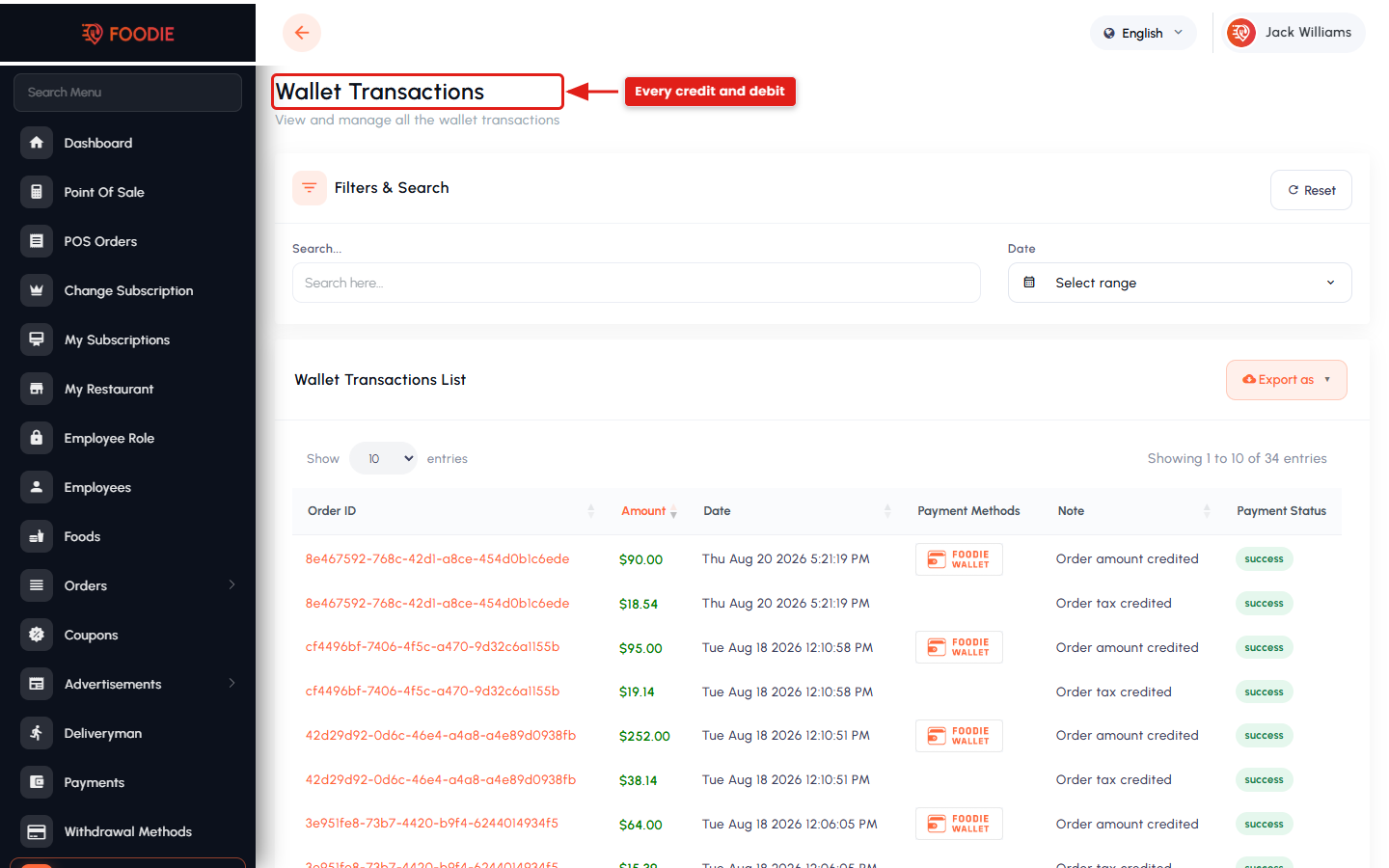
- Payouts, withdrawal methods and wallet transactions.
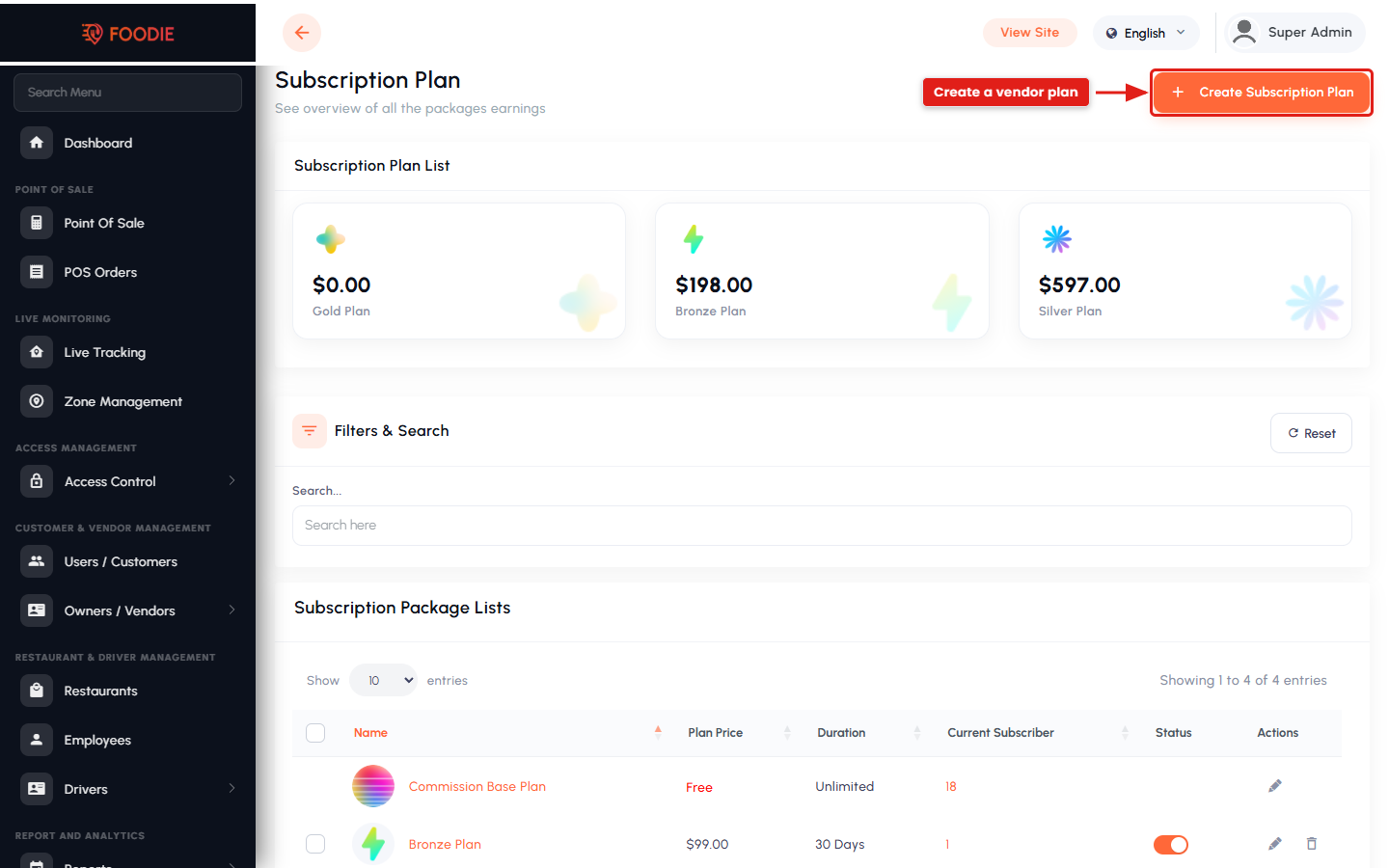
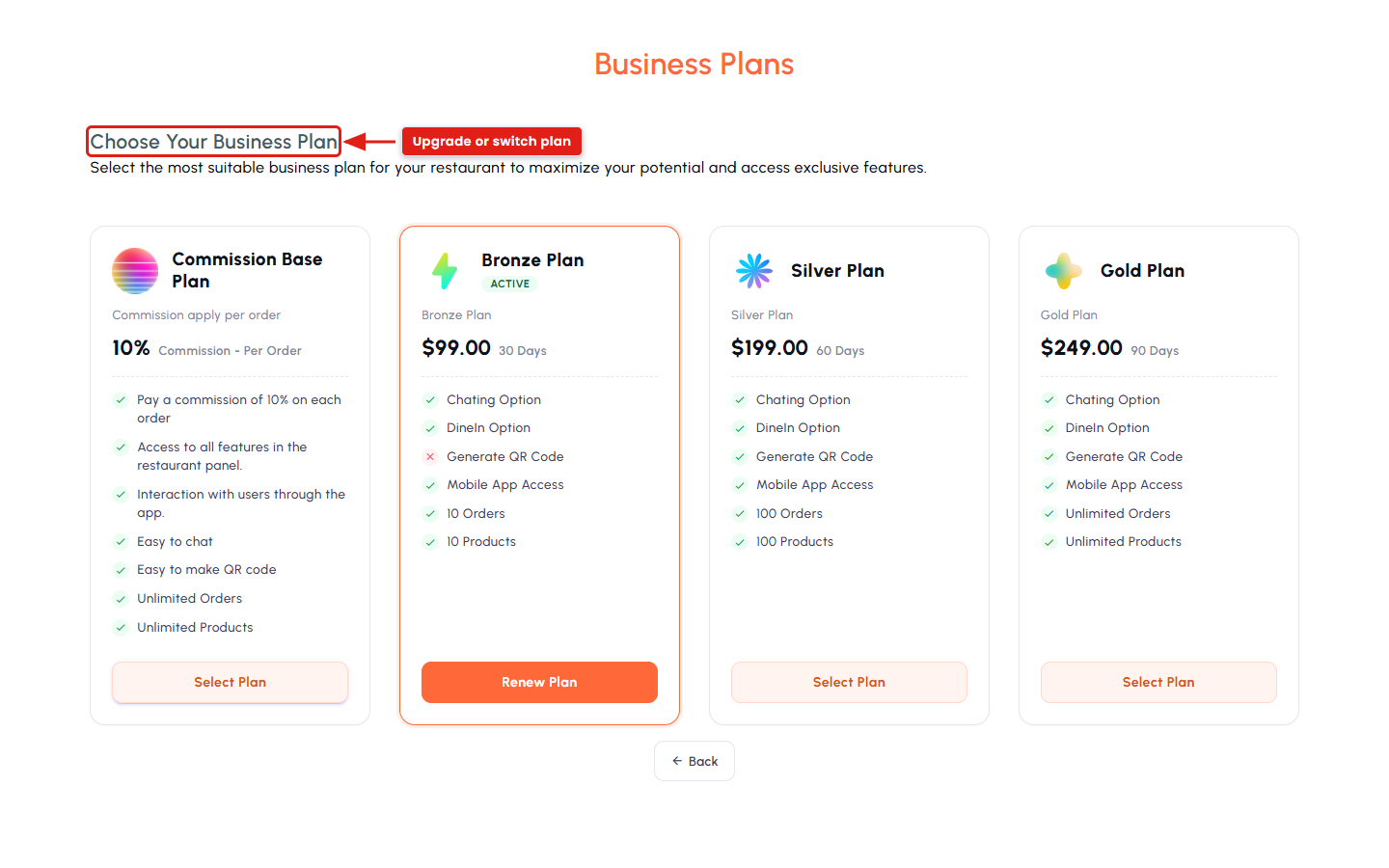
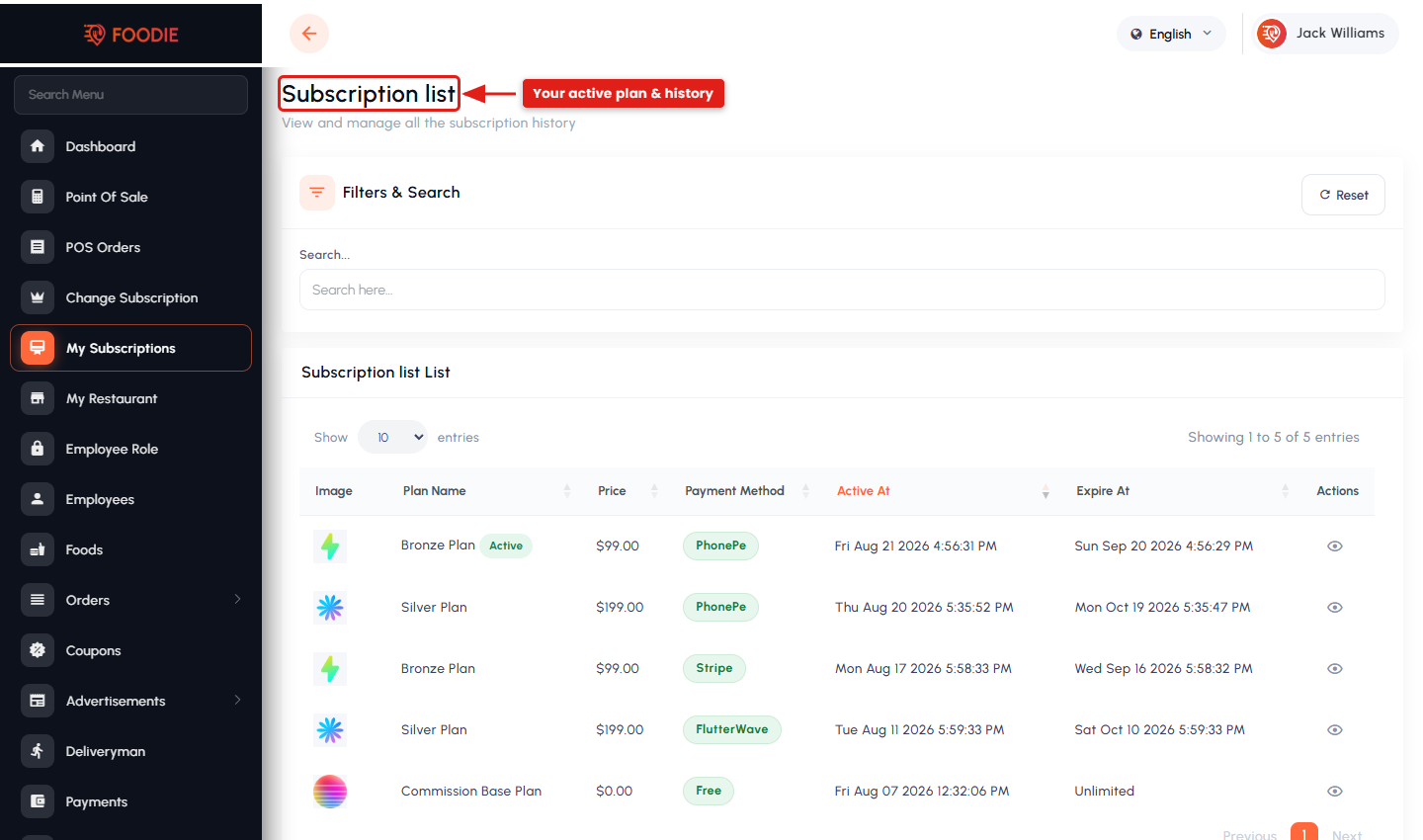
- Subscription plans — buy, change and review subscription history.
Driver & Delivery
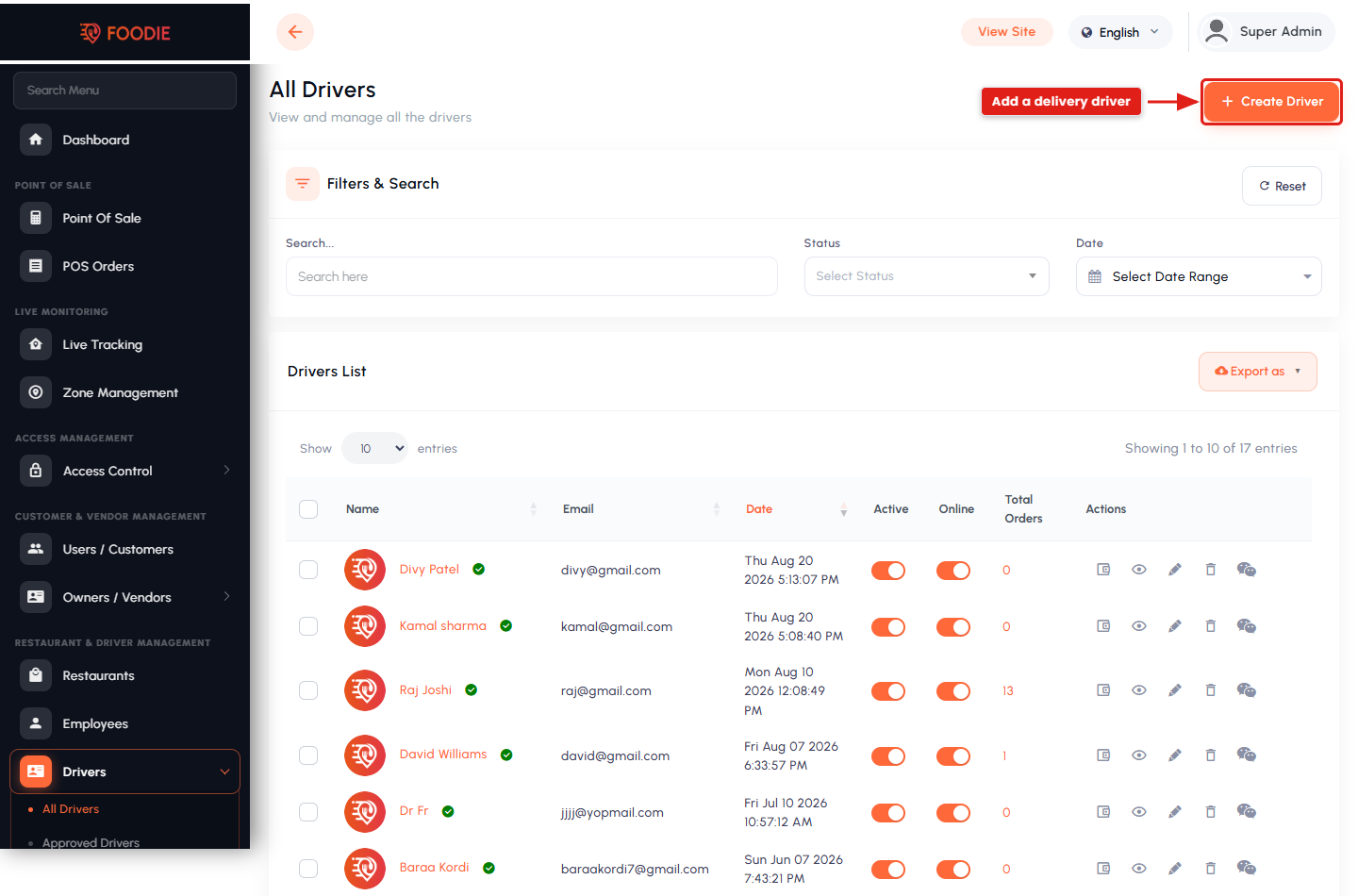
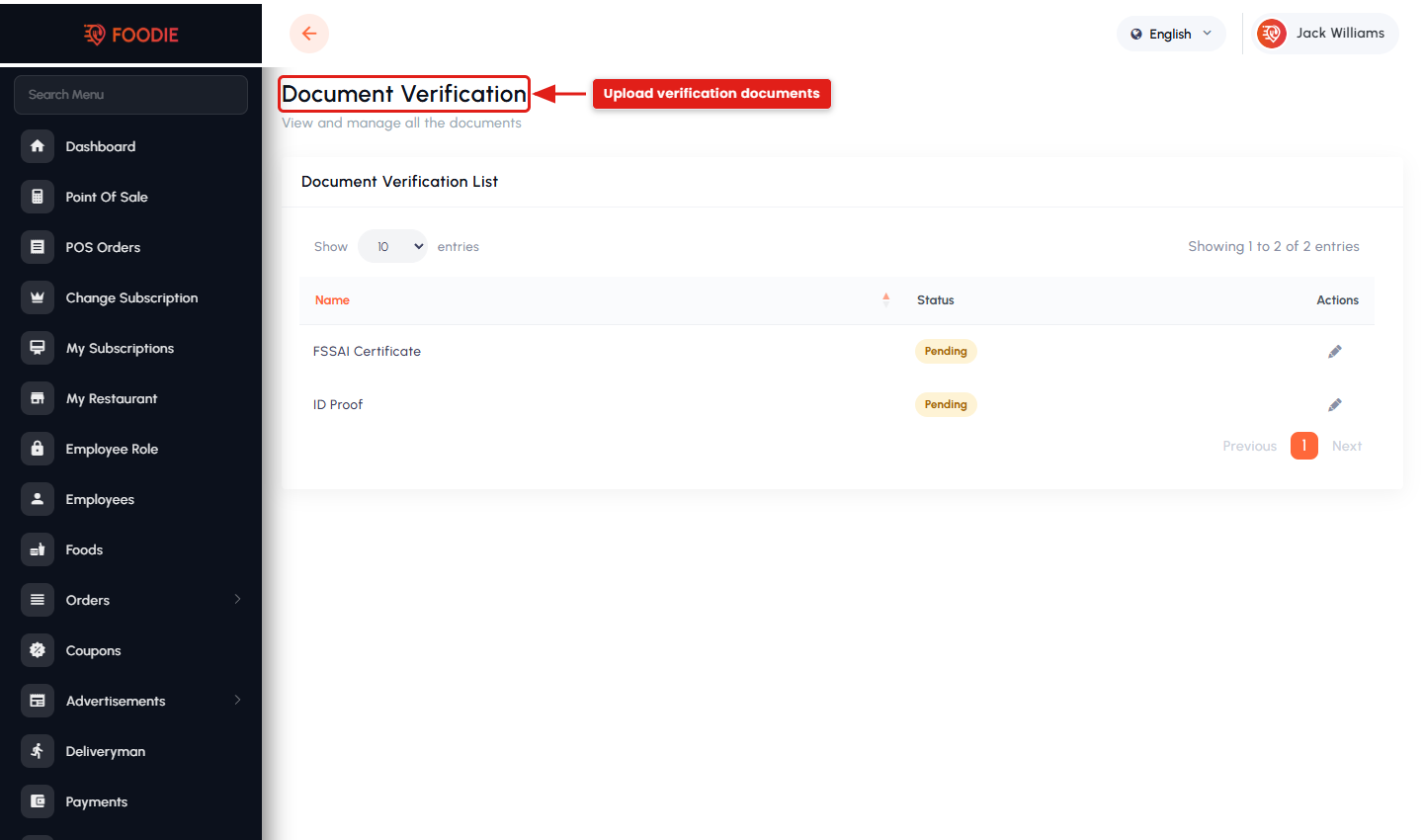
- Driver onboarding with document verification and admin approval.
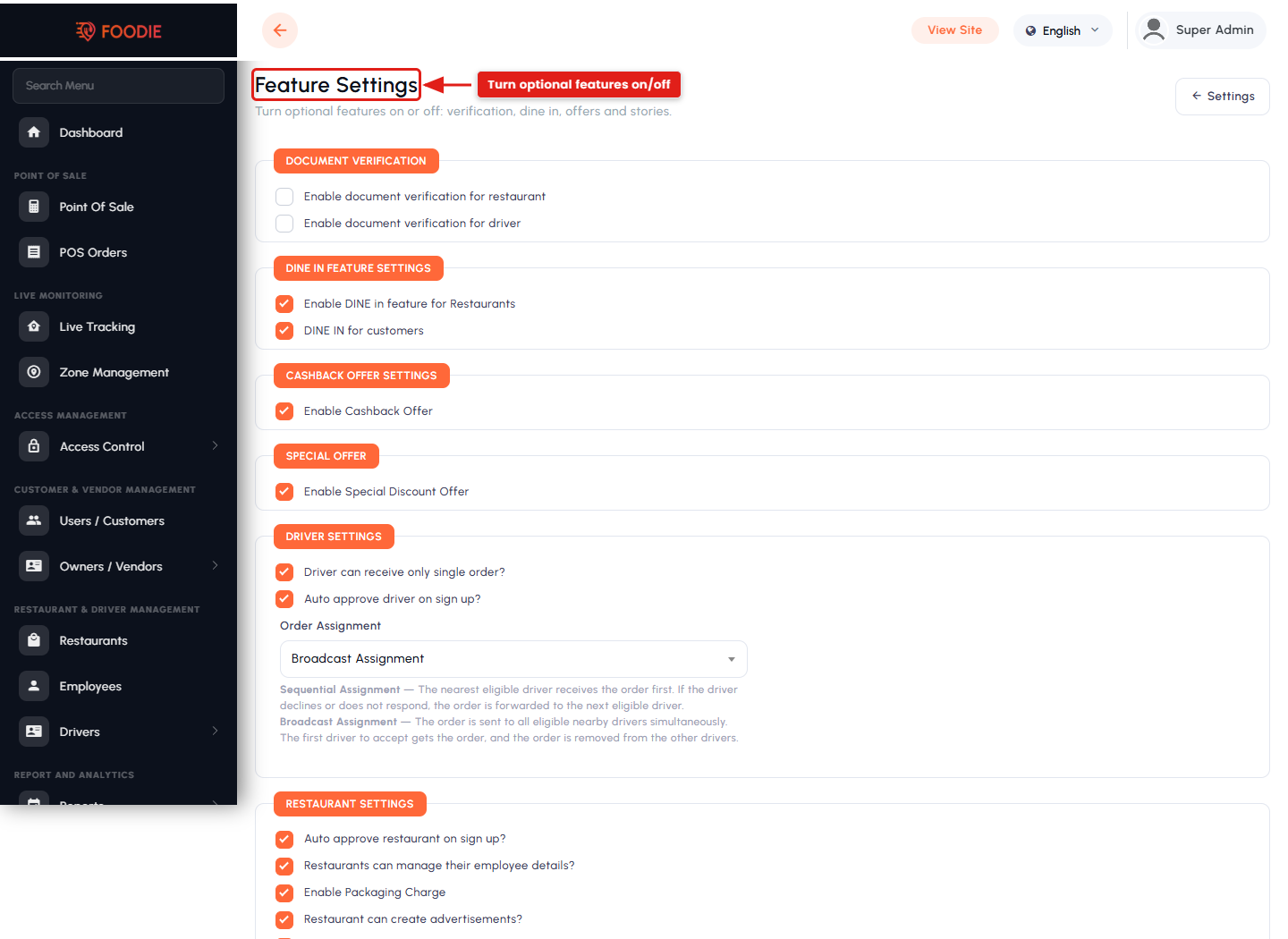
- Order assignment by broadcast or sequential dispatch.
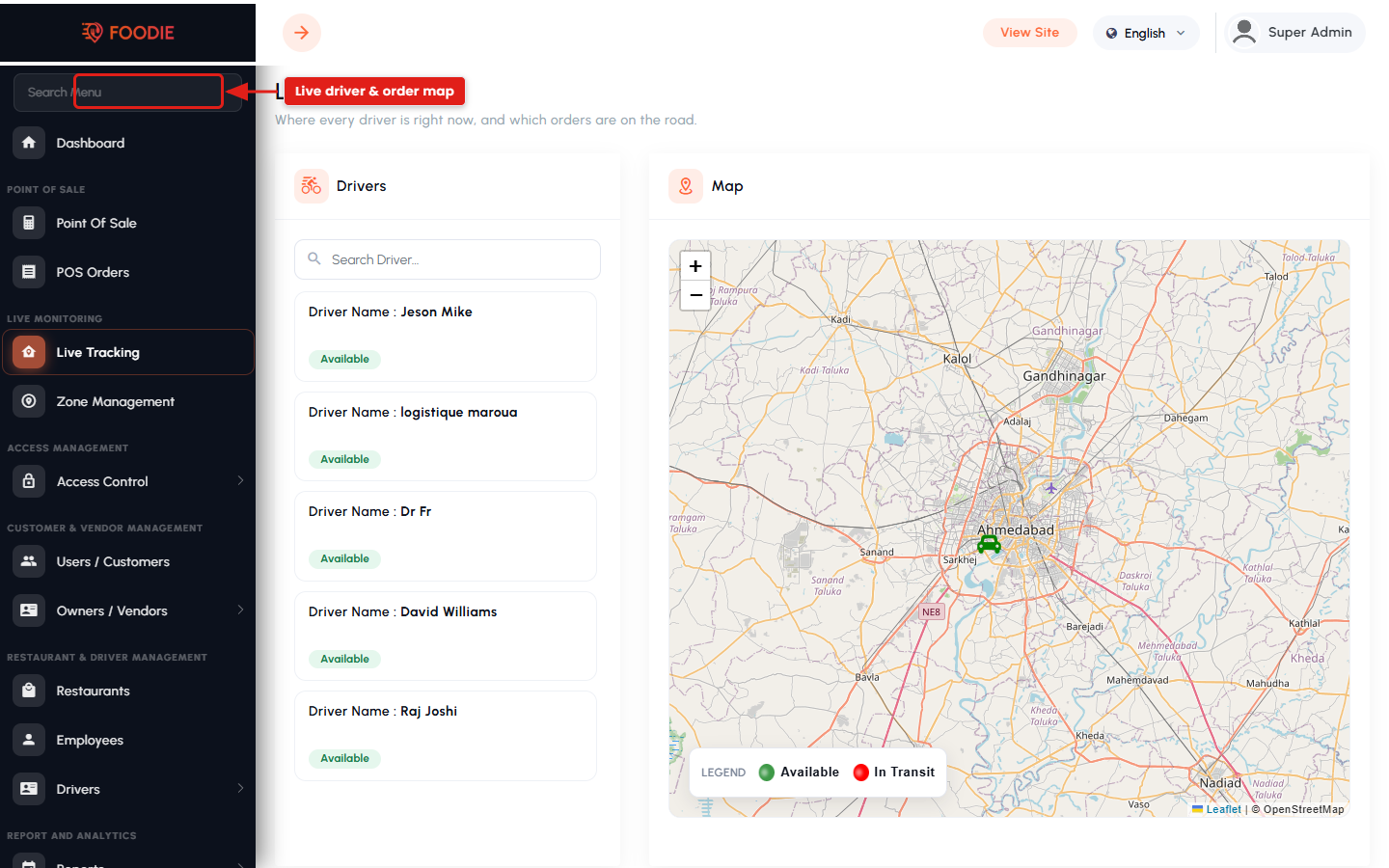
- Live “God’s Eye” map showing drivers and in-flight orders.
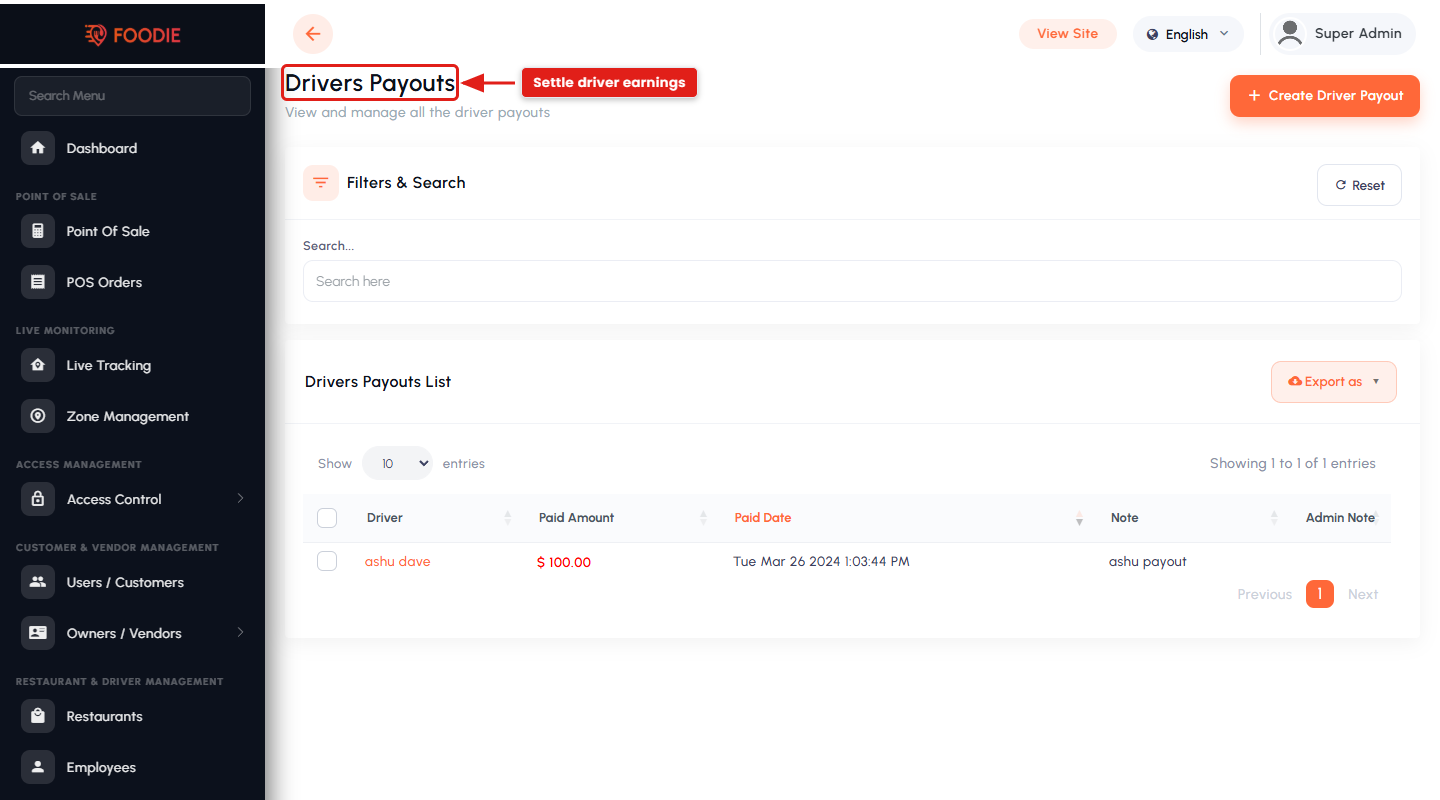
- Driver payouts, payout requests and wallet transactions.
Platform Administration
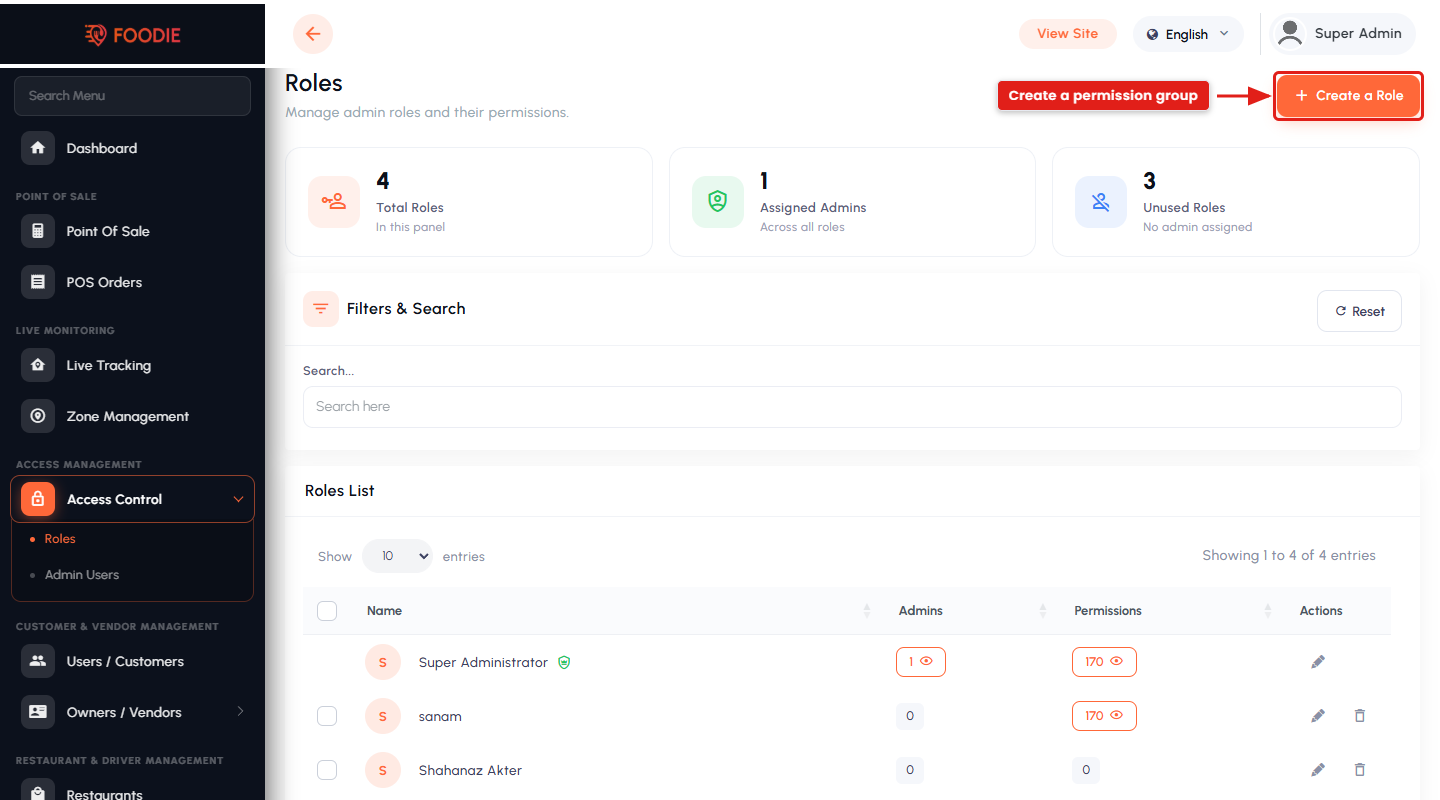
- Role-based admin users with granular per-menu permissions.
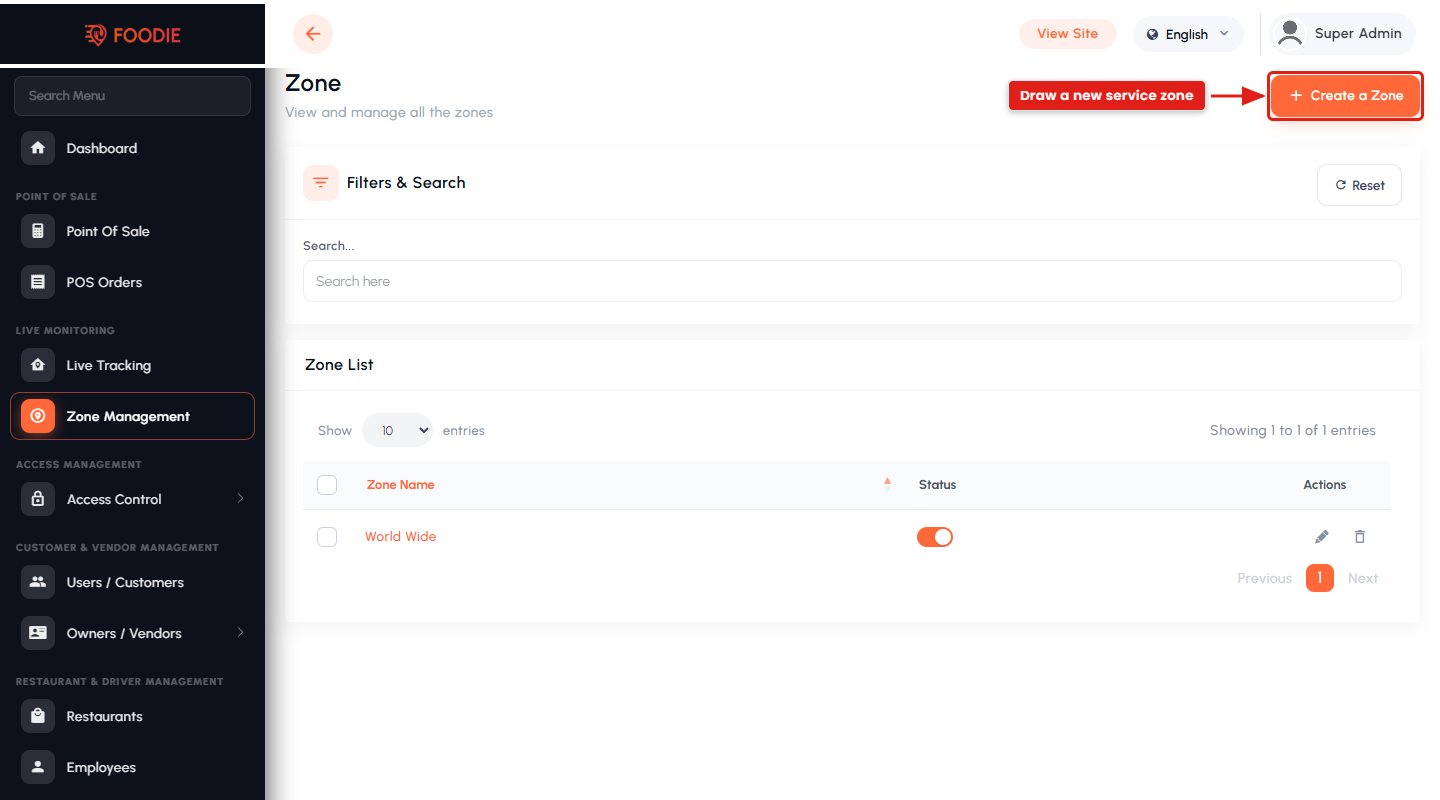
- Service zones that define exactly where the platform operates.
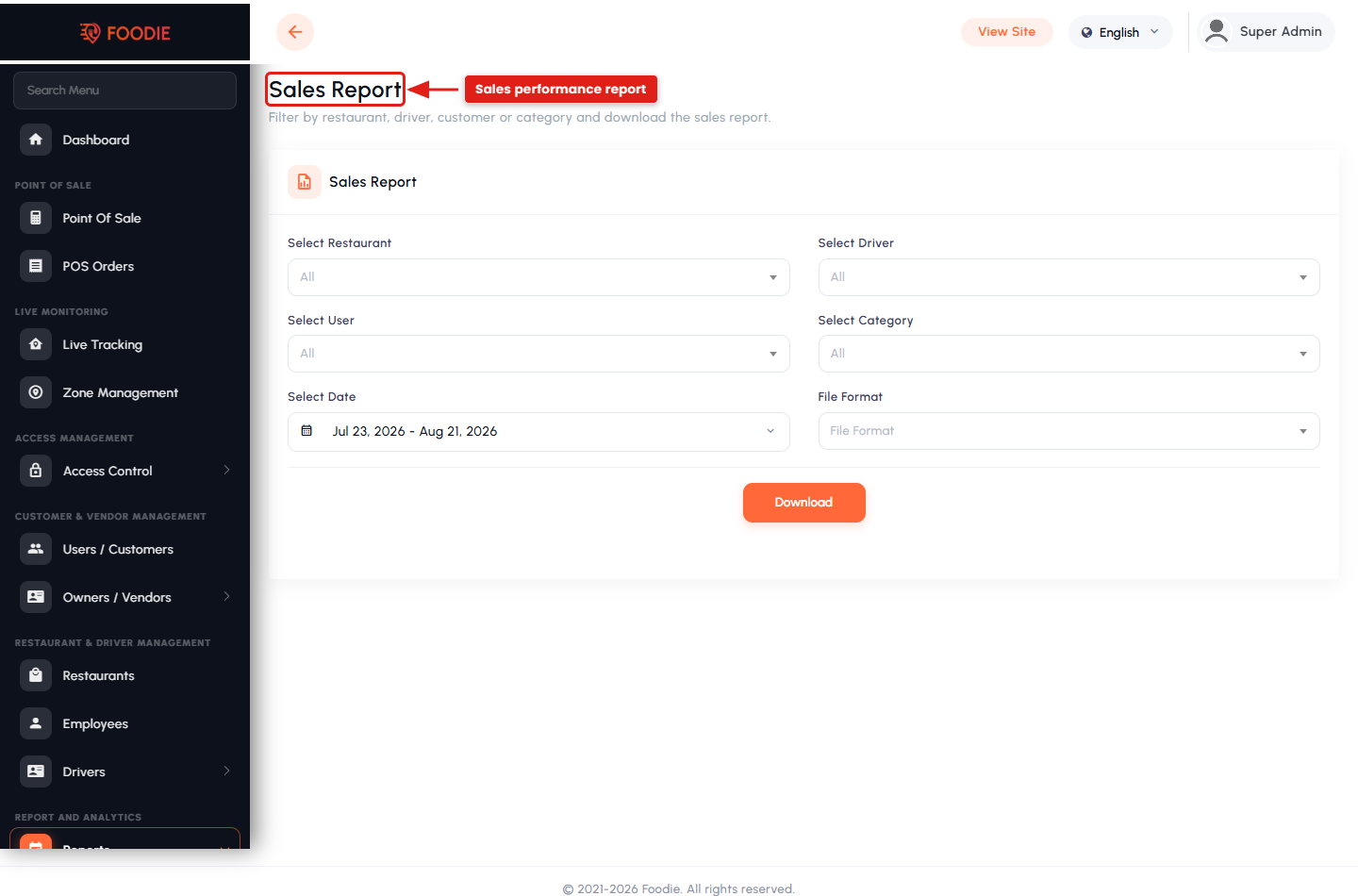
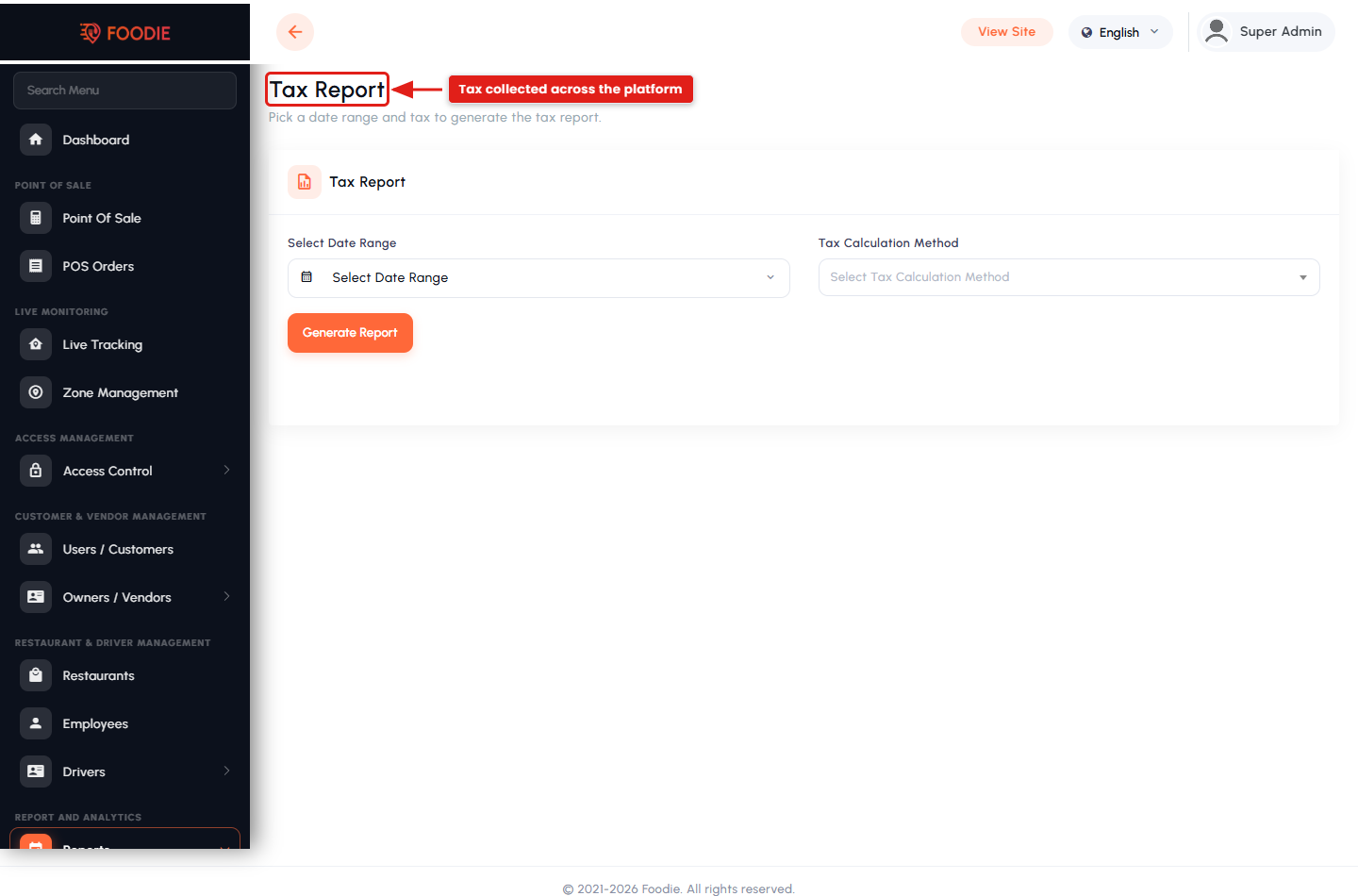
- Sales and tax reports with restaurant / driver / date filters and XLS, CSV and PDF export.
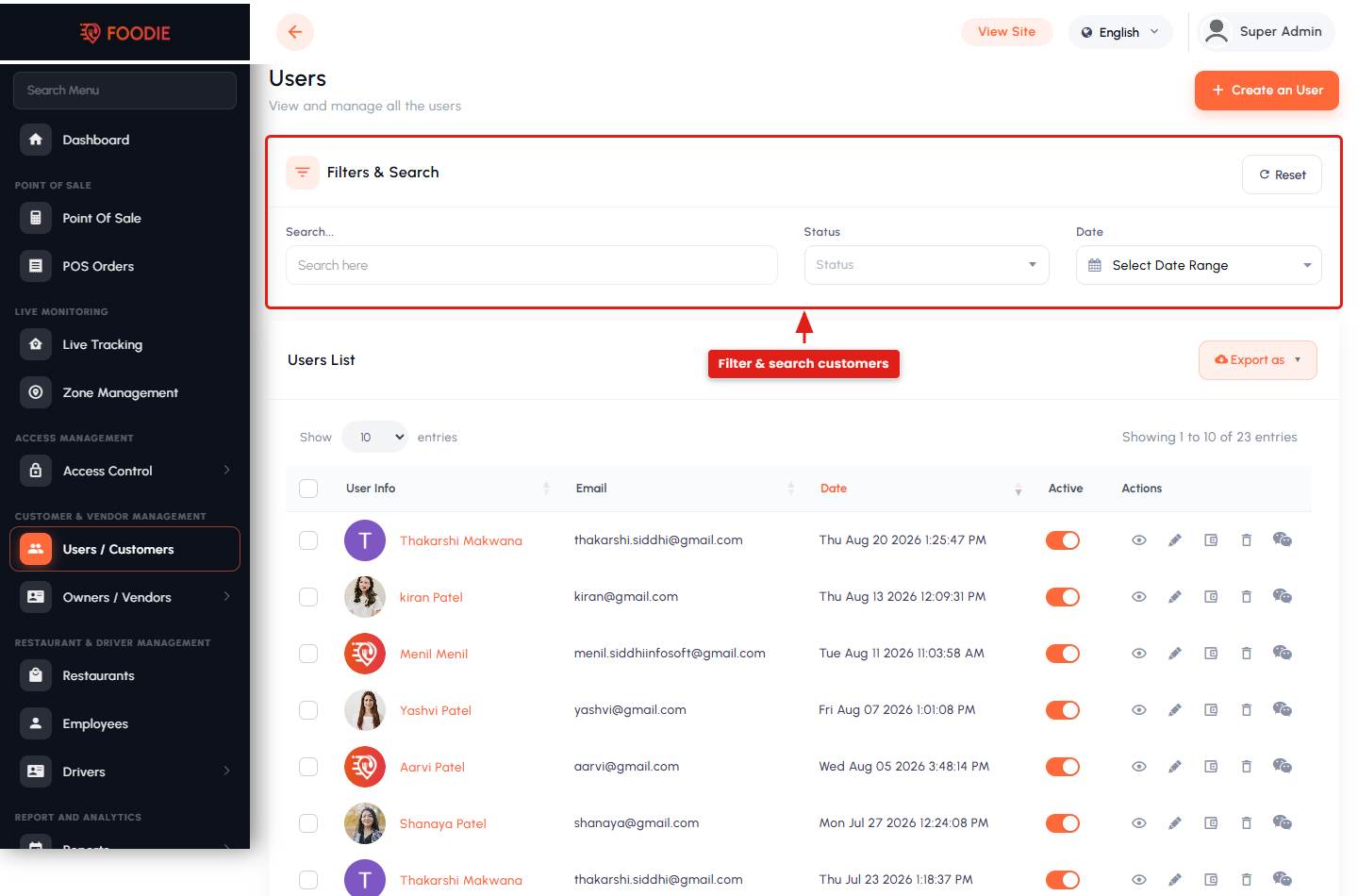
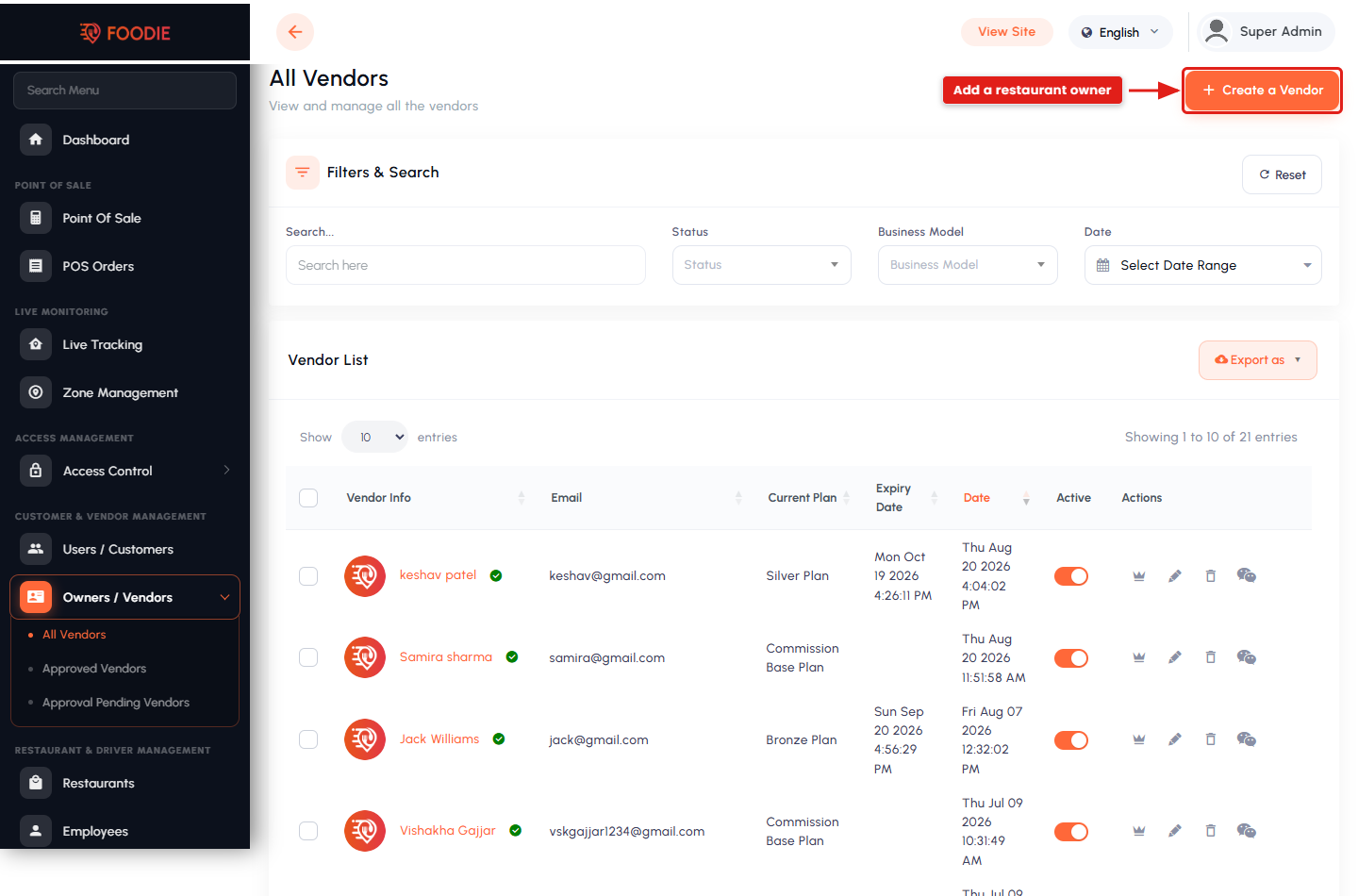
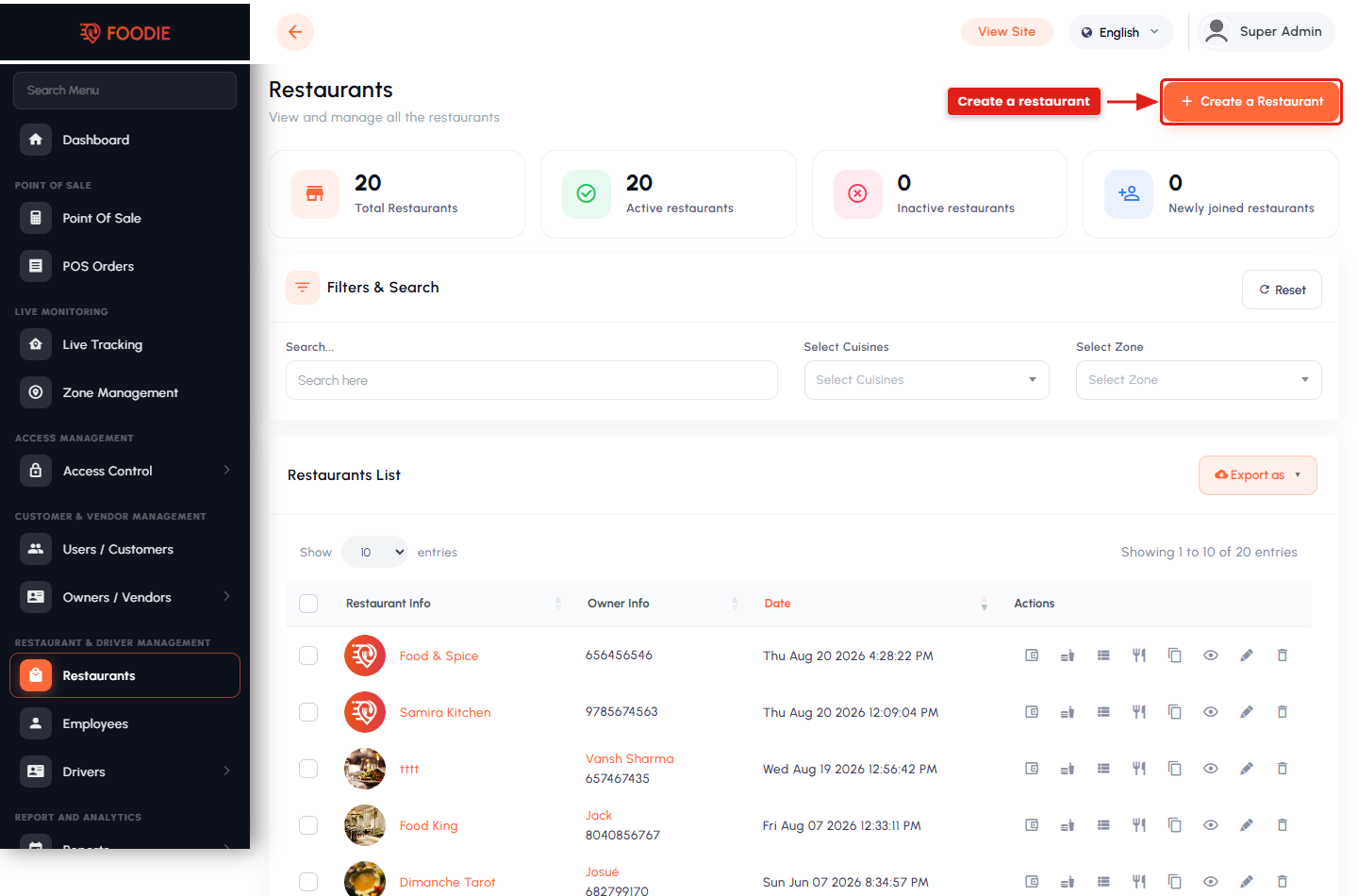
- Customer, vendor, restaurant, driver and employee management.
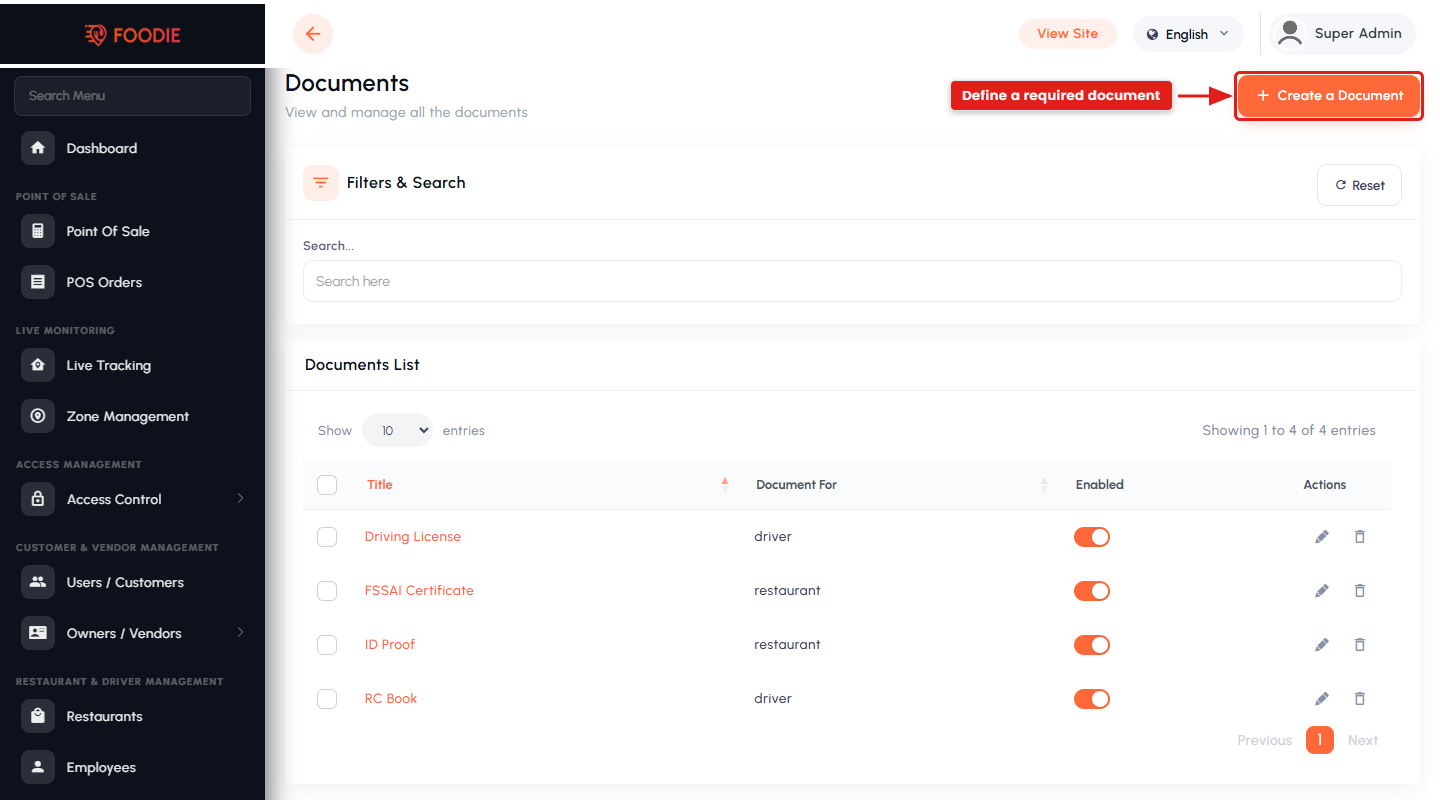
- Document types and a verification workflow for vendors and drivers.
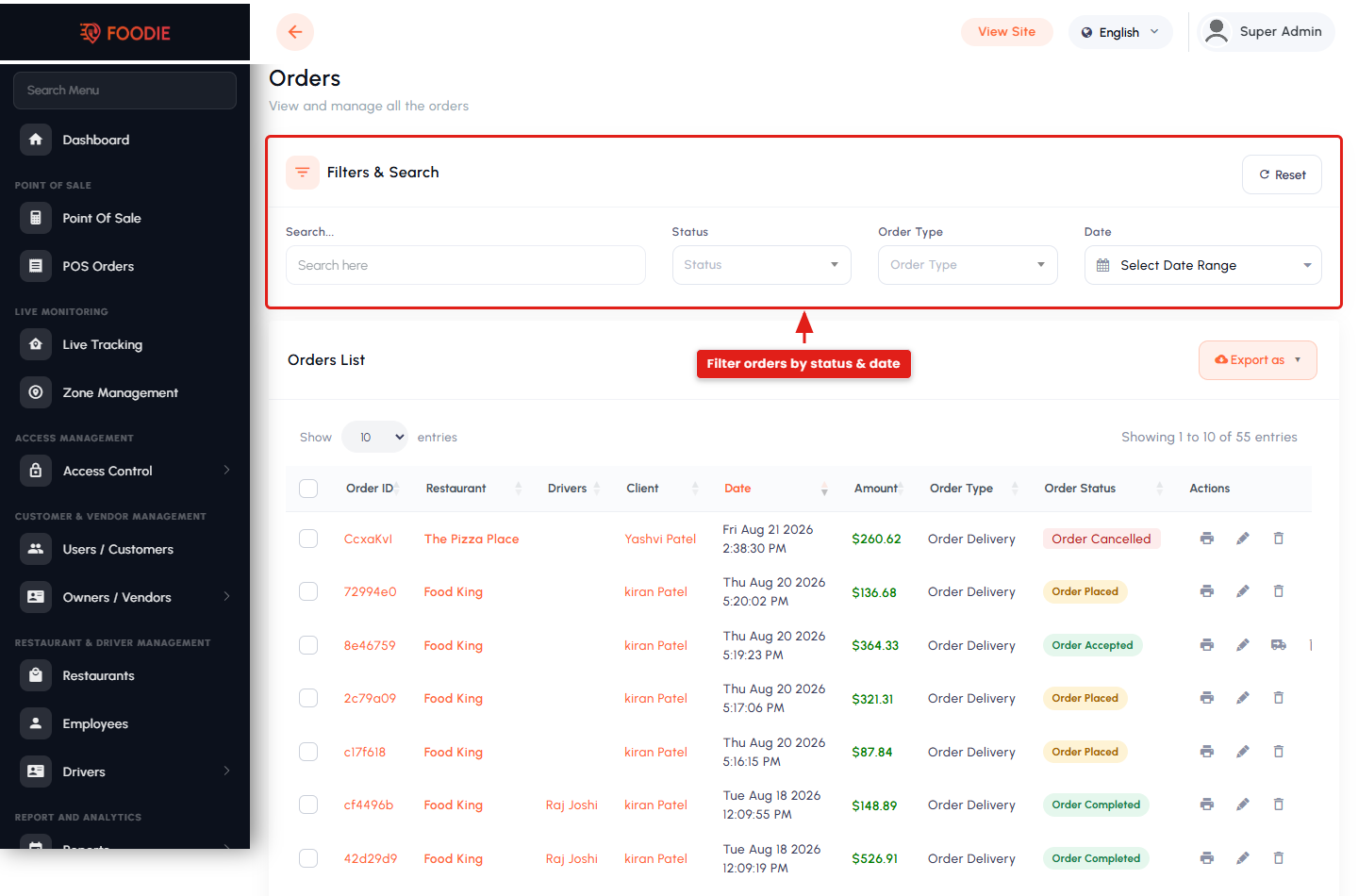
- Admin-side POS and order management, including printable order slips.
Monetization
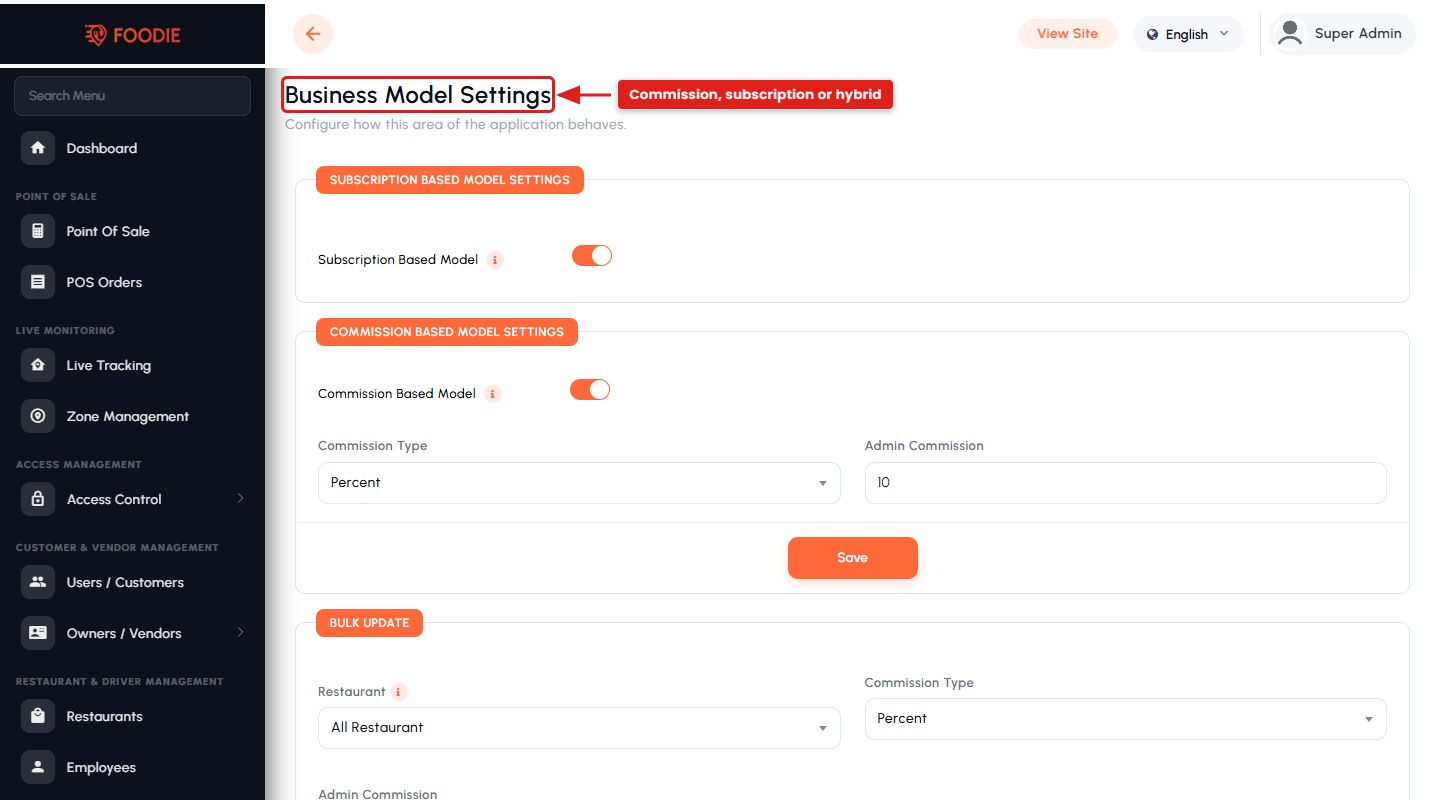
- Commission, subscription or hybrid business models.
- Vendor subscription plans with feature limits and history.
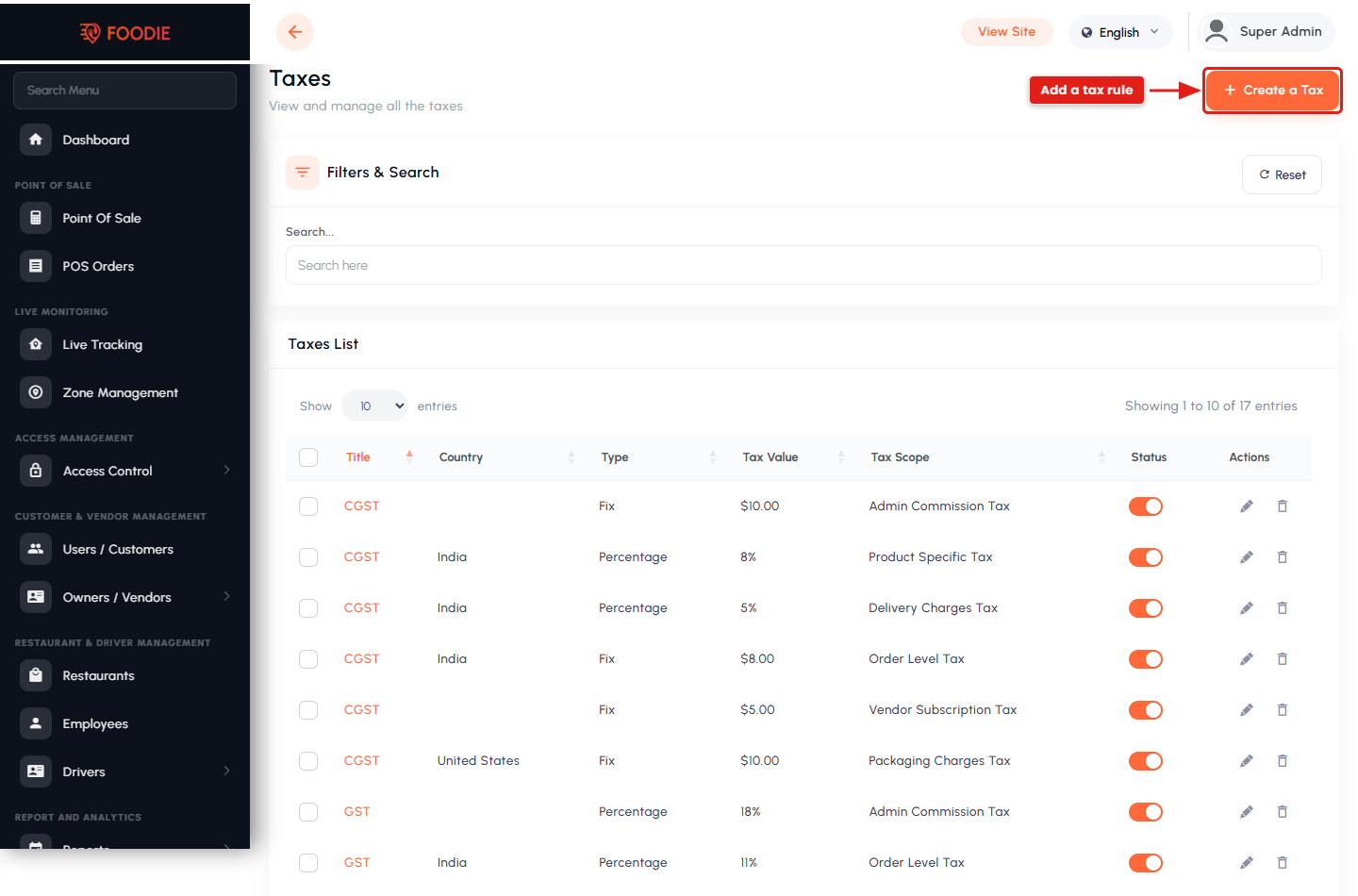
- Platform fee, packaging charge, delivery charge and country-wise taxes.
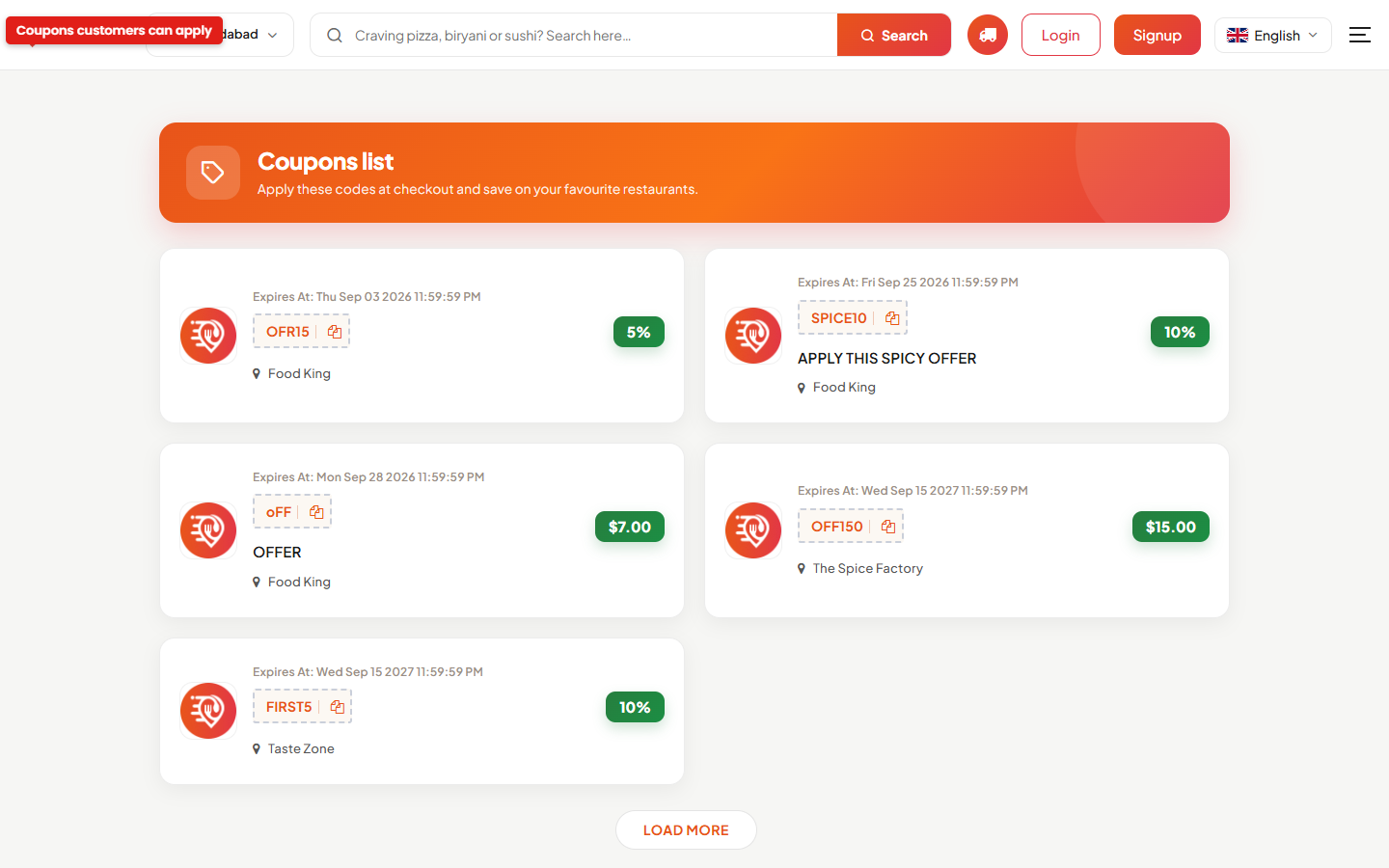
- Coupons, cashback, gift cards and paid advertisements.
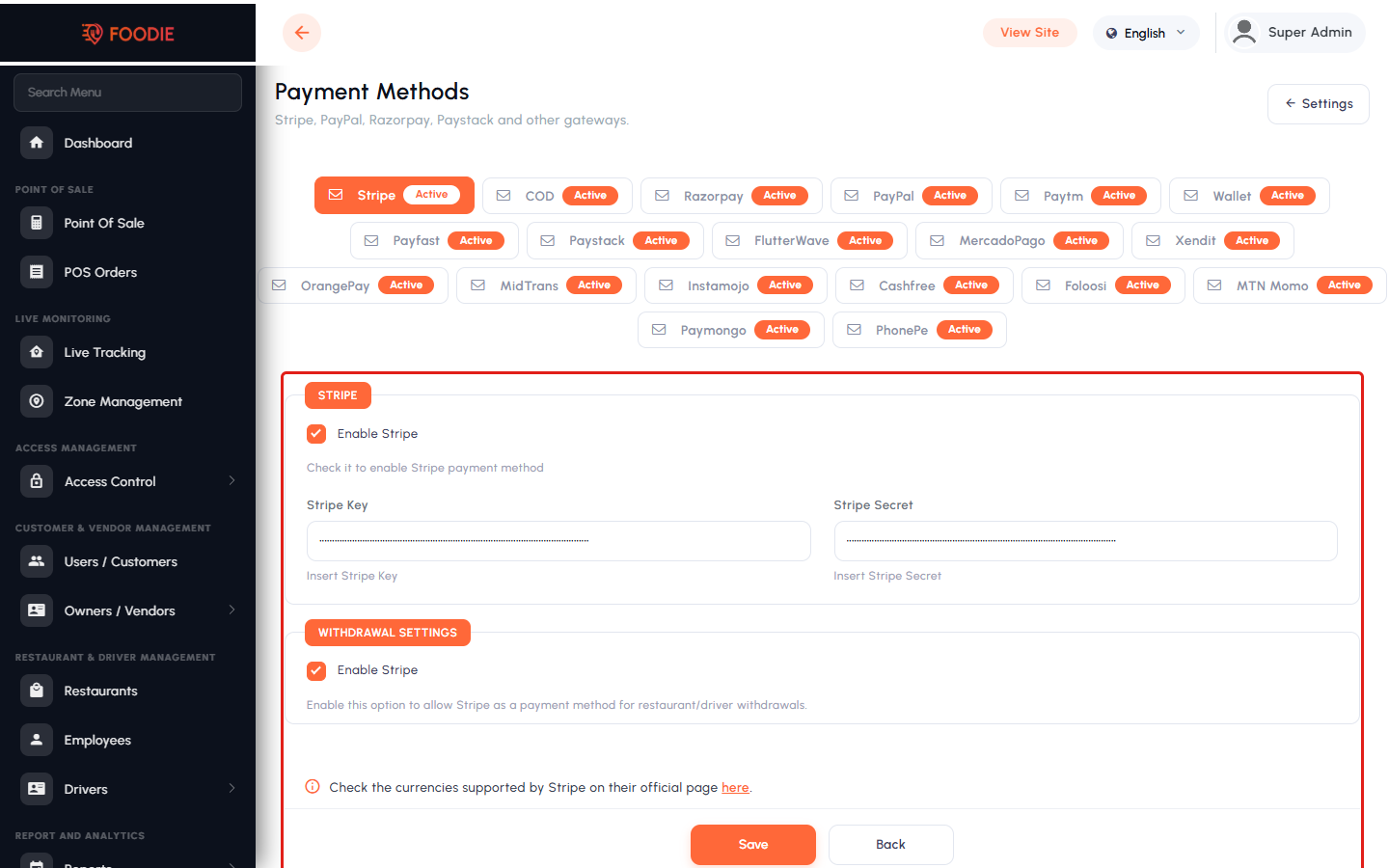
- 20+ integrated payment gateways plus Cash on Delivery and an in-app wallet.
Content & Communication
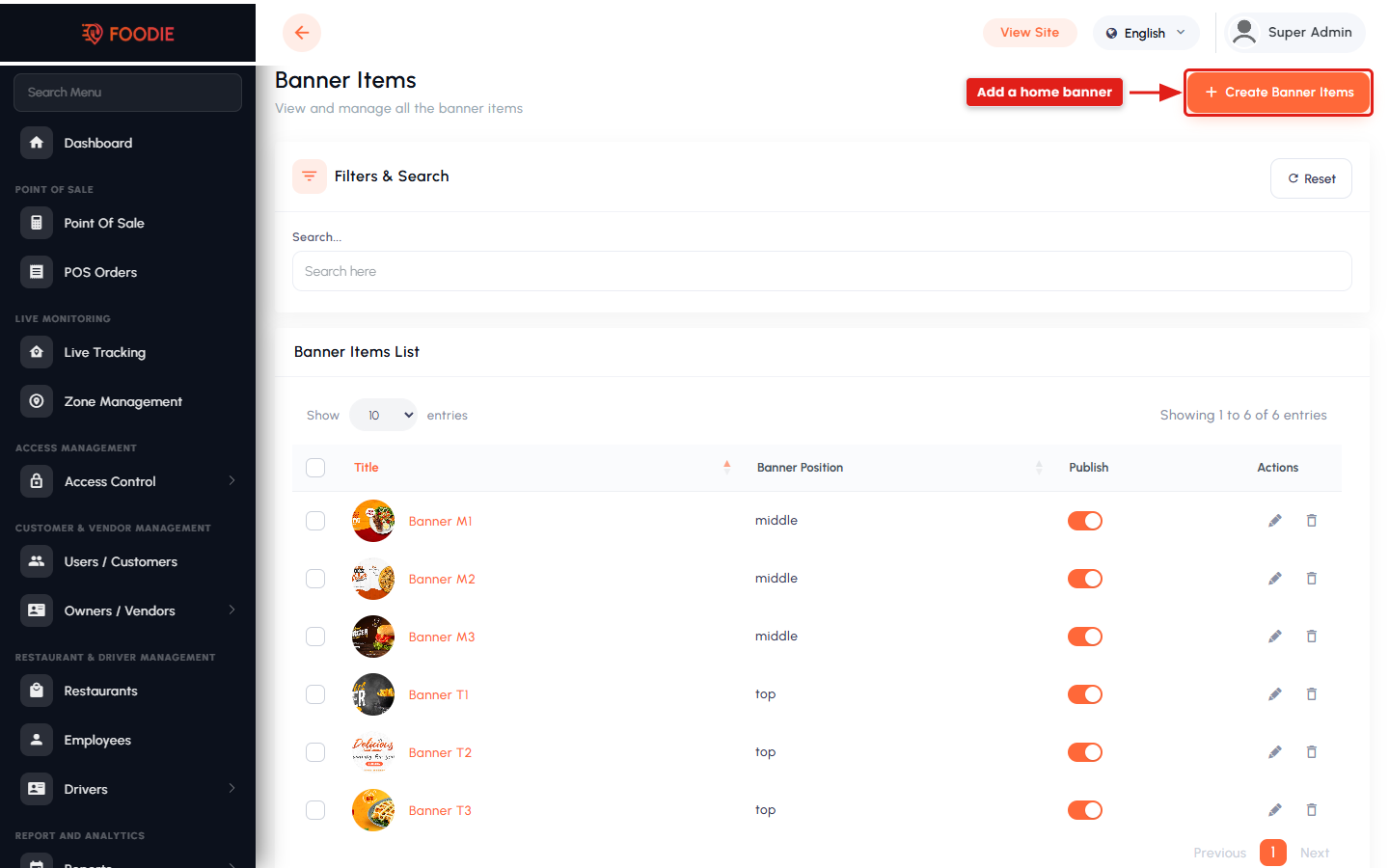
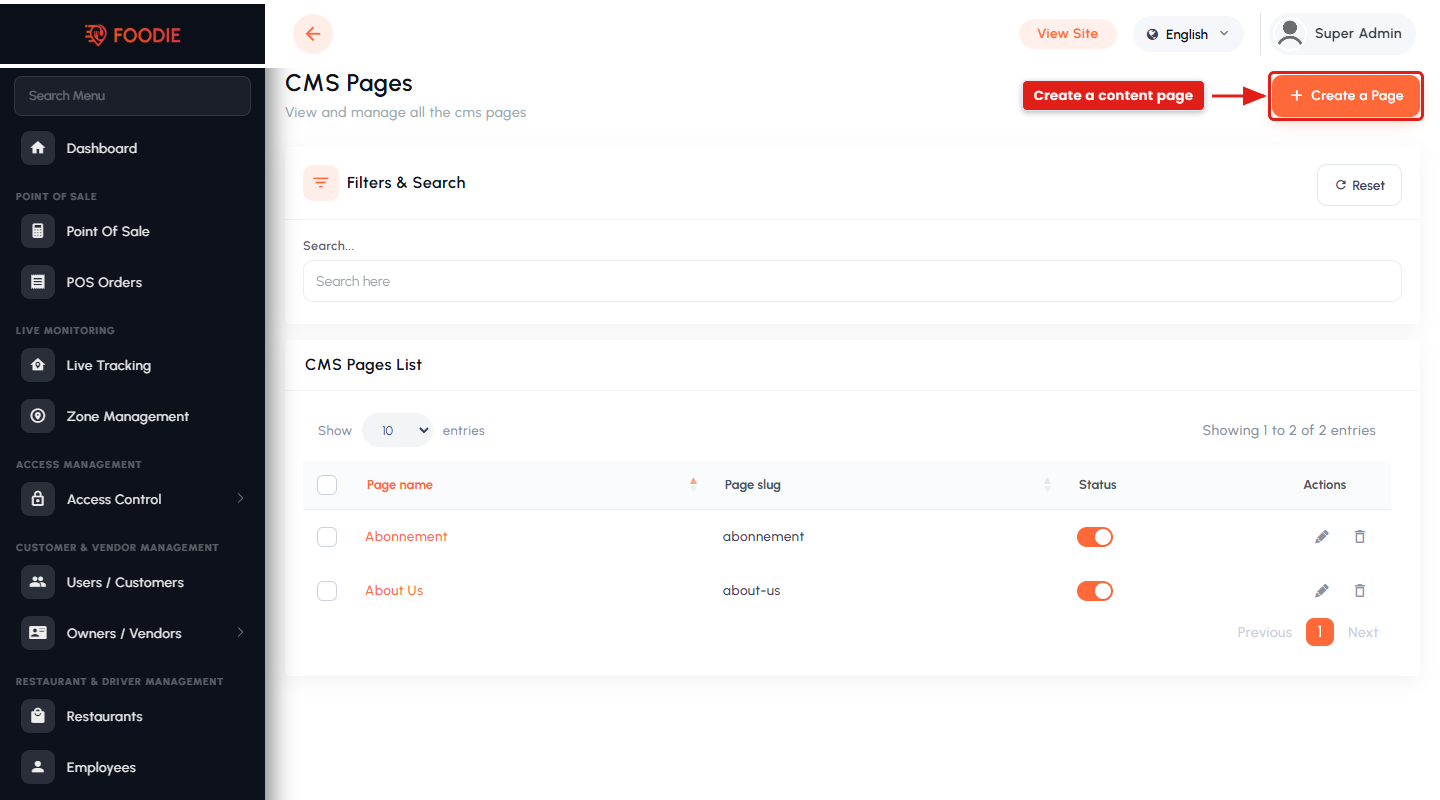
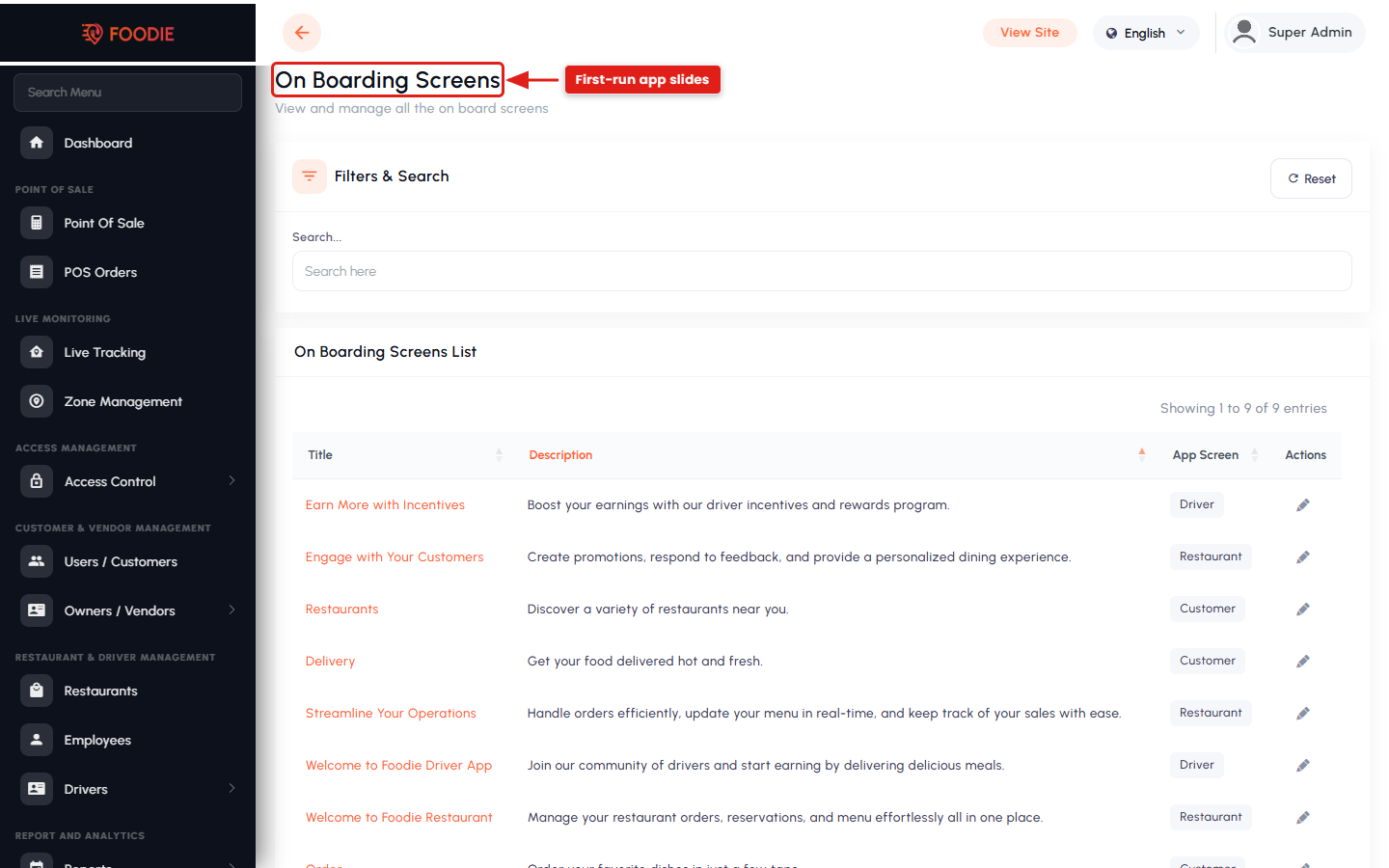
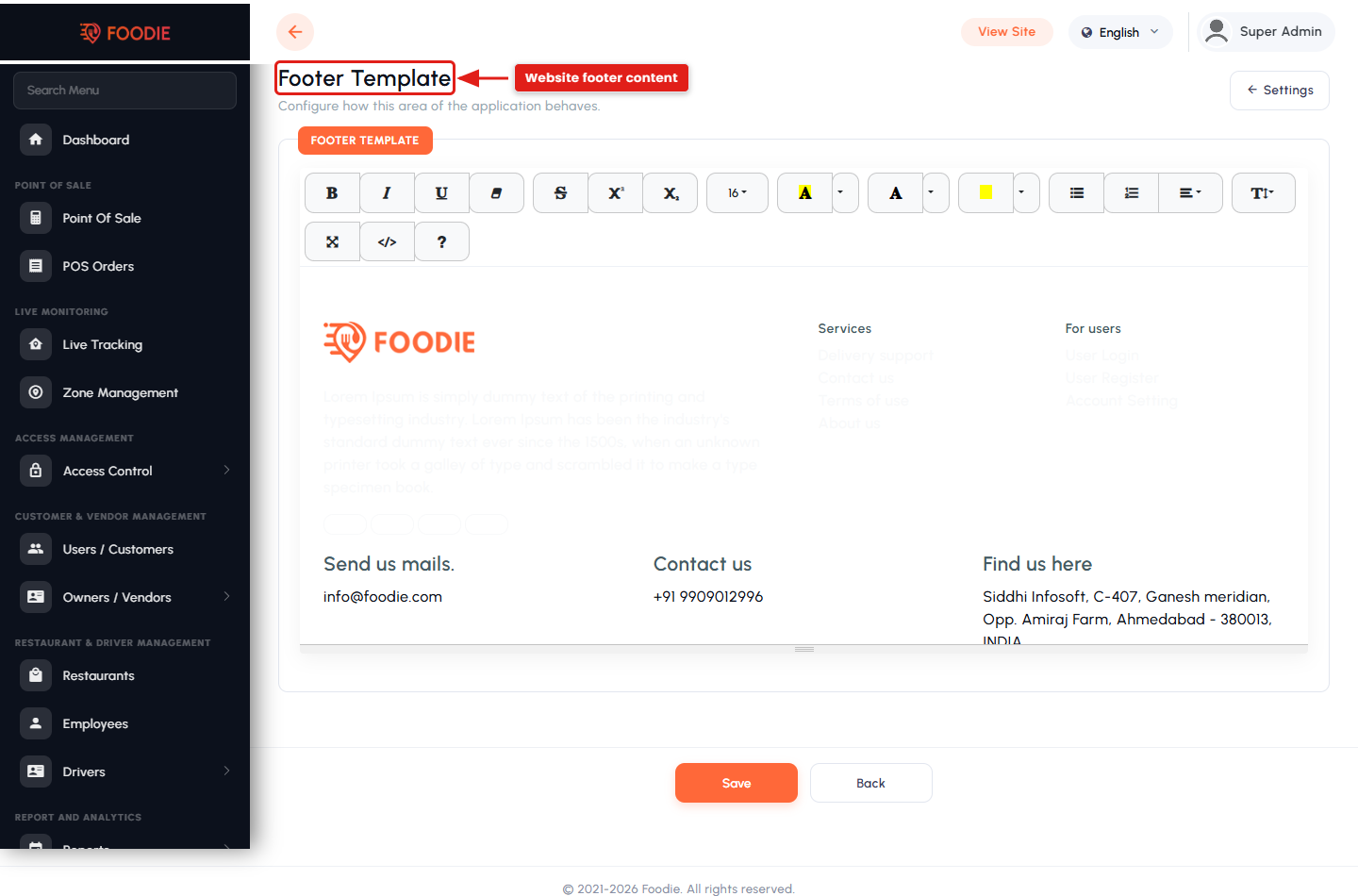
- Home banners, footer template, CMS pages and onboarding screens.
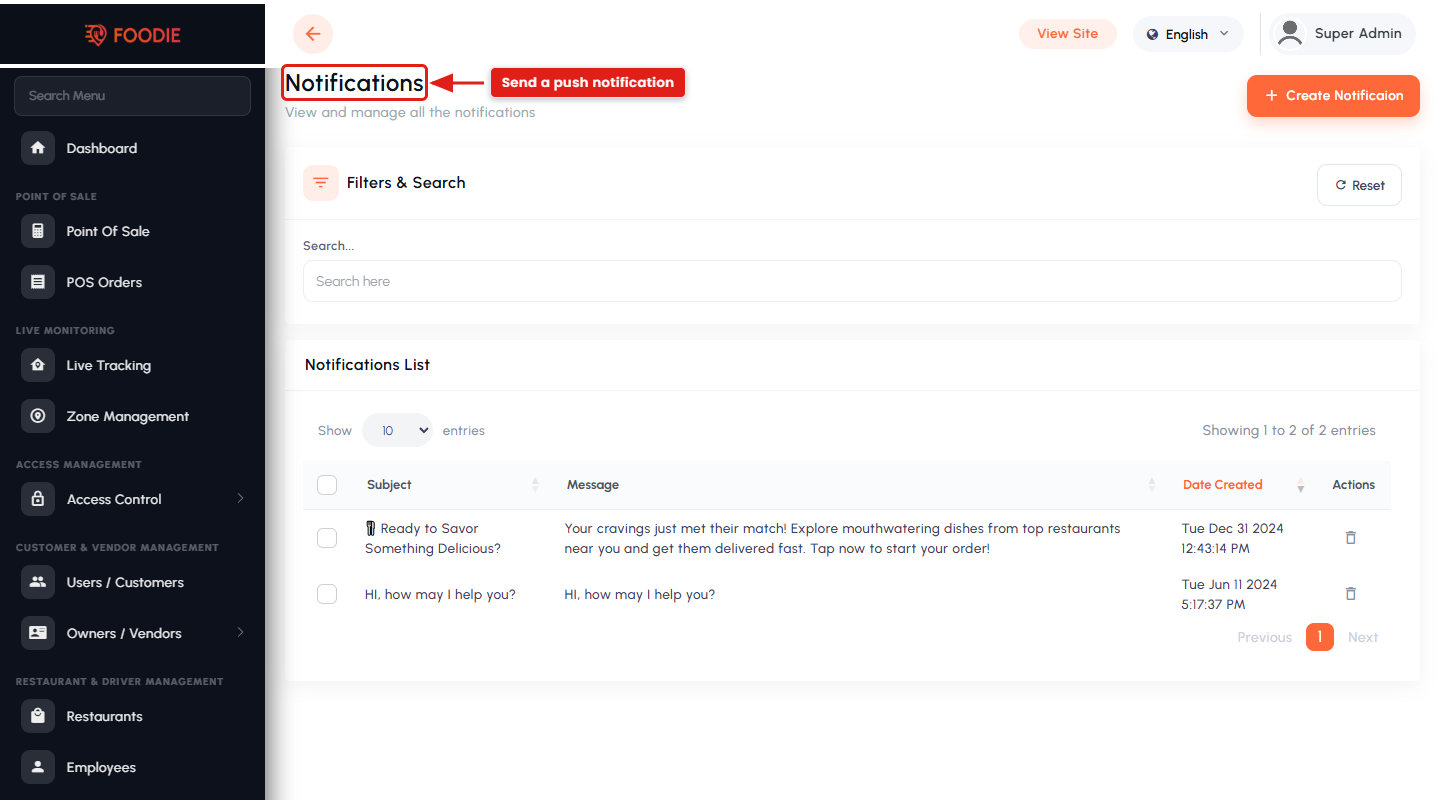
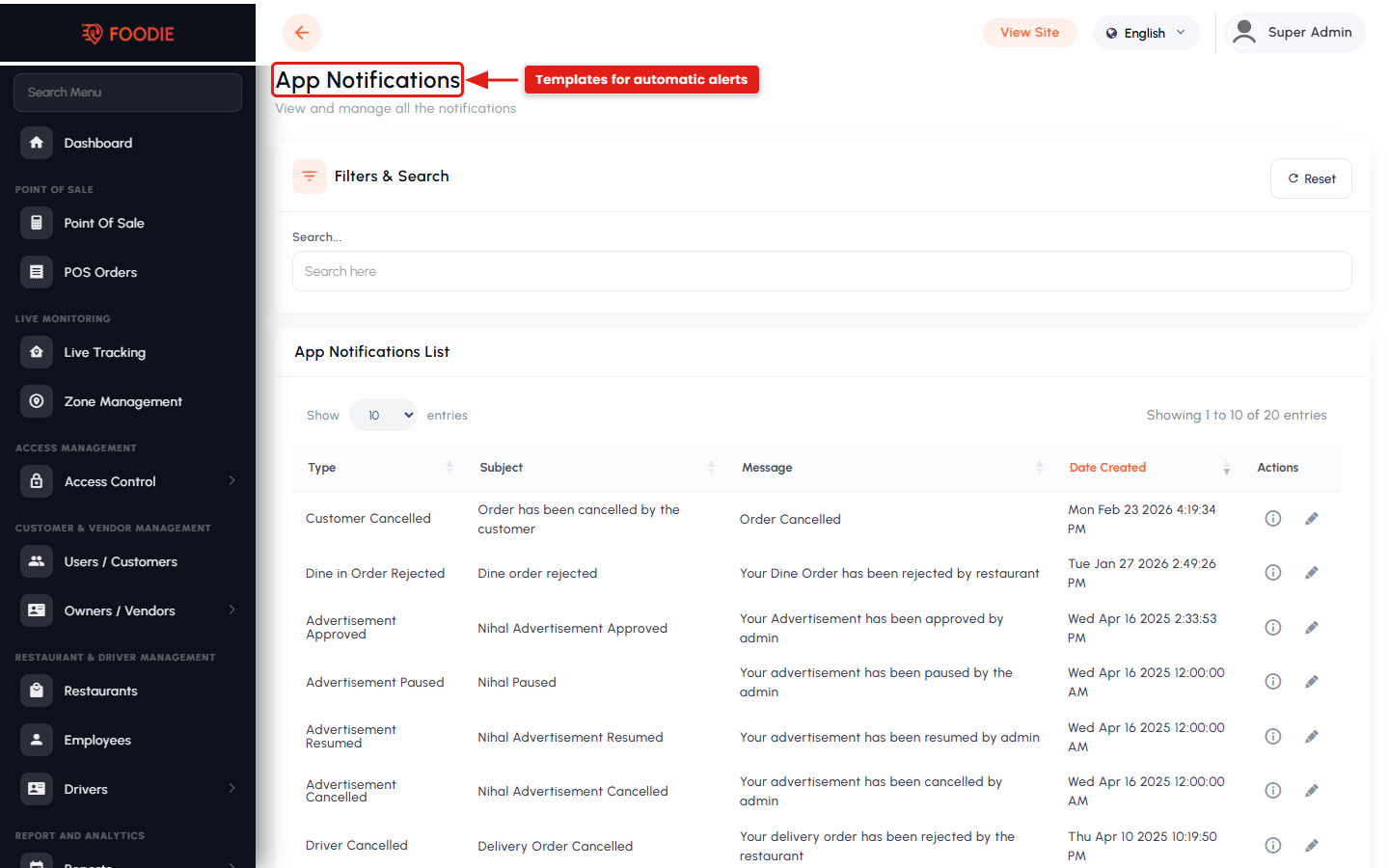
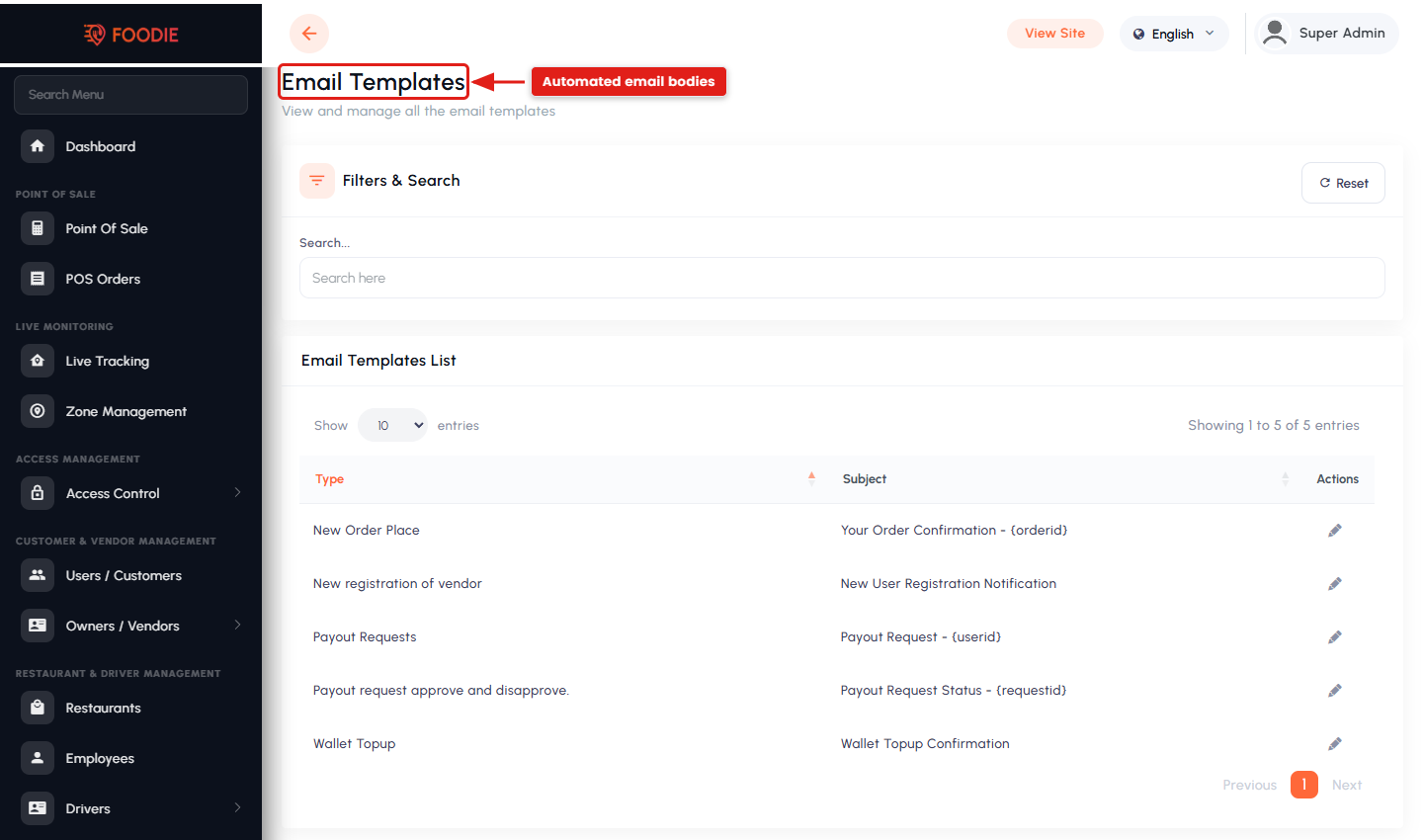
- General and dynamic push notifications, plus editable email templates.
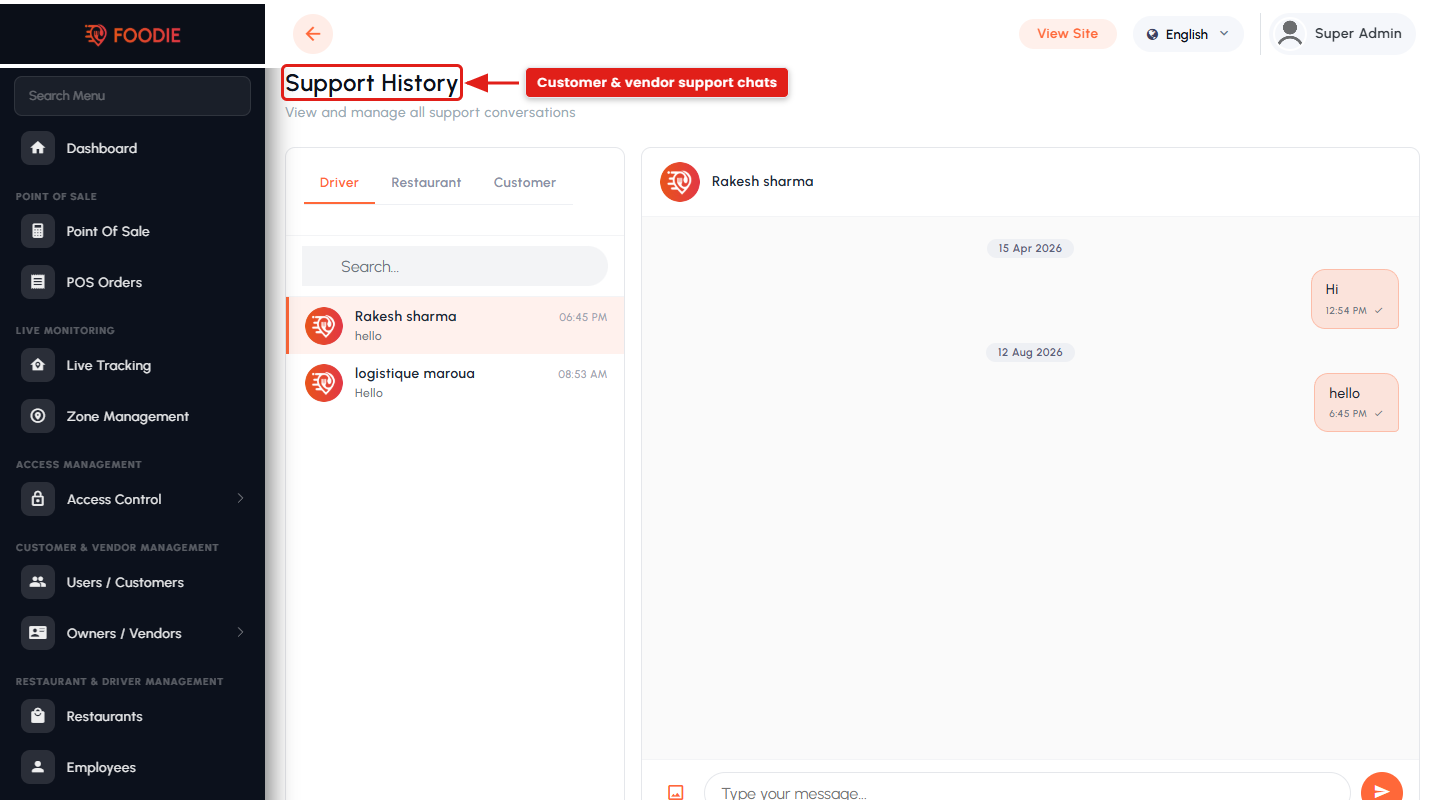
- Built-in chat between admin, customers, vendors and drivers, with a support-history log.
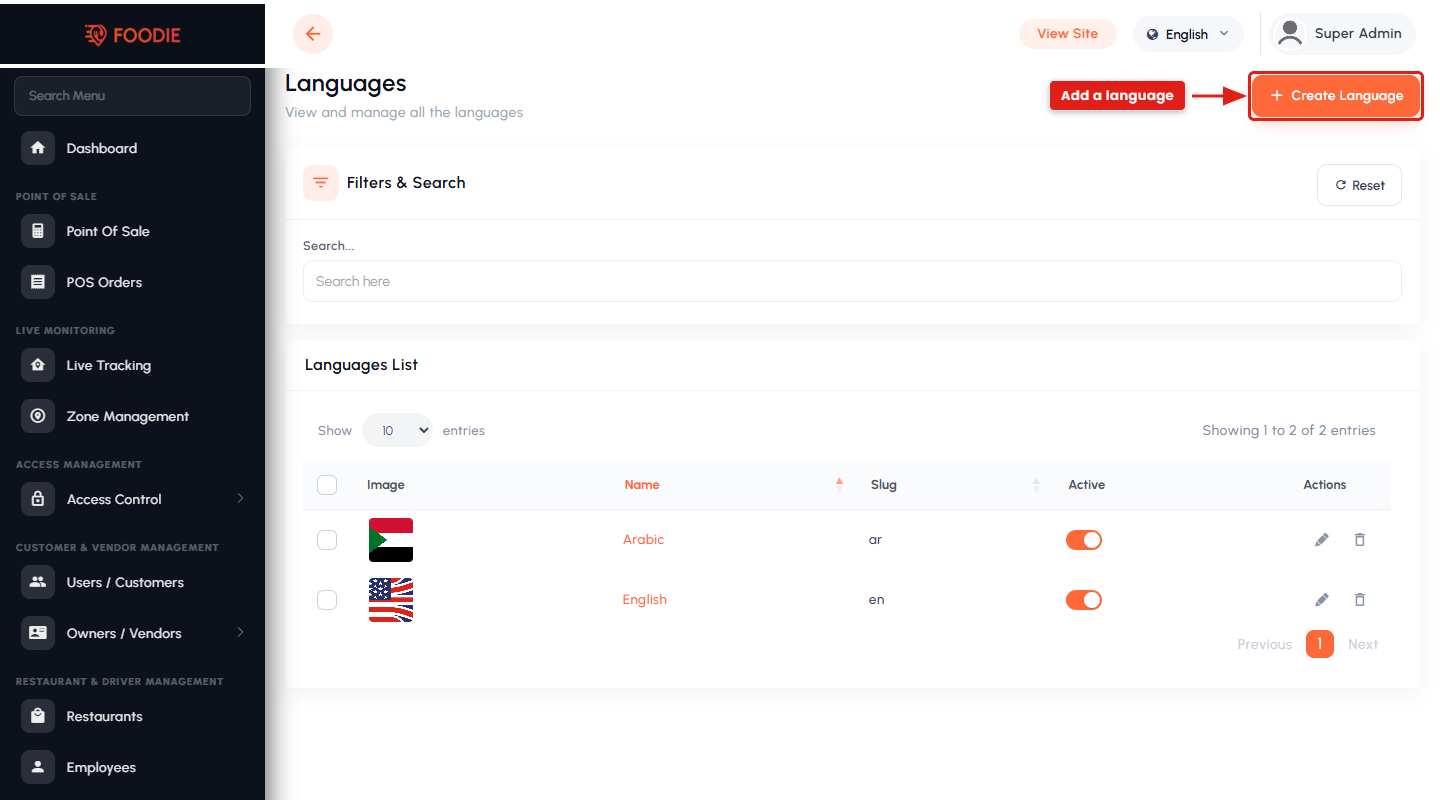
- Multi-language interface (English and Arabic ship by default) with RTL support.
AI Features
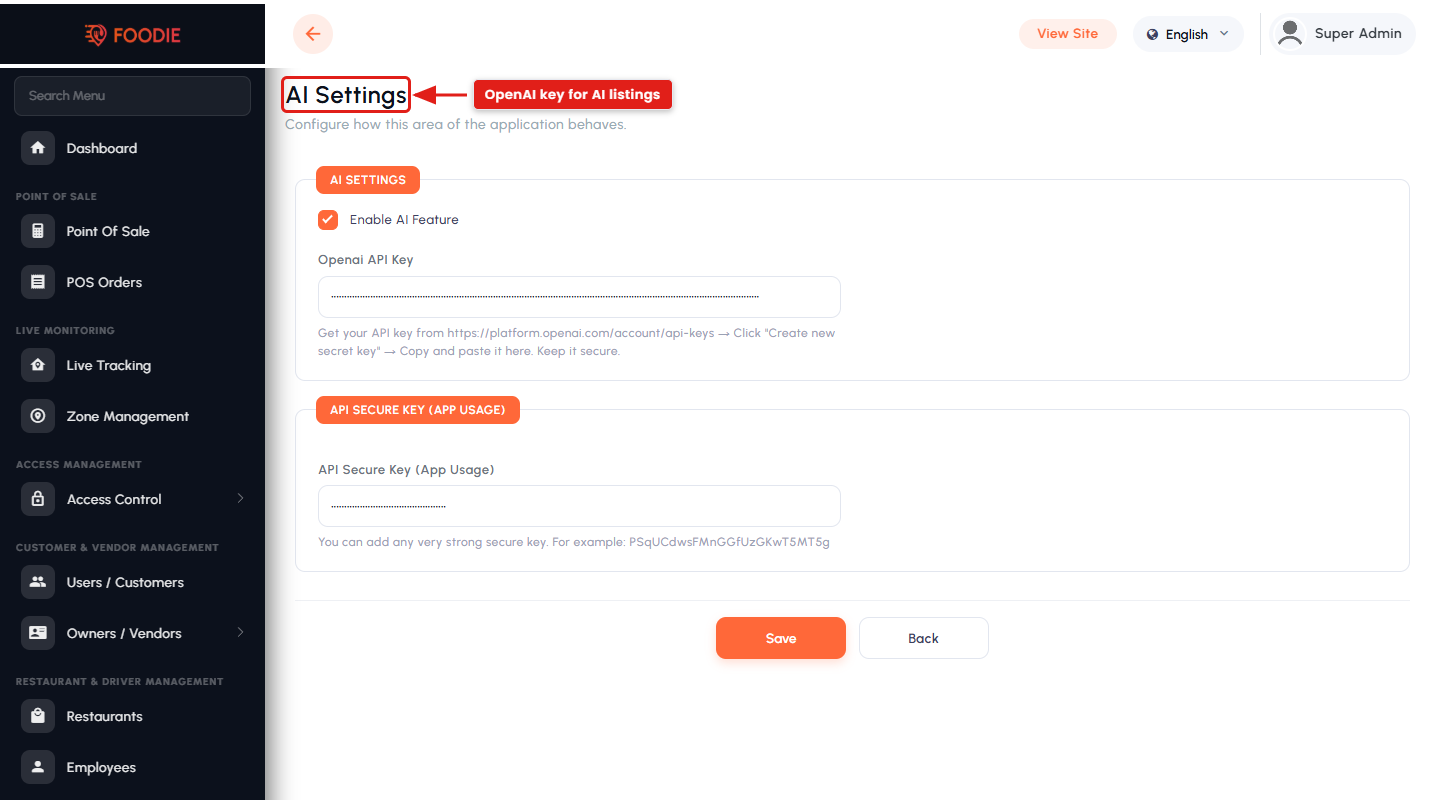
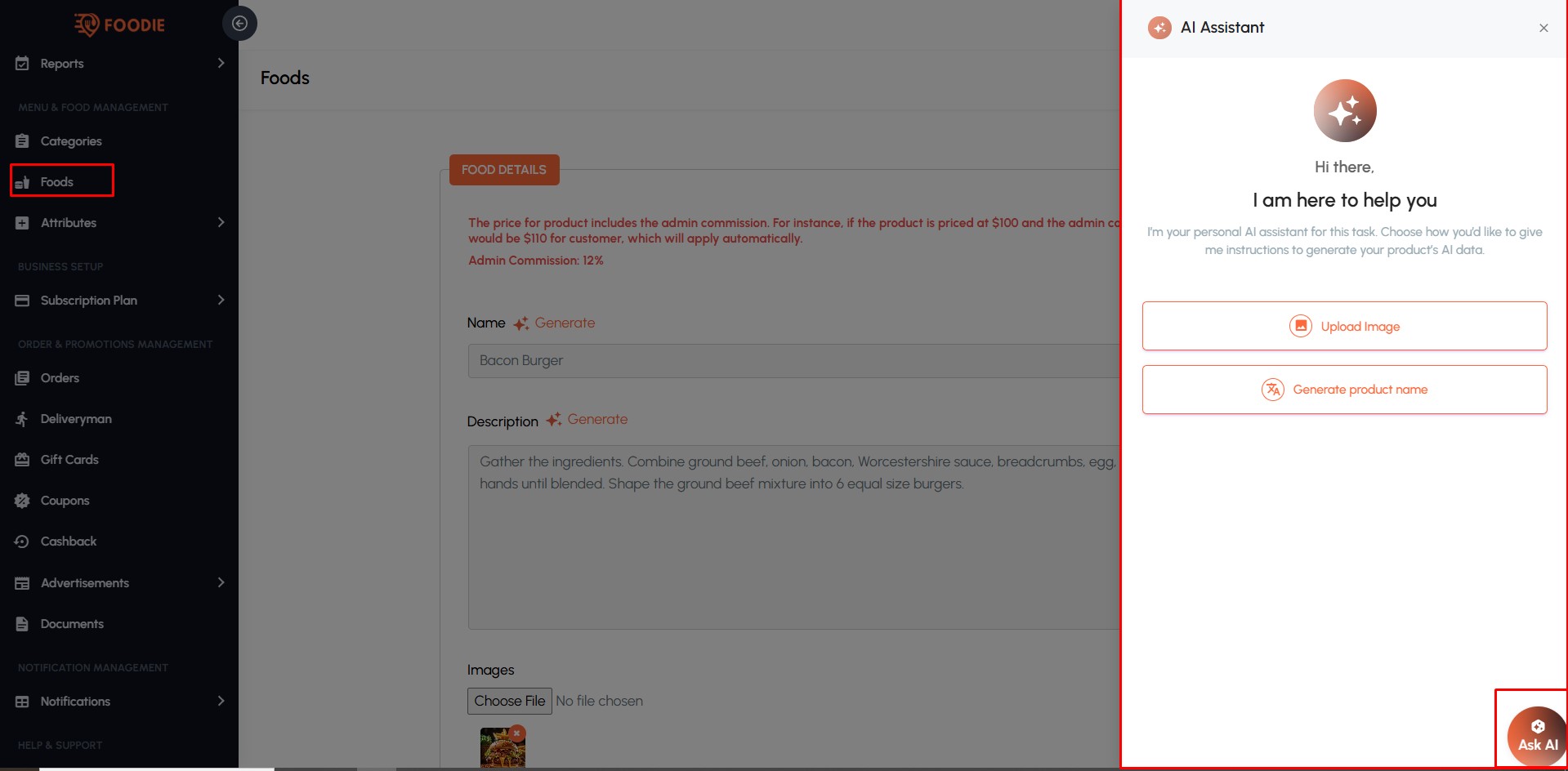
- OpenAI-powered food listing — generate descriptions, specifications and attributes from a food title and image.
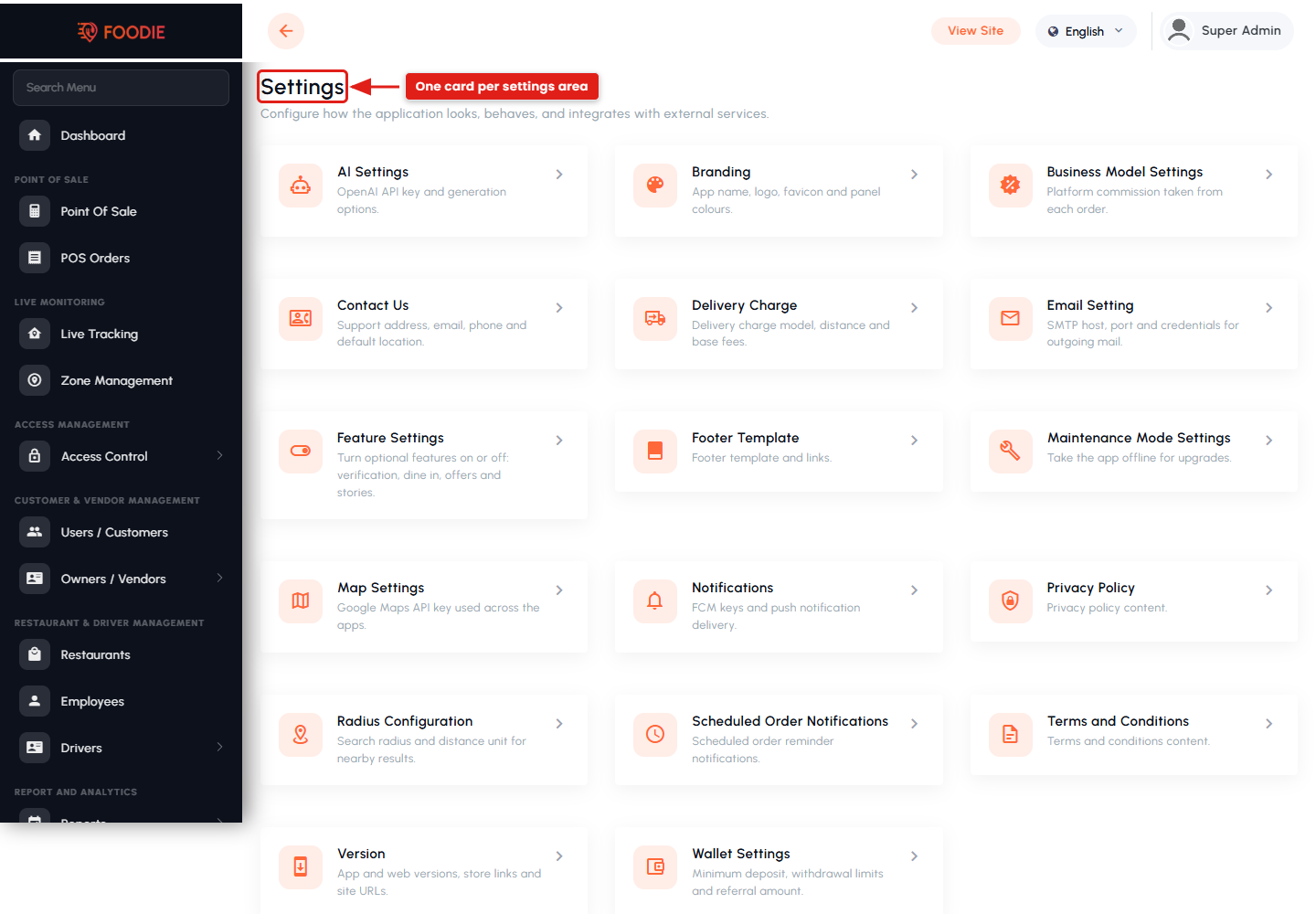
- Available in both the Admin Panel and the Restaurant Panel, configured from Settings → AI Settings.
Why Choose Foodie?
Foodie stands out as a top-tier food delivery app by combining an extensive restaurant selection with a user-centric design, reliable delivery service, and secure payment options. Whether you’re craving a gourmet meal, a quick bite, or something in between, Foodie makes it easy to satisfy your hunger with convenience and style.
2. Basic Requirements
Foodie ships as six applications — three Flutter mobile apps (the User App, the Restaurant App and the Delivery Man / Driver App) and three Laravel web panels (the Admin Panel, the Restaurant Panel and the Website Panel) — all powered by Google Firebase. What you need depends on which part you are setting up.
For the Mobile Apps
- The Flutter SDK and an IDE (VS Code or Android Studio).
- Android Studio (Android SDK) to build for Android, and a Mac with Xcode to build for iOS.
- Basic knowledge of Flutter / Dart — only if you want to customise the apps.
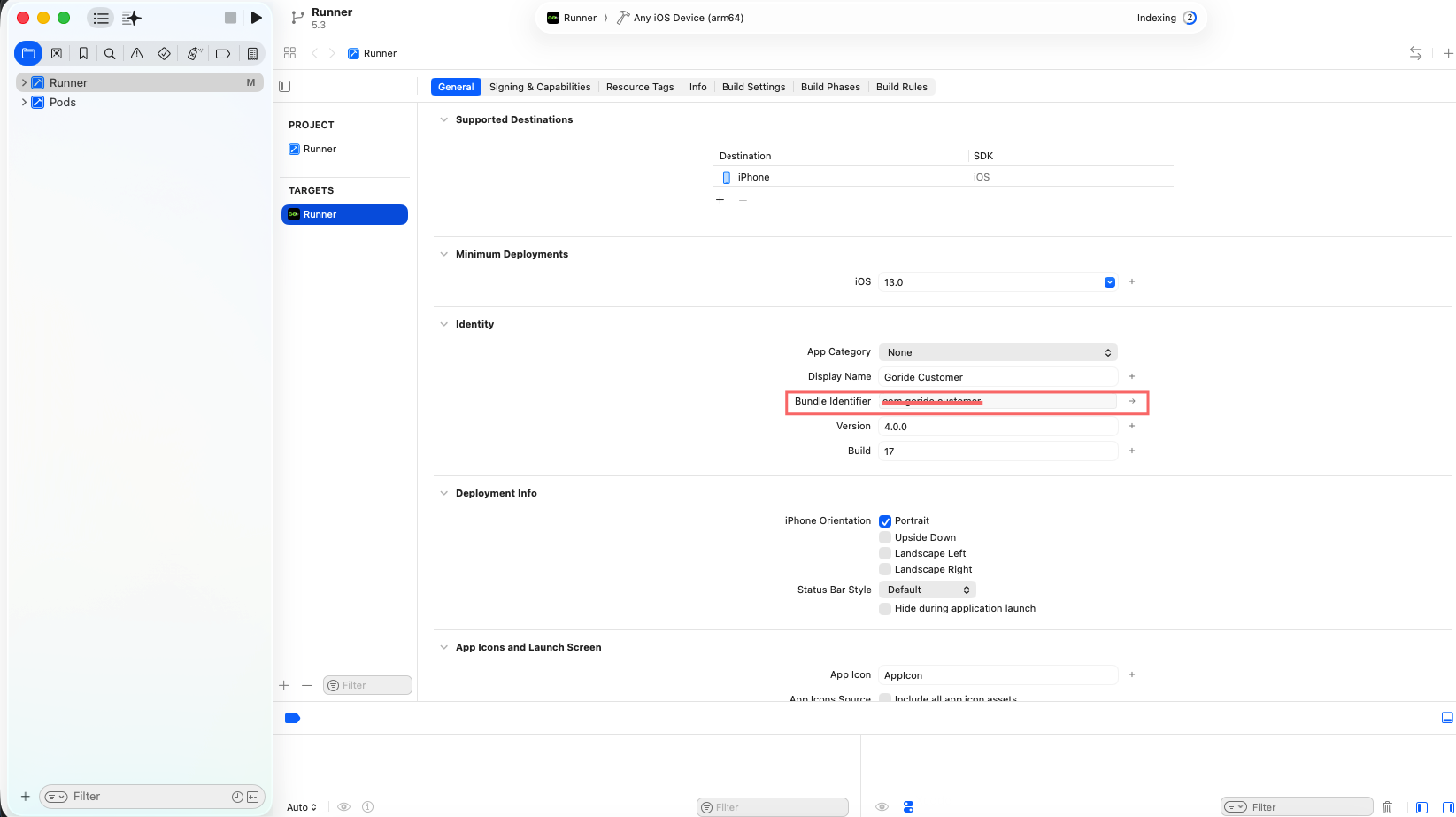
- A separate package name / bundle ID and store listing for each of the three apps.
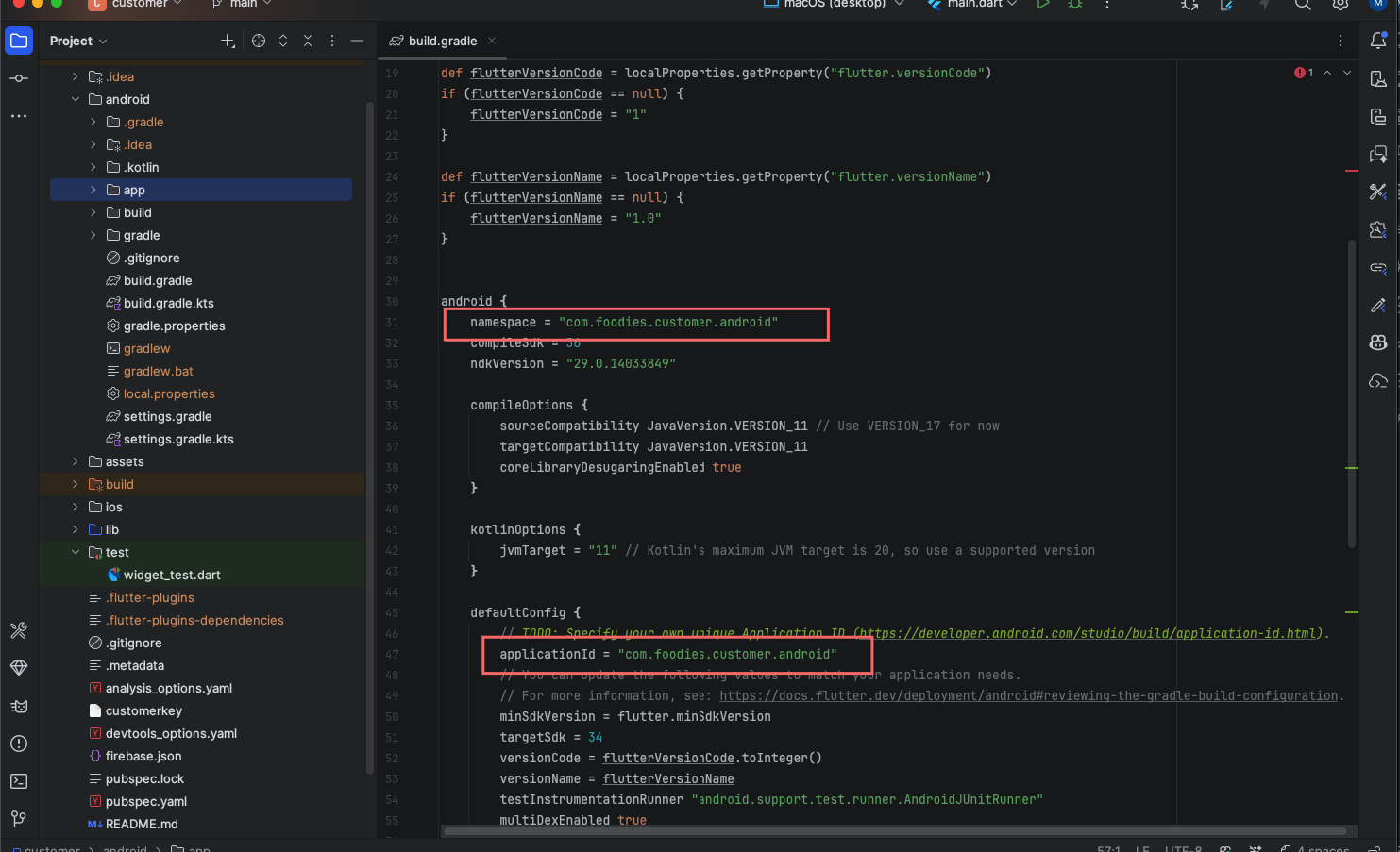
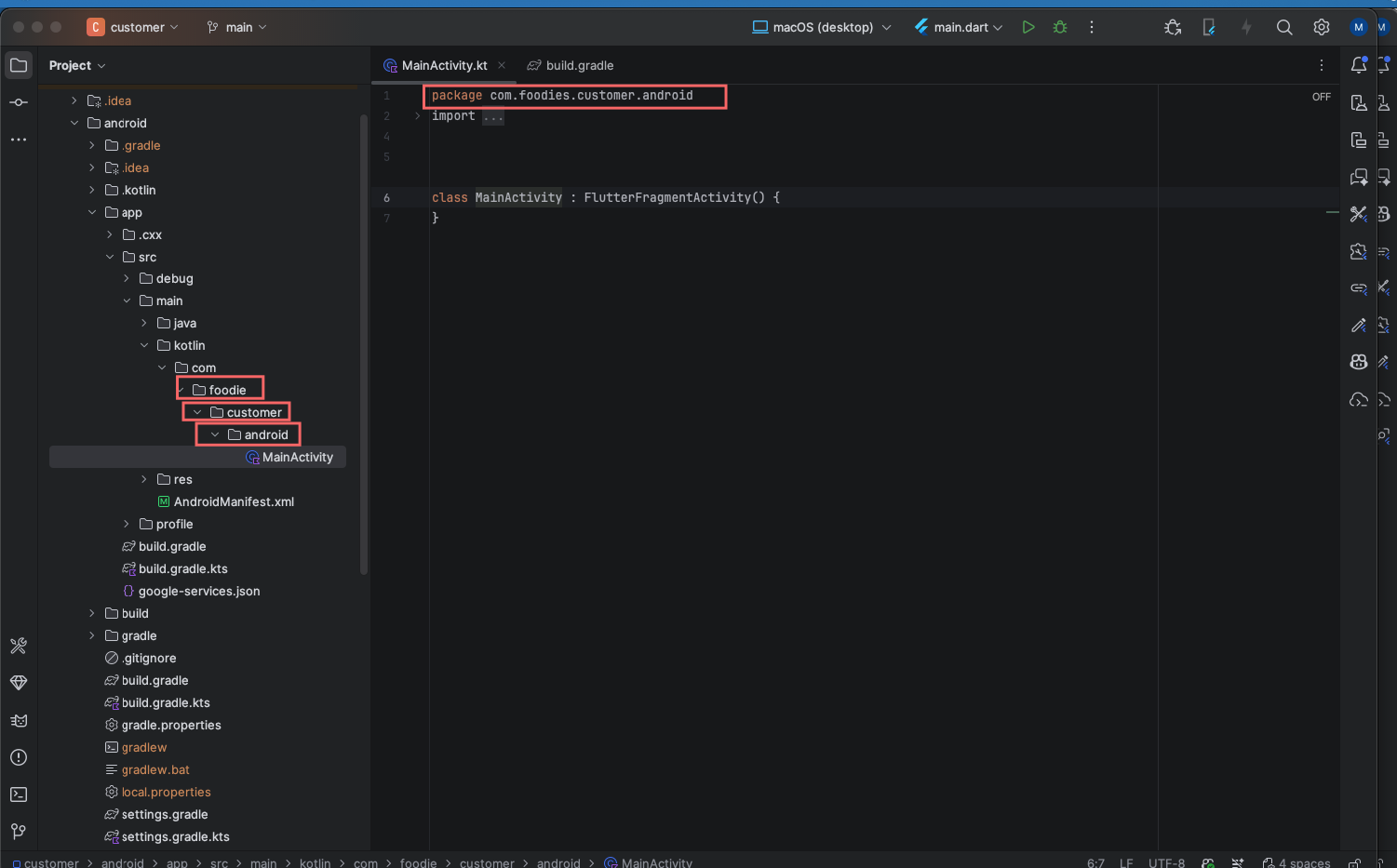
Full steps are in App Documentation → Setting up Flutter.
For the Web Panels (Admin, Restaurant & Website)
- A server (a real server / cPanel recommended) running PHP 8.2+, MySQL / MariaDB and Apache or NGINX with
mod_rewrite. - Composer (PHP dependencies) and Node.js (Firebase CLI and the scheduled scripts).
- An SSL certificate — Firebase Authentication and payment callbacks require HTTPS.
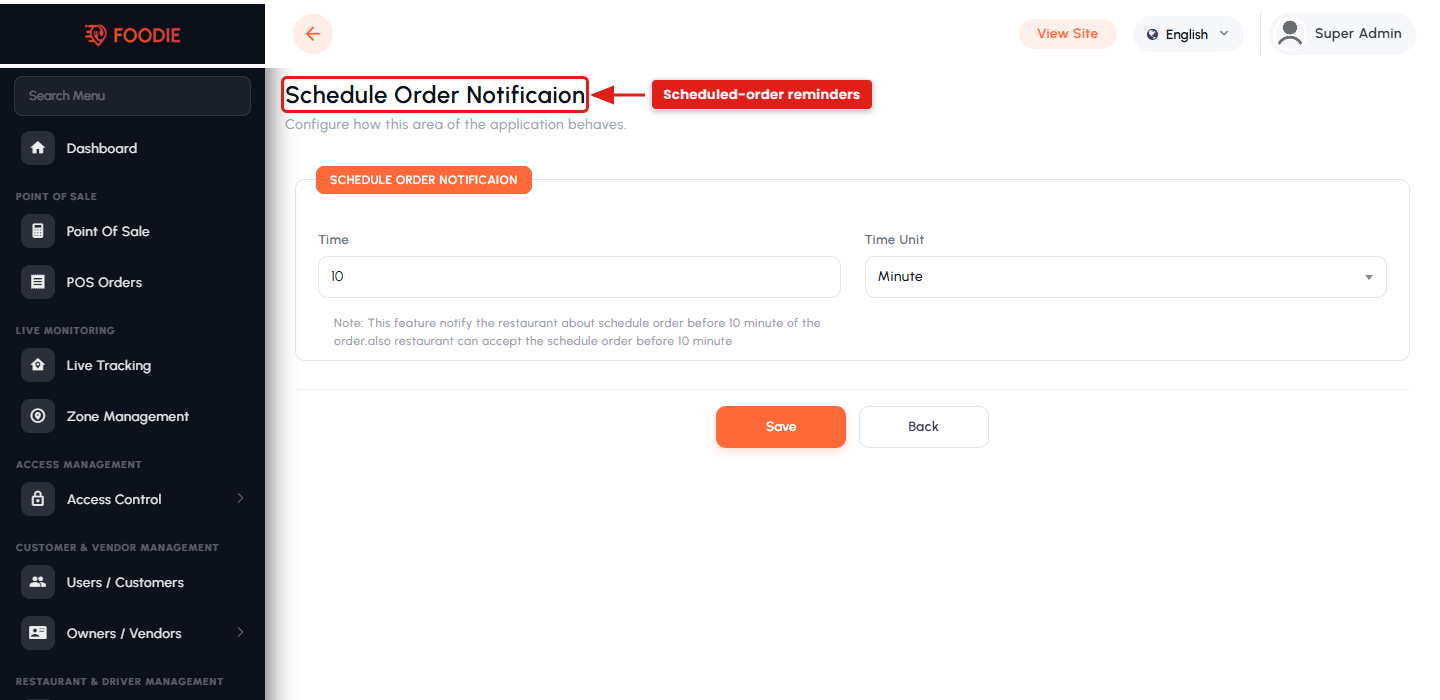
- A cron job for Laravel’s scheduler (auto-cancel and scheduled-order notifications).
- Basic knowledge of PHP / Laravel — only if you want to customise the panels.
Full server details are in Web Documentation → Server Requirement.
Shared Services (used by all parts)
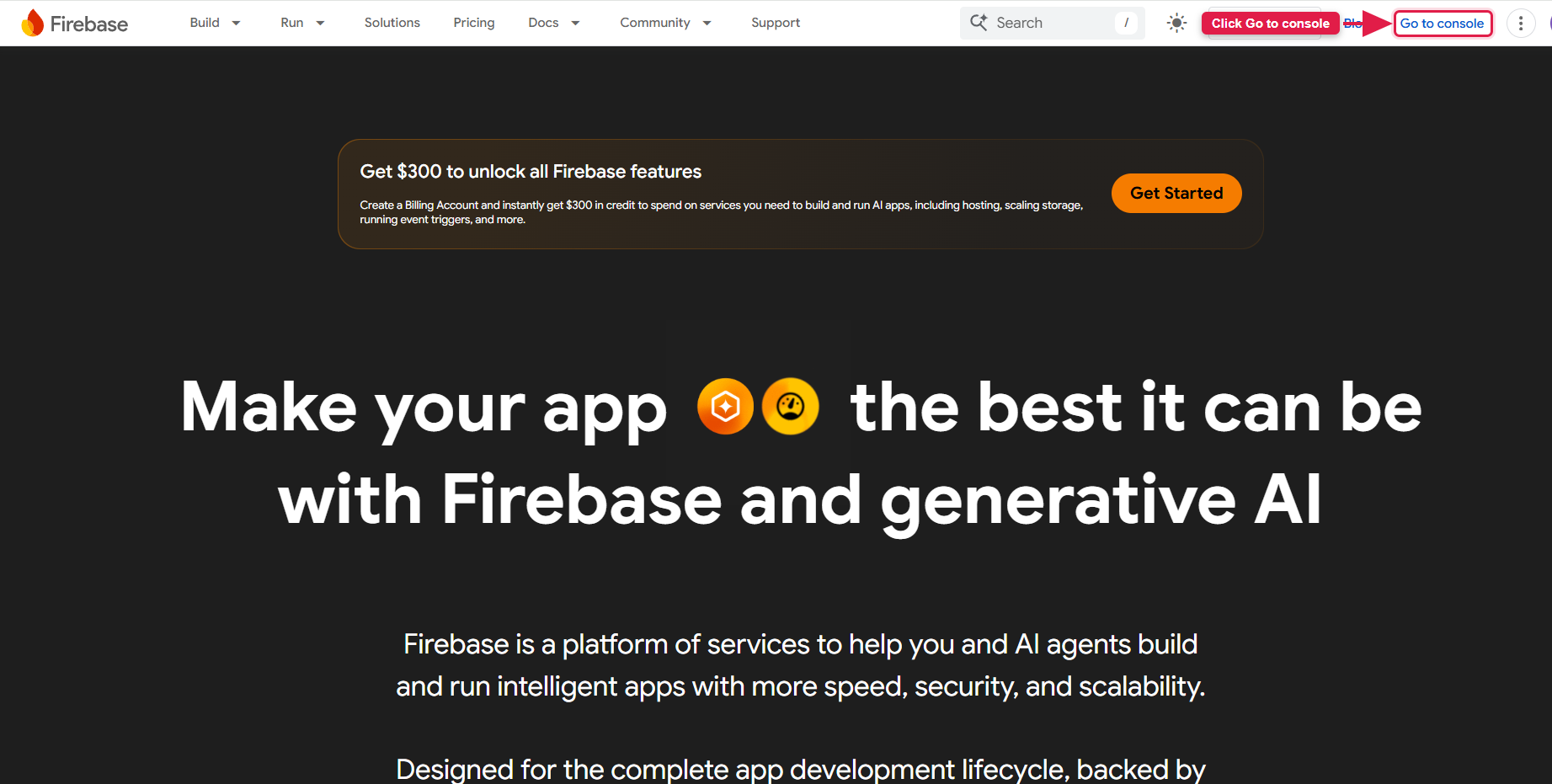
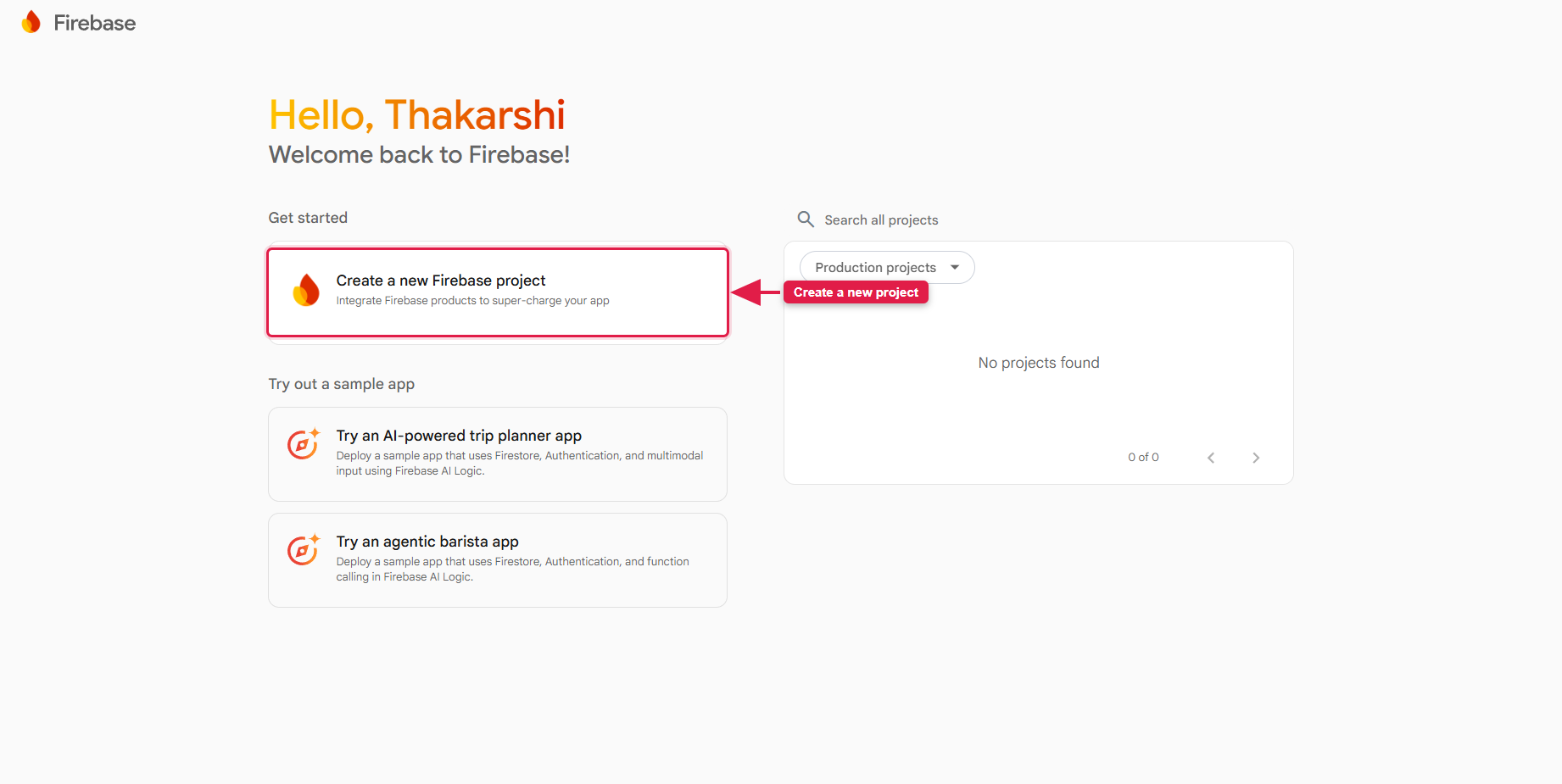
- A Firebase project on the Blaze plan — Firestore, Storage, Authentication, Cloud Messaging and Cloud Functions.
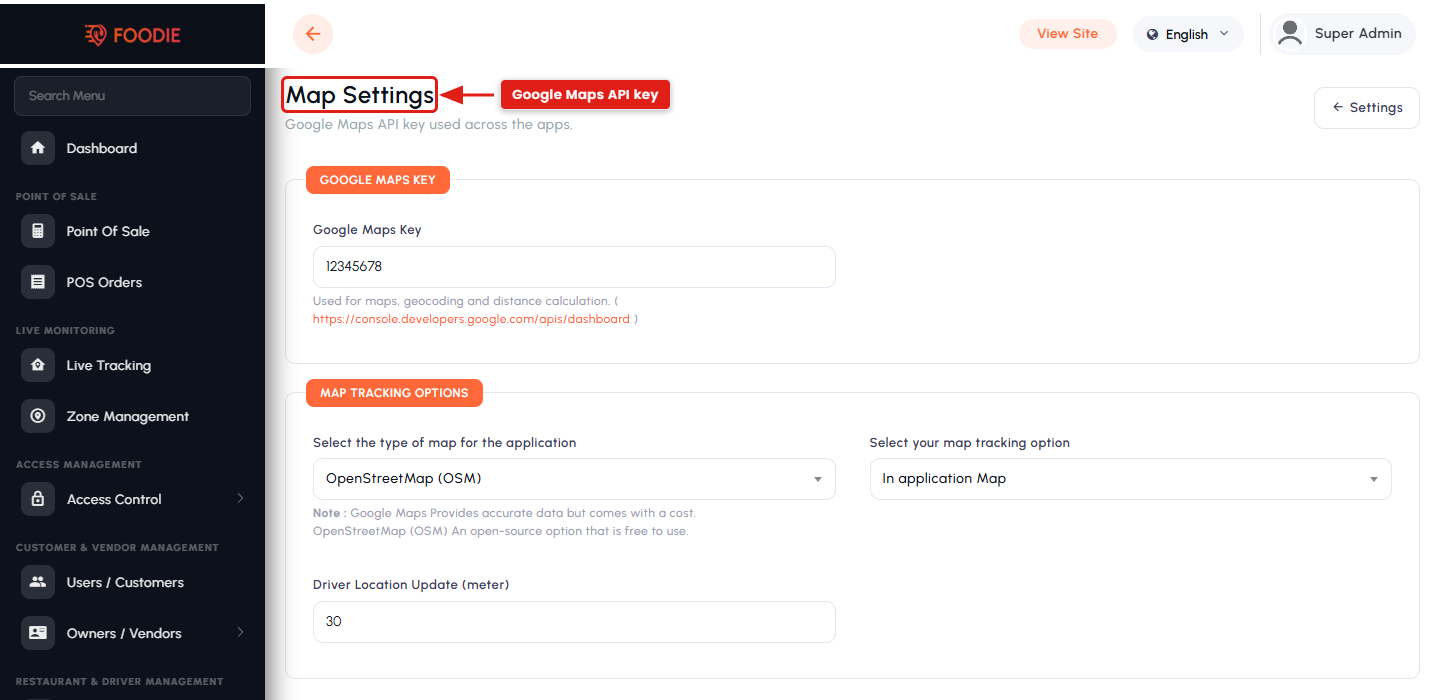
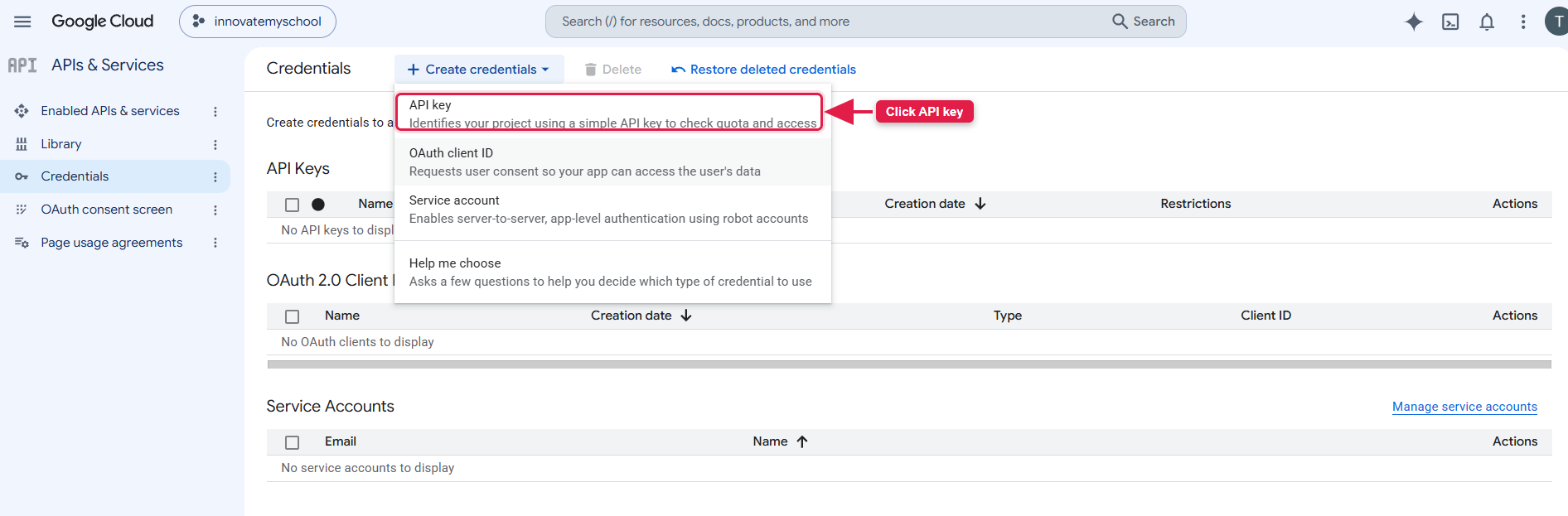
- A Google Maps API key with Maps, Places, Geocoding and Directions enabled.
- At least one payment gateway account (or Cash on Delivery only, to start).
- Basic familiarity with Google Cloud & Firebase.